
2x2 사진 만들기
2x2인치 여권사진 온라인 제작
선명한 인물 사진을 업로드하고 2x2인치 프리셋과 단색 배경을 선택해 여권, 비자, 신분증, 인쇄용 정사각형 사진을 만들어 보세요.
휴대폰이나 데스크톱에서 2x2 사진 만들기
2x2인치 / 51x51mm 정사각형 프리셋 사용
흰색, 연회색, 연파랑 배경 선택
PNG, JPG 또는 인쇄용 PDF 다운로드
2x2 사진 온라인 만들기
인물 사진으로 시작해 2x2인치 사이즈를 유지하고 단색 배경을 선택한 뒤 문서 제출용 사진을 생성하세요.
사진 업로드
얼굴이 잘 보이는 최근 정면 사진을 선택하세요.
Supported: JPG, PNG, WEBP, HEIC
or drag a portrait here
Uploaded portrait
2x2 프리셋 선택
2x2인치는 여권, 비자, 신분증과 인쇄에 사용할 수 있습니다. 신청서에 다른 정확한 치수가 있을 때만 사이즈를 바꾸세요.
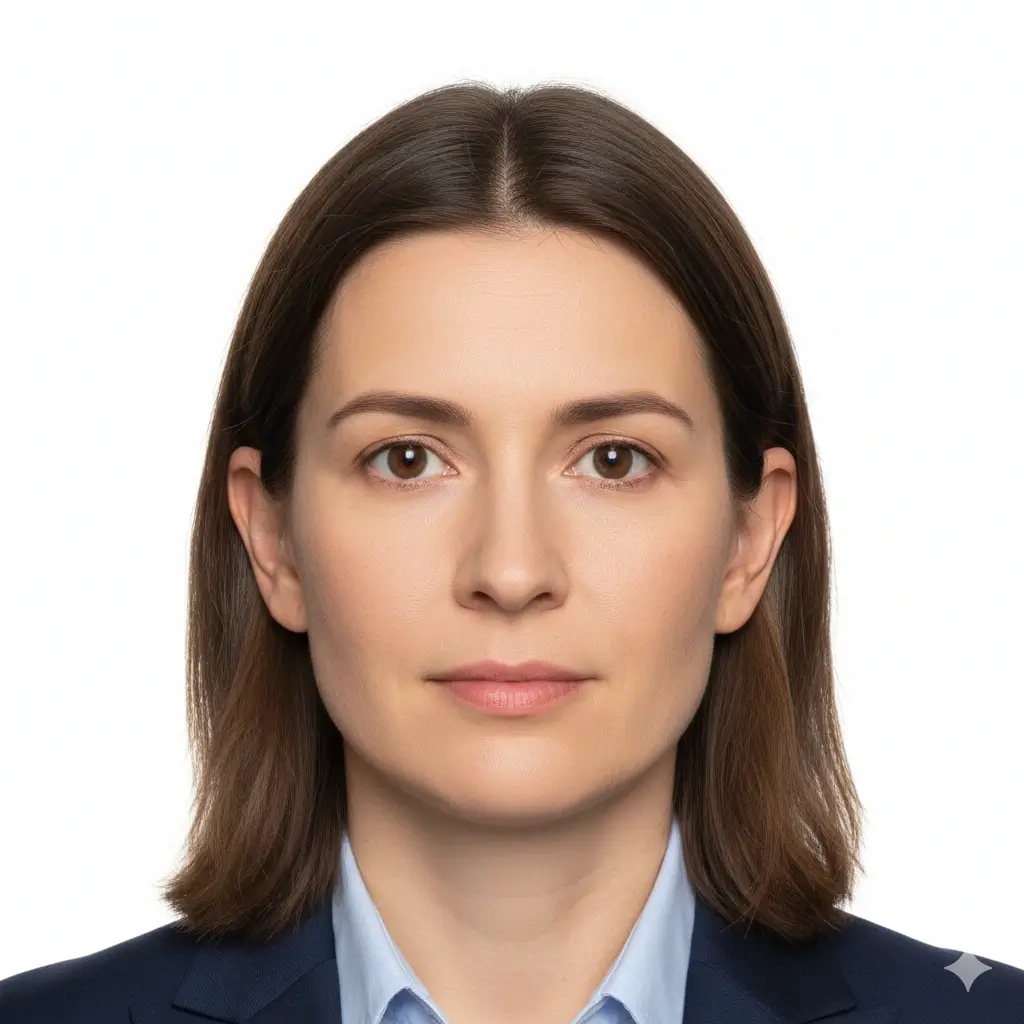
2x2 Passport Photo
2 x 2 inch / 51 x 51 mm
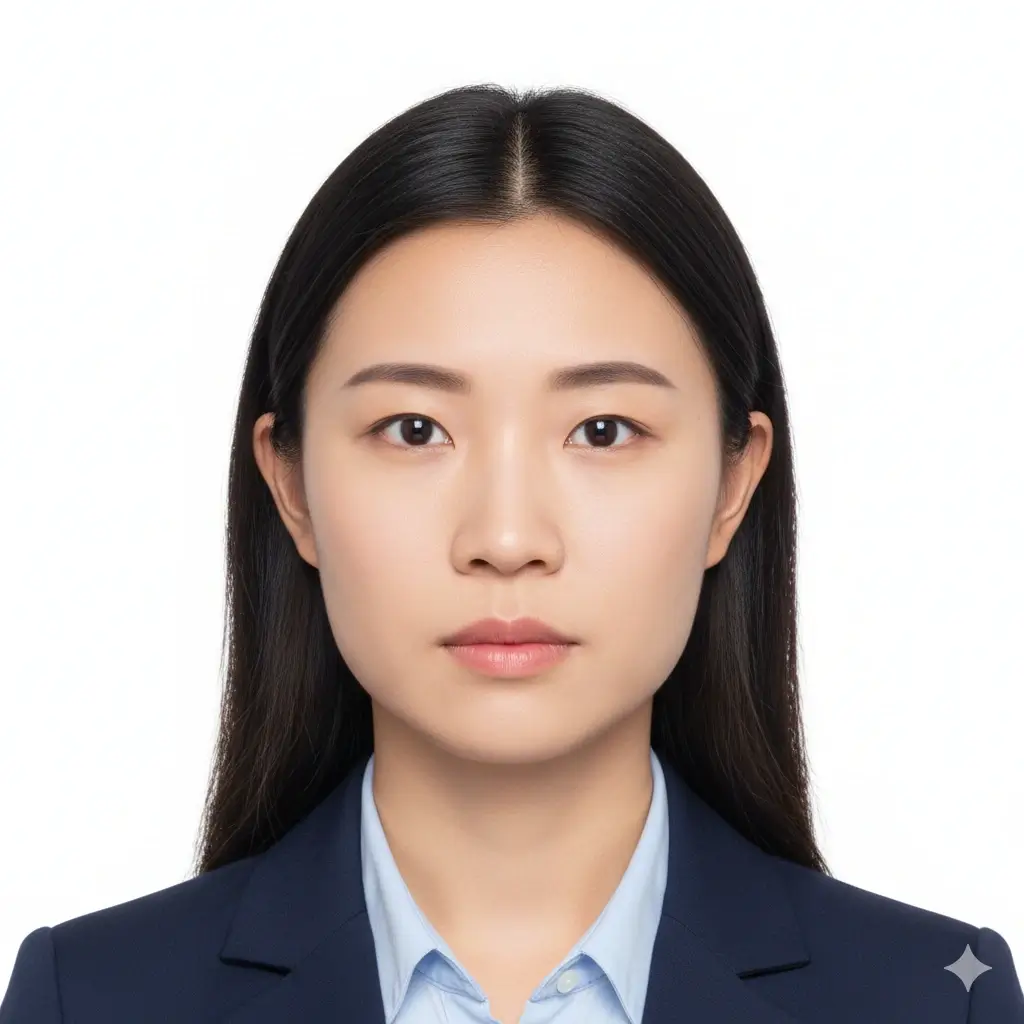
Green Card Photo
2x2 inch | White background

2x2 Visa Photo
Common US-style visa format

ID Card Photo
Square portrait for forms
크기 및 배경 설정
업로드하거나 인쇄하기 전에 반드시 최신 공식 요구사항을 확인하세요.
Enter exact dimensions only if your checklist is not 2x2 inches.
Allowed range: width 20-80mm, height 20-90mm. For a 2x2 photo, keep both values near 51mm.
You have 0 credits remaining 2x2 사진 도구를 사용하려면 로그인하세요
2 credits per generated 2x2 photo
2x2 사진 결과
여기에 2x2 사진 미리보기가 표시됩니다
사진을 업로드하고 프리셋을 선택하면 시작됩니다.
사진 처리 중
보통 30~60초 정도 걸립니다.
사진 분석 중…
Tips Before You Generate
- Use a recent photo with even lighting and a neutral expression.
- Face the camera directly and keep both eyes open.
- Avoid filters, hats, tinted glasses, and heavy shadows unless officially allowed.
- Check the exact authority guidance before uploading or printing.
2x2 사진 사이즈·픽셀·인쇄 가이드
2x2 사진은 가로와 세로가 2인치로 인쇄됩니다. 필요한 픽셀은 DPI와 업로드 사이트에 따라 다르므로 제출 전에 기준을 확인하세요.
Physical Size
2 x 2 in / 51 x 51 mm
Use this when a passport, visa, green card, exam, or ID form asks for a 2 by 2 inch photo.
Aspect Ratio
1:1 square
Cropping should keep the head centered with enough space around the face and shoulders.
Common Pixels
600 x 600 px
Many digital workflows use 600x600 pixels, but some portals list their own pixel and file-size limits.
Download Formats
PNG, JPG, PDF
Use image files for online upload and PDF when you need a printable 2x2 layout.
Common 2x2 Photo Pixel References
| Use case | Pixel reference | Notes |
|---|---|---|
| 300 DPI print | 600 x 600 px | A practical square reference for printing a 2 x 2 inch photo. |
| 600 DPI print | 1200 x 1200 px | Higher pixel density for sharper print workflows. |
| Online upload | Follow the portal | Some portals specify minimum pixels, maximum file size, DPI, or compression separately. |
2x2 is common, but rules can still vary
A 2x2 inch photo is common for US-style passport, visa, and ID workflows, but each authority may add rules for head size, background color, glasses, retouching, recentness, and file limits. Use this page to prepare the photo, then compare the result with the current official checklist.
How to Make a 2x2 Photo Online
Upload a Clear Portrait
Start with a sharp, front-facing image. Soft daylight and a plain wall usually work better than a dark or busy background.
Keep 2x2 Inch Selected
Use the 2x2 inch preset, or enter about 51 mm width and 51 mm height when custom size fields are required.
Set a Plain Background
Choose white or another plain light background only when the document checklist allows it.
Download or Print
Save PNG/JPG for digital forms or use PDF when you need a printable square layout.
Download Options for a 2x2 Photo
Choose the file type that matches your next step: upload, email, local printing, or keeping a reusable copy.
PNG
Best for clean digital upload
PNG keeps crisp edges and is useful when the portal accepts a larger high-quality image.
JPG
Best for smaller files
JPG is useful when a form has a strict file-size limit or asks for a common photo format.
Best for printing
Use a physical-size PDF layout when you need printed 2x2 copies on photo paper.
Before printing
Print at actual size and turn off fit-to-page scaling.
Use photo paper if the authority requires a physical print.
Measure one copy to confirm it is 2 inches wide and 2 inches high.
Recheck background, head size, and file limits against the official checklist.
확인해야 할 2x2 사진 요구사항
업로드하거나 인쇄하기 전에 반드시 최신 공식 요구사항을 확인하세요.
Clear Face
Your face should be sharp, centered, front-facing, and easy to recognize.
Plain Background
White or off-white is common, but some forms allow other plain light backgrounds.
Correct Crop
A 2x2 photo is square, but head size and eye position can still vary by authority.
File Limits
Digital portals may add pixel, file-size, DPI, or compression requirements beyond the physical size.
Quick pre-submit checklist
Review these points before uploading or printing your generated 2x2 photo.
- Photo is 2 inches by 2 inches or matches the official custom size.
- Face is front-facing, sharp, and not hidden by hair, glare, or accessories.
- Background is plain and matches the requested color.
- No heavy filters, beauty edits, or identity-changing retouching are applied.
- Digital file format, pixels, file size, and print quality match the portal or form.
Always verify the official source
The same 2x2 size can be used across different documents, but acceptance rules are not identical. Check the current passport office, embassy, school, exam board, employer, or agency instructions before submitting.
No approval guarantee
A generated 2x2 photo can still be rejected if expression, head size, background, clothing, file size, recentness, or editing does not match the reviewer's rules.
이 2x2 사진 도구를 사용하는 이유
Focused 2x2 Crop
Built around the square 2 inch format
The page keeps the 2x2 size, square ratio, and pixel references close to the editor so you do not have to guess from a generic crop tool.
Plain Background Choices
White, light gray, or light blue
Choose a simple background that matches the form you are following, then review whether the final image still looks natural.
Digital and Print Output
PNG, JPG, and PDF
Download a single square photo for online use or a physical-size PDF when you need printed copies.
Practical Requirement Notes
Size, pixels, print, and official checks
The supporting sections explain what 2x2 means in inches, millimeters, pixels, and printing terms before you submit.
아이폰으로 사진을 찍나요?
2x2 파일을 만들기 전에 조명, 배경, 구도를 준비하는 방법을 확인하세요.
관련 2x2 사진 도구와 공식 확인
2x2 사진을 준비한 뒤 문서에 추가 규칙이 있으면 관련 도구나 공식 자료를 확인하세요.
관련 ID 사진 도구
필요한 문서에 따라 더 좁거나 넓은 작업 흐름을 선택하세요.
Official references
2x2 사진 도구로 파일을 준비한 뒤 업로드나 인쇄 전에 최신 공식 안내와 비교하세요.
2x2 사진 도구로 파일을 준비한 뒤 업로드나 인쇄 전에 최신 공식 안내와 비교하세요.
2x2 사진 만들기 FAQ
명확한 기준으로 2x2 사진 준비
Secure Upload Flow
Use the same account and upload flow already used across AI ID Photo Maker.
2x2 Inch Focus
Start from the exact square size instead of guessing from a generic crop.
Flexible Downloads
Download PNG, JPG, or PDF depending on whether you need upload or print output.
Final Review
Preview the result and compare it with official guidance before you submit.
온라인으로 2x2 사진 만들기
선명한 정면 사진을 업로드하고 2x2인치 크기와 단색 배경을 선택해 여권, 비자, 신분증, 시험, 양식 제출용 정사각형 사진을 만들 수 있습니다.
Use the common 2 x 2 inch photo size
Set a plain white, light gray, or light blue background
Download PNG, JPG, or printable PDF output
Review official rules before final submission
업로드하거나 인쇄하기 전에 반드시 최신 공식 요구사항을 확인하세요.