2x2写真作成
2x2インチ証明写真をオンラインで
顔写真をアップロードし、2x2インチのプリセットと無地の背景を選んで、パスポート、ビザ、身分証、印刷用の正方形画像を作成できます。
スマホやPCから2x2写真を作成
2x2インチ / 51x51mm の正方形プリセットを使用
白、薄いグレー、薄い青の背景を選択
PNG、JPG、印刷用PDFをダウンロード
2x2写真メーカー:オンライン作成
顔写真から始め、2x2インチを選択したまま背景を整えて、書類提出用の画像を作成してください。
写真をアップロード
顔全体が見える最近の正面写真を選びます。
Supported: JPG, PNG, WEBP, HEIC
or drag a portrait here
Uploaded portrait
2x2設定を選択
2x2インチはパスポート、ビザ、身分証、印刷用の形式です。申請書に別の寸法がある場合だけサイズを変更してください。
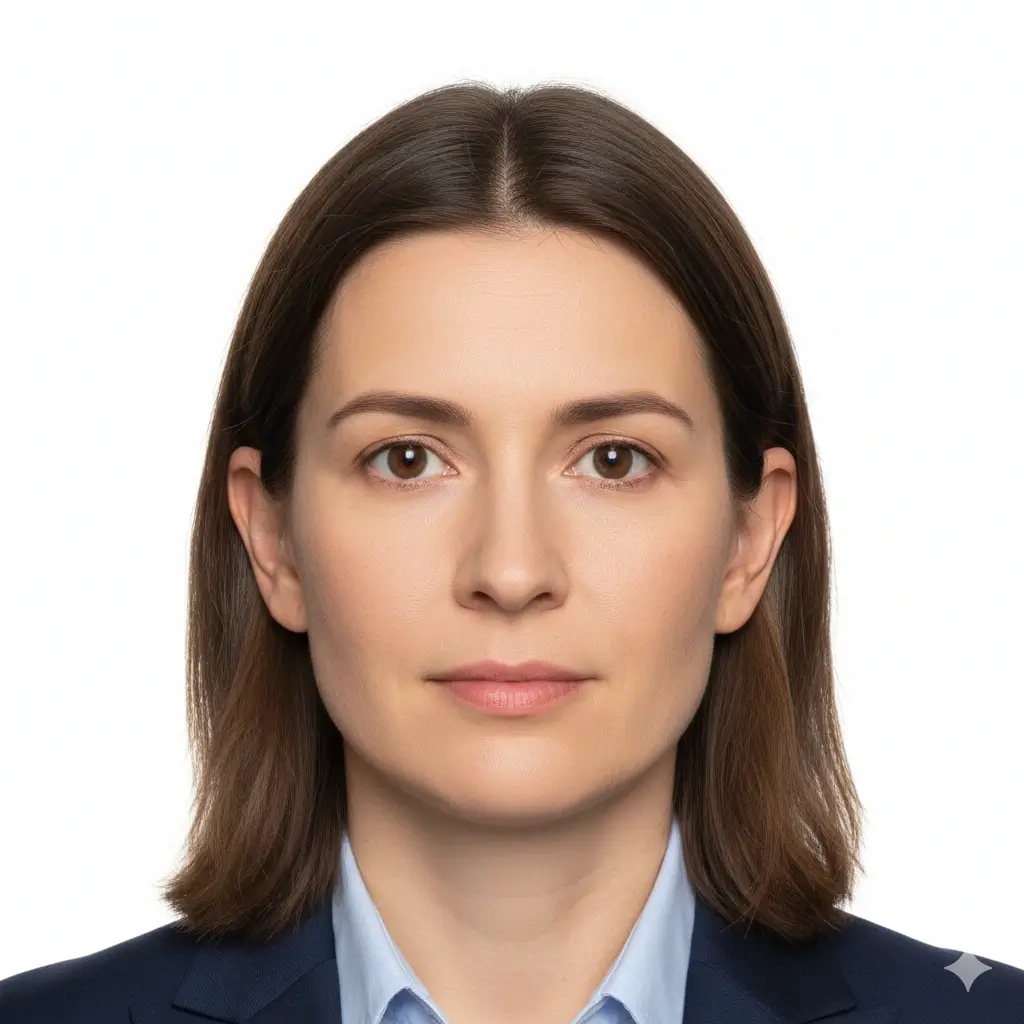
2x2 Passport Photo
2 x 2 inch / 51 x 51 mm
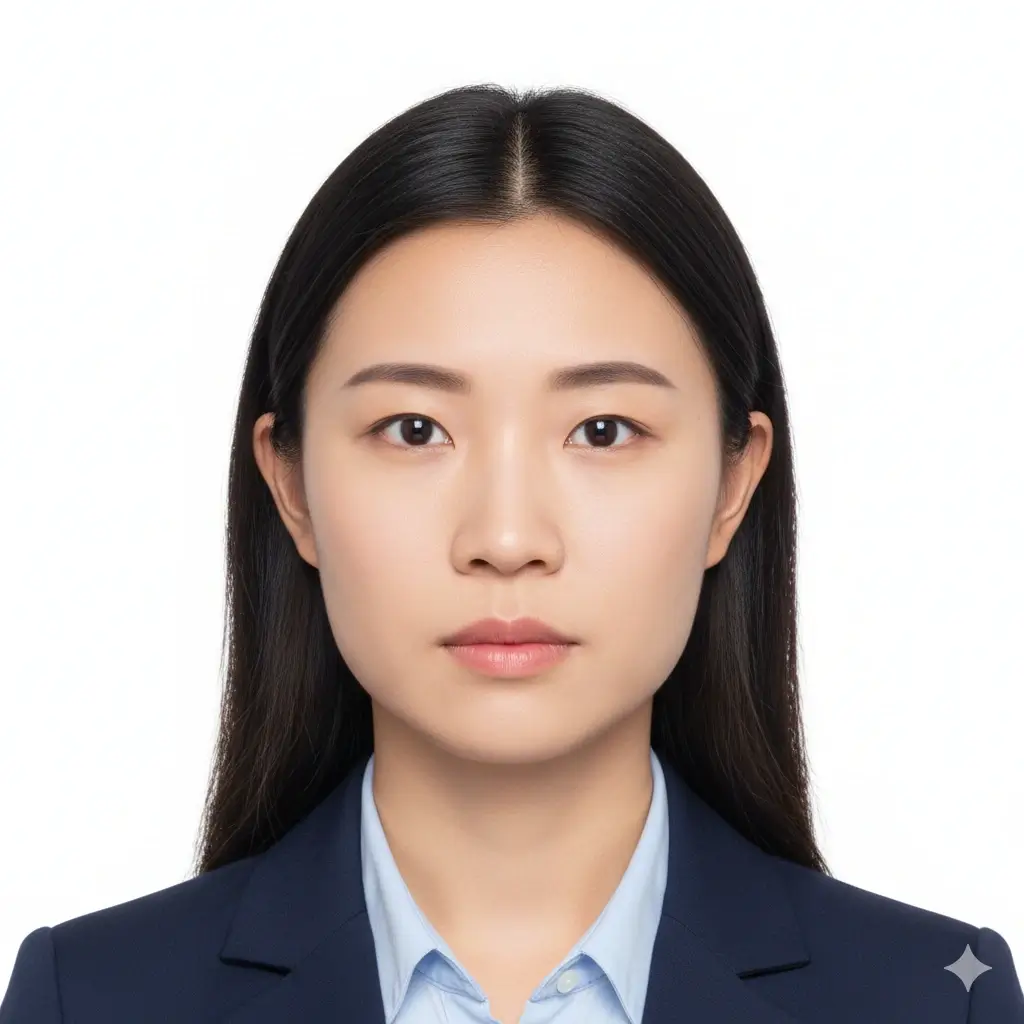
Green Card Photo
2x2 inch | White background

2x2 Visa Photo
Common US-style visa format

ID Card Photo
Square portrait for forms
サイズと背景設定
提出や印刷の前に、必ず最新の公式要件を確認してください。
Enter exact dimensions only if your checklist is not 2x2 inches.
Allowed range: width 20-80mm, height 20-90mm. For a 2x2 photo, keep both values near 51mm.
You have 0 credits remaining 2x2写真メーカーを使うにはログインしてください
2 credits per generated 2x2 photo
2x2写真の結果
ここに2x2写真のプレビューが表示されます
写真をアップロードしてプリセットを選ぶと開始できます。
写真を処理しています
通常30〜60秒かかります。
写真を解析しています…
Tips Before You Generate
- Use a recent photo with even lighting and a neutral expression.
- Face the camera directly and keep both eyes open.
- Avoid filters, hats, tinted glasses, and heavy shadows unless officially allowed.
- Check the exact authority guidance before uploading or printing.
2x2写真のサイズ・ピクセル・印刷ガイド
2x2写真は縦横2インチで印刷します。必要なピクセルはDPIやアップロード先で異なるため、提出前に指定値を確認してください。
Physical Size
2 x 2 in / 51 x 51 mm
Use this when a passport, visa, green card, exam, or ID form asks for a 2 by 2 inch photo.
Aspect Ratio
1:1 square
Cropping should keep the head centered with enough space around the face and shoulders.
Common Pixels
600 x 600 px
Many digital workflows use 600x600 pixels, but some portals list their own pixel and file-size limits.
Download Formats
PNG, JPG, PDF
Use image files for online upload and PDF when you need a printable 2x2 layout.
Common 2x2 Photo Pixel References
| Use case | Pixel reference | Notes |
|---|---|---|
| 300 DPI print | 600 x 600 px | A practical square reference for printing a 2 x 2 inch photo. |
| 600 DPI print | 1200 x 1200 px | Higher pixel density for sharper print workflows. |
| Online upload | Follow the portal | Some portals specify minimum pixels, maximum file size, DPI, or compression separately. |
2x2 is common, but rules can still vary
A 2x2 inch photo is common for US-style passport, visa, and ID workflows, but each authority may add rules for head size, background color, glasses, retouching, recentness, and file limits. Use this page to prepare the photo, then compare the result with the current official checklist.
How to Make a 2x2 Photo Online
Upload a Clear Portrait
Start with a sharp, front-facing image. Soft daylight and a plain wall usually work better than a dark or busy background.
Keep 2x2 Inch Selected
Use the 2x2 inch preset, or enter about 51 mm width and 51 mm height when custom size fields are required.
Set a Plain Background
Choose white or another plain light background only when the document checklist allows it.
Download or Print
Save PNG/JPG for digital forms or use PDF when you need a printable square layout.
Download Options for a 2x2 Photo
Choose the file type that matches your next step: upload, email, local printing, or keeping a reusable copy.
PNG
Best for clean digital upload
PNG keeps crisp edges and is useful when the portal accepts a larger high-quality image.
JPG
Best for smaller files
JPG is useful when a form has a strict file-size limit or asks for a common photo format.
Best for printing
Use a physical-size PDF layout when you need printed 2x2 copies on photo paper.
Before printing
Print at actual size and turn off fit-to-page scaling.
Use photo paper if the authority requires a physical print.
Measure one copy to confirm it is 2 inches wide and 2 inches high.
Recheck background, head size, and file limits against the official checklist.
確認すべき2x2写真要件
提出や印刷の前に、必ず最新の公式要件を確認してください。
Clear Face
Your face should be sharp, centered, front-facing, and easy to recognize.
Plain Background
White or off-white is common, but some forms allow other plain light backgrounds.
Correct Crop
A 2x2 photo is square, but head size and eye position can still vary by authority.
File Limits
Digital portals may add pixel, file-size, DPI, or compression requirements beyond the physical size.
Quick pre-submit checklist
Review these points before uploading or printing your generated 2x2 photo.
- Photo is 2 inches by 2 inches or matches the official custom size.
- Face is front-facing, sharp, and not hidden by hair, glare, or accessories.
- Background is plain and matches the requested color.
- No heavy filters, beauty edits, or identity-changing retouching are applied.
- Digital file format, pixels, file size, and print quality match the portal or form.
Always verify the official source
The same 2x2 size can be used across different documents, but acceptance rules are not identical. Check the current passport office, embassy, school, exam board, employer, or agency instructions before submitting.
No approval guarantee
A generated 2x2 photo can still be rejected if expression, head size, background, clothing, file size, recentness, or editing does not match the reviewer's rules.
この2x2写真メーカーを使う理由
Focused 2x2 Crop
Built around the square 2 inch format
The page keeps the 2x2 size, square ratio, and pixel references close to the editor so you do not have to guess from a generic crop tool.
Plain Background Choices
White, light gray, or light blue
Choose a simple background that matches the form you are following, then review whether the final image still looks natural.
Digital and Print Output
PNG, JPG, and PDF
Download a single square photo for online use or a physical-size PDF when you need printed copies.
Practical Requirement Notes
Size, pixels, print, and official checks
The supporting sections explain what 2x2 means in inches, millimeters, pixels, and printing terms before you submit.
iPhoneで撮影しますか?
2x2ファイルを作る前に、光、背景、構図の準備を確認しましょう。
関連する2x2写真ツールと公式確認
2x2写真を準備したうえで、追加要件がある場合は関連ツールや公式情報を確認してください。
関連するID写真ツール
必要な書類に合わせて、より具体的または広いワークフローを選べます。
Official references
2x2写真メーカーでファイルを準備し、提出や印刷前に最新の公式指示と照合してください。
2x2写真メーカーでファイルを準備し、提出や印刷前に最新の公式指示と照合してください。
2x2写真作成 FAQ
明確な注意点と一緒に2x2写真を準備
Secure Upload Flow
Use the same account and upload flow already used across AI ID Photo Maker.
2x2 Inch Focus
Start from the exact square size instead of guessing from a generic crop.
Flexible Downloads
Download PNG, JPG, or PDF depending on whether you need upload or print output.
Final Review
Preview the result and compare it with official guidance before you submit.
オンラインで2x2写真を作成
正面向きの写真をアップロードし、2x2インチ設定と無地背景を選んで、パスポート、ビザ、IDカード、試験、申請フォーム向けの正方形写真を作成できます。
Use the common 2 x 2 inch photo size
Set a plain white, light gray, or light blue background
Download PNG, JPG, or printable PDF output
Review official rules before final submission
提出や印刷の前に、必ず最新の公式要件を確認してください。