2x2 Foto Maker
online für Pass, Visum und Ausweis
Laden Sie ein klares Porträt hoch, wählen Sie 2x2 Zoll, setzen Sie einen schlichten Hintergrund und laden Sie ein quadratisches Foto für Pass, Visum, Ausweis, Prüfung oder Formular herunter.
2x2 Foto am Handy oder Desktop erstellen
Quadratisches Format 2x2 Zoll / 51x51 mm nutzen
Weißen, hellgrauen oder hellblauen Hintergrund wählen
PNG, JPG oder druckfertiges PDF herunterladen
2x2 Foto Maker
Laden Sie ein klares Porträt hoch, wählen Sie 2x2 Zoll, setzen Sie einen schlichten Hintergrund und laden Sie ein quadratisches Foto für Pass, Visum, Ausweis, Prüfung oder Formular herunter.
Porträt hochladen
Wählen Sie ein aktuelles Frontalfoto mit gut sichtbarem Gesicht.
Supported: JPG, PNG, WEBP, HEIC
or drag a portrait here
Uploaded portrait
2x2 Vorlage wählen
Prüfen Sie vor Upload oder Druck immer die aktuellen offiziellen Anforderungen.
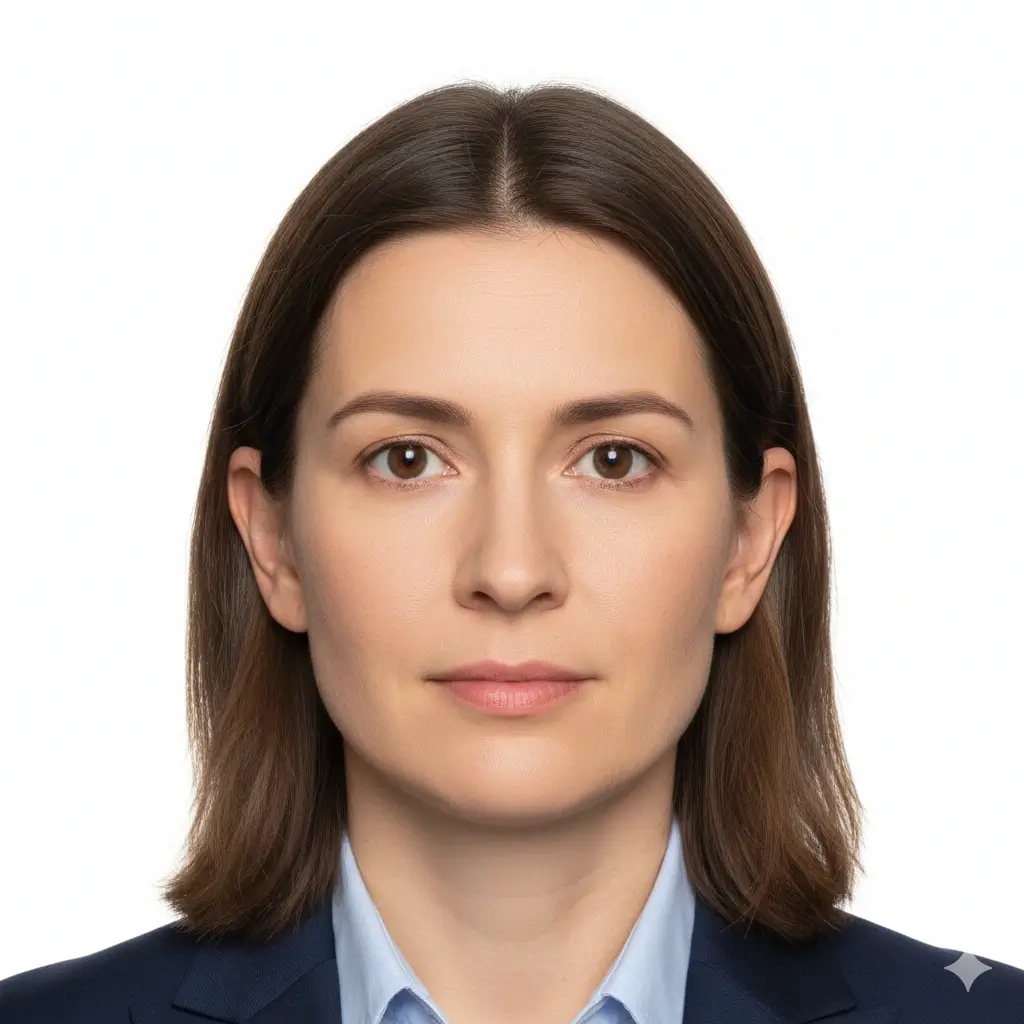
2x2 Passport Photo
2 x 2 inch / 51 x 51 mm
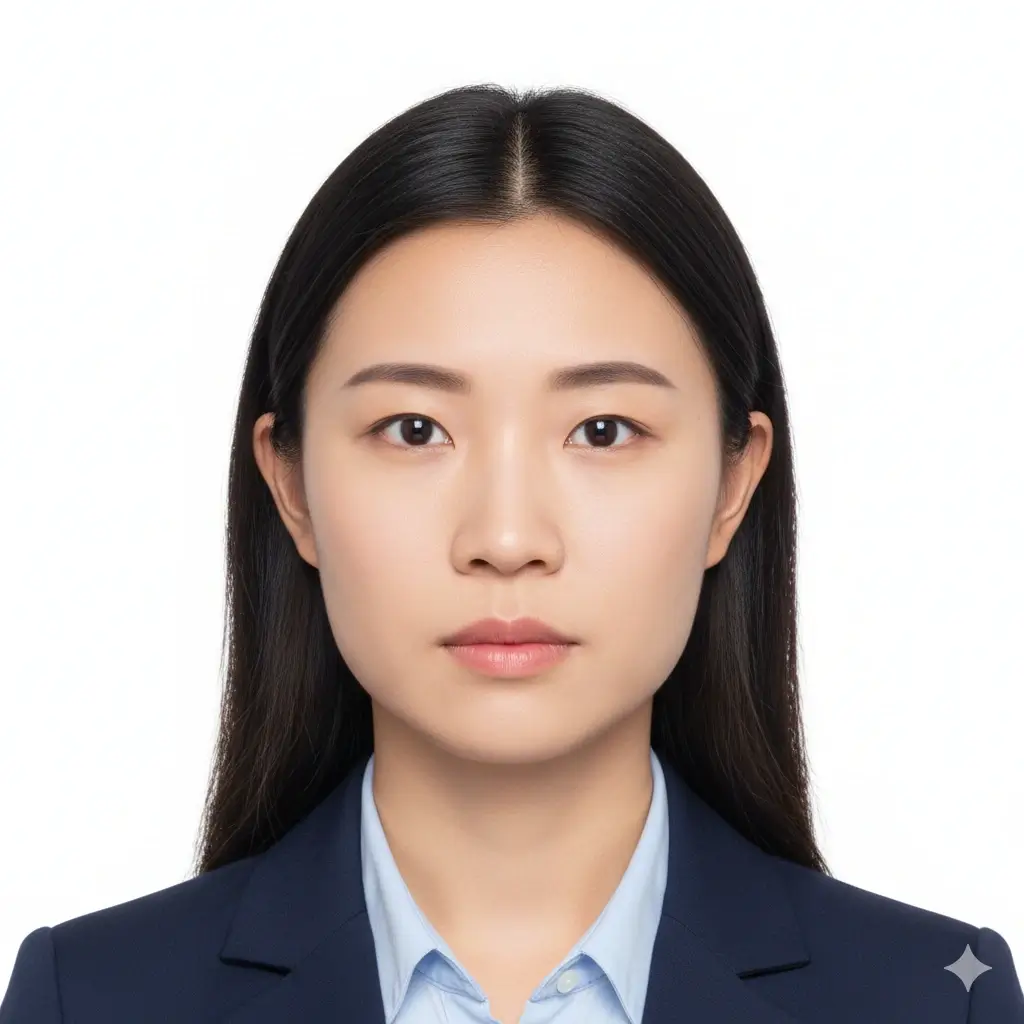
Green Card Photo
2x2 inch | White background

2x2 Visa Photo
Common US-style visa format

ID Card Photo
Square portrait for forms
Größe und Hintergrund
Prüfen Sie vor Upload oder Druck immer die aktuellen offiziellen Anforderungen.
Enter exact dimensions only if your checklist is not 2x2 inches.
Allowed range: width 20-80mm, height 20-90mm. For a 2x2 photo, keep both values near 51mm.
You have 0 credits remaining Melden Sie sich an, um den 2x2 Maker zu nutzen
2 credits per generated 2x2 photo
2x2 Foto Ergebnis
Ihre 2x2 Vorschau erscheint hier
Upload a portrait and keep the 2x2 inch size selected.
Preparing 2x2 Photo
This usually takes 30-60 seconds.
Analyzing photo...
Tips Before You Generate
- Use a recent photo with even lighting and a neutral expression.
- Face the camera directly and keep both eyes open.
- Avoid filters, hats, tinted glasses, and heavy shadows unless officially allowed.
- Check the exact authority guidance before uploading or printing.
2x2 Fotogröße, Pixel und Druck
Prüfen Sie vor Upload oder Druck immer die aktuellen offiziellen Anforderungen.
Physical Size
2 x 2 in / 51 x 51 mm
Use this when a passport, visa, green card, exam, or ID form asks for a 2 by 2 inch photo.
Aspect Ratio
1:1 square
Cropping should keep the head centered with enough space around the face and shoulders.
Common Pixels
600 x 600 px
Many digital workflows use 600x600 pixels, but some portals list their own pixel and file-size limits.
Download Formats
PNG, JPG, PDF
Use image files for online upload and PDF when you need a printable 2x2 layout.
Common 2x2 Photo Pixel References
| Use case | Pixel reference | Notes |
|---|---|---|
| 300 DPI print | 600 x 600 px | A practical square reference for printing a 2 x 2 inch photo. |
| 600 DPI print | 1200 x 1200 px | Higher pixel density for sharper print workflows. |
| Online upload | Follow the portal | Some portals specify minimum pixels, maximum file size, DPI, or compression separately. |
2x2 is common, but rules can still vary
A 2x2 inch photo is common for US-style passport, visa, and ID workflows, but each authority may add rules for head size, background color, glasses, retouching, recentness, and file limits. Use this page to prepare the photo, then compare the result with the current official checklist.
How to Make a 2x2 Photo Online
Upload a Clear Portrait
Start with a sharp, front-facing image. Soft daylight and a plain wall usually work better than a dark or busy background.
Keep 2x2 Inch Selected
Use the 2x2 inch preset, or enter about 51 mm width and 51 mm height when custom size fields are required.
Set a Plain Background
Choose white or another plain light background only when the document checklist allows it.
Download or Print
Save PNG/JPG for digital forms or use PDF when you need a printable square layout.
Download Options for a 2x2 Photo
Choose the file type that matches your next step: upload, email, local printing, or keeping a reusable copy.
PNG
Best for clean digital upload
PNG keeps crisp edges and is useful when the portal accepts a larger high-quality image.
JPG
Best for smaller files
JPG is useful when a form has a strict file-size limit or asks for a common photo format.
Best for printing
Use a physical-size PDF layout when you need printed 2x2 copies on photo paper.
Before printing
Print at actual size and turn off fit-to-page scaling.
Use photo paper if the authority requires a physical print.
Measure one copy to confirm it is 2 inches wide and 2 inches high.
Recheck background, head size, and file limits against the official checklist.
2x2 Fotoanforderungen prüfen
Prüfen Sie vor Upload oder Druck immer die aktuellen offiziellen Anforderungen.
Clear Face
Your face should be sharp, centered, front-facing, and easy to recognize.
Plain Background
White or off-white is common, but some forms allow other plain light backgrounds.
Correct Crop
A 2x2 photo is square, but head size and eye position can still vary by authority.
File Limits
Digital portals may add pixel, file-size, DPI, or compression requirements beyond the physical size.
Quick pre-submit checklist
Review these points before uploading or printing your generated 2x2 photo.
- Photo is 2 inches by 2 inches or matches the official custom size.
- Face is front-facing, sharp, and not hidden by hair, glare, or accessories.
- Background is plain and matches the requested color.
- No heavy filters, beauty edits, or identity-changing retouching are applied.
- Digital file format, pixels, file size, and print quality match the portal or form.
Always verify the official source
The same 2x2 size can be used across different documents, but acceptance rules are not identical. Check the current passport office, embassy, school, exam board, employer, or agency instructions before submitting.
No approval guarantee
A generated 2x2 photo can still be rejected if expression, head size, background, clothing, file size, recentness, or editing does not match the reviewer's rules.
Warum dieser 2x2 Foto Maker nützlich ist
Focused 2x2 Crop
Built around the square 2 inch format
The page keeps the 2x2 size, square ratio, and pixel references close to the editor so you do not have to guess from a generic crop tool.
Plain Background Choices
White, light gray, or light blue
Choose a simple background that matches the form you are following, then review whether the final image still looks natural.
Digital and Print Output
PNG, JPG, and PDF
Download a single square photo for online use or a physical-size PDF when you need printed copies.
Practical Requirement Notes
Size, pixels, print, and official checks
The supporting sections explain what 2x2 means in inches, millimeters, pixels, and printing terms before you submit.
Nehmen Sie das Foto mit dem iPhone auf?
Bereiten Sie Licht, Hintergrund und Bildausschnitt vor, bevor Sie die 2x2-Datei erstellen.
Verwandte 2x2 Fototools und offizielle Prüfungen
Bereiten Sie das 2x2 Foto vor und prüfen Sie bei Zusatzregeln ein breiteres Tool oder eine offizielle Quelle.
Verwandte Ausweisfoto-Tools
Wählen Sie je nach Dokument einen engeren oder breiteren Workflow.
Official references
Nutzen Sie den 2x2 Foto Maker zur Vorbereitung und vergleichen Sie das Ergebnis mit den aktuellen offiziellen Vorgaben.
Nutzen Sie den 2x2 Foto Maker zur Vorbereitung und vergleichen Sie das Ergebnis mit den aktuellen offiziellen Vorgaben.
2x2 Foto FAQ
2x2 Fotos mit klaren Grenzen vorbereiten
Secure Upload Flow
Use the same account and upload flow already used across AI ID Photo Maker.
2x2 Inch Focus
Start from the exact square size instead of guessing from a generic crop.
Flexible Downloads
Download PNG, JPG, or PDF depending on whether you need upload or print output.
Final Review
Preview the result and compare it with official guidance before you submit.
Erstellen Sie Ihr 2x2 Foto online
Laden Sie ein klares Porträt hoch, wählen Sie 2x2 Zoll, setzen Sie einen schlichten Hintergrund und laden Sie ein quadratisches Foto für Pass, Visum, Ausweis, Prüfung oder Formular herunter.
Use the common 2 x 2 inch photo size
Set a plain white, light gray, or light blue background
Download PNG, JPG, or printable PDF output
Review official rules before final submission
Prüfen Sie vor Upload oder Druck immer die aktuellen offiziellen Anforderungen.