AI ID Photo Maker
Ausweisfotos Online Kostenlos Erstellen
Laden Sie ein Porträt hoch und erstellen Sie KI-Fotos für Pass, Visum, Studentenausweis, Mitarbeiterbadge und Profilbilder. Bereinigen Sie den Hintergrund, passen Sie den Zuschnitt an und laden Sie digitale oder druckfertige Dateien in wenigen Minuten herunter.
KI-Ausweisfoto mit sauberem Hintergrund
Vorlagen für Pass, Visum, Studentenausweis, Badge und Profil
Download als JPG, PNG oder PDF für Upload oder Druck
Hinweise zur Prüfung vor dem Einreichen
Kostenloser AI ID Photo Maker - Hochladen, Anpassen, Herunterladen
Porträt hochladen
Laden Sie ein aktuelles Frontalfoto mit gleichmäßigem Licht und gut sichtbarem Gesicht hoch.
Unterstützte Formate: JPG, PNG, HEIC, WEBP
Ein klares Selfie reicht für den Start.
Hochgeladenes Foto
KI-Ausweisfoto-Vorlage wählen
Wählen Sie eine Vorlage für Passfoto, Studentenausweis, Mitarbeiterbadge, Visum oder Sondergröße.

AI ID Photo
Plain background | Front-facing crop
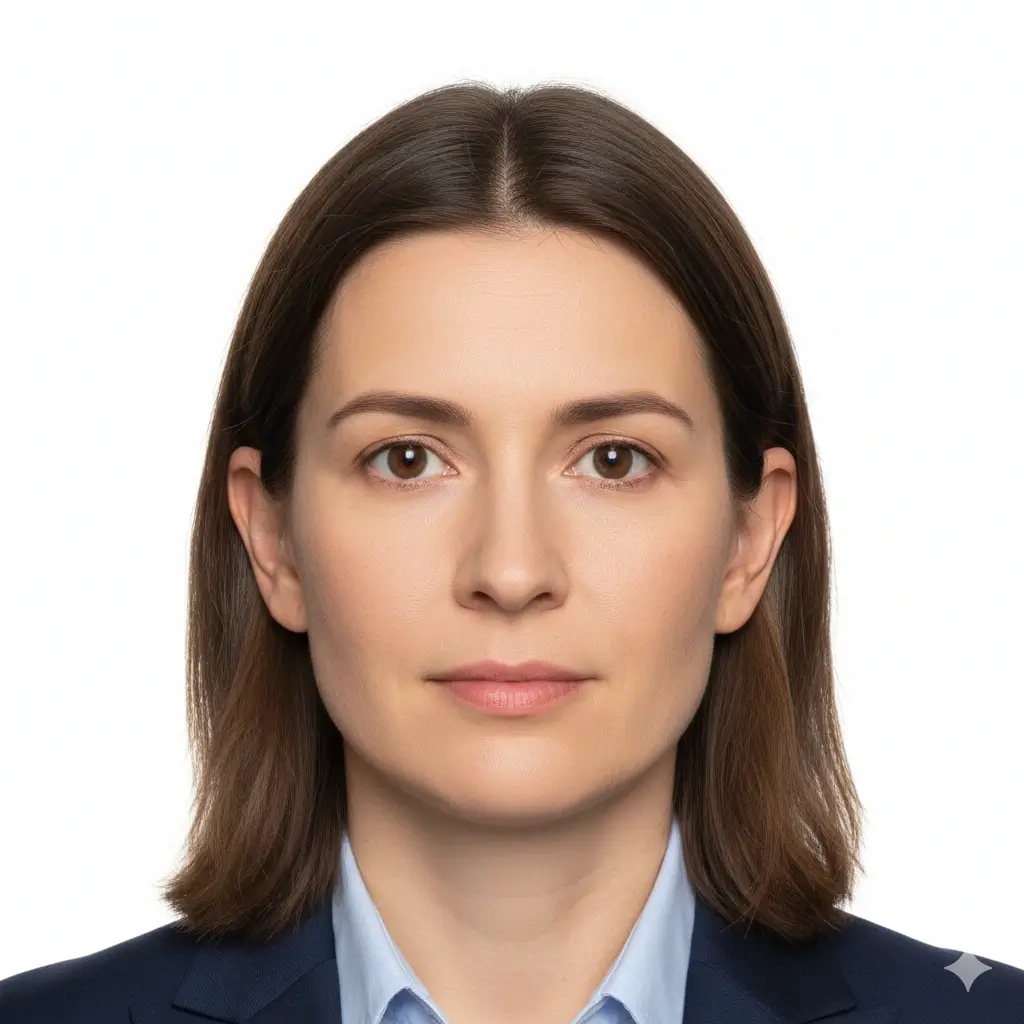
Passport Photo
2x2 inch (51x51mm) | White

Visa Photo
35x45mm or 2x2 inch | White

Student ID
Head and shoulders | Plain
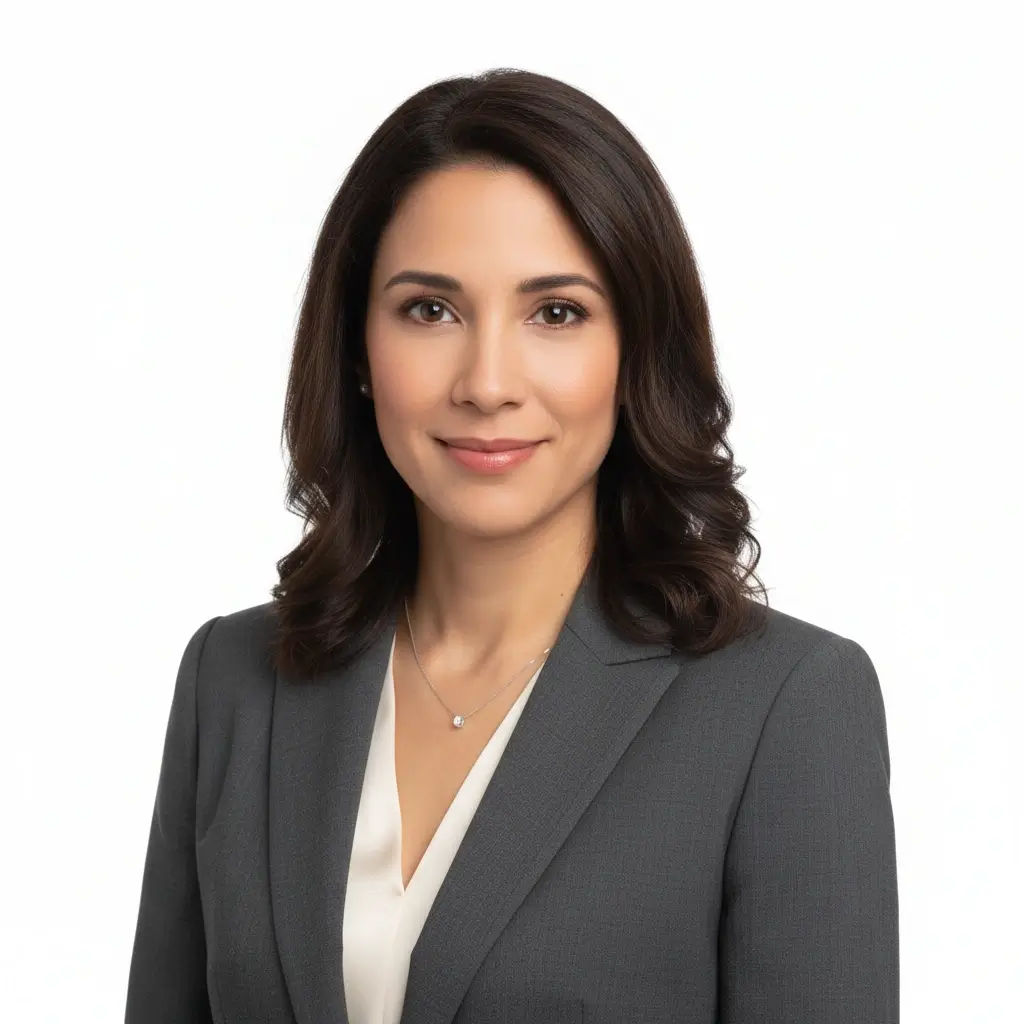
Employee Badge / Resume
Professional headshot | Plain
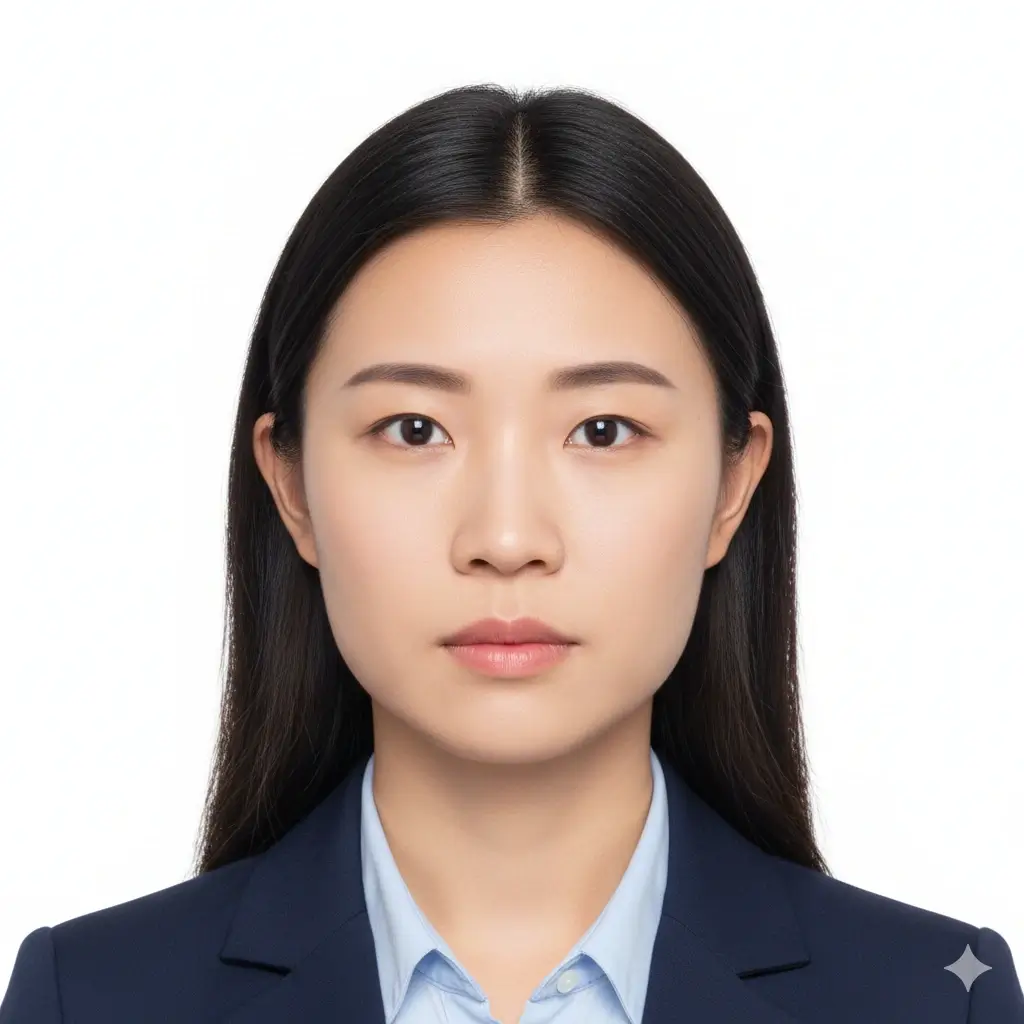
Green Card Photo
2x2 inch (51x51mm) | White
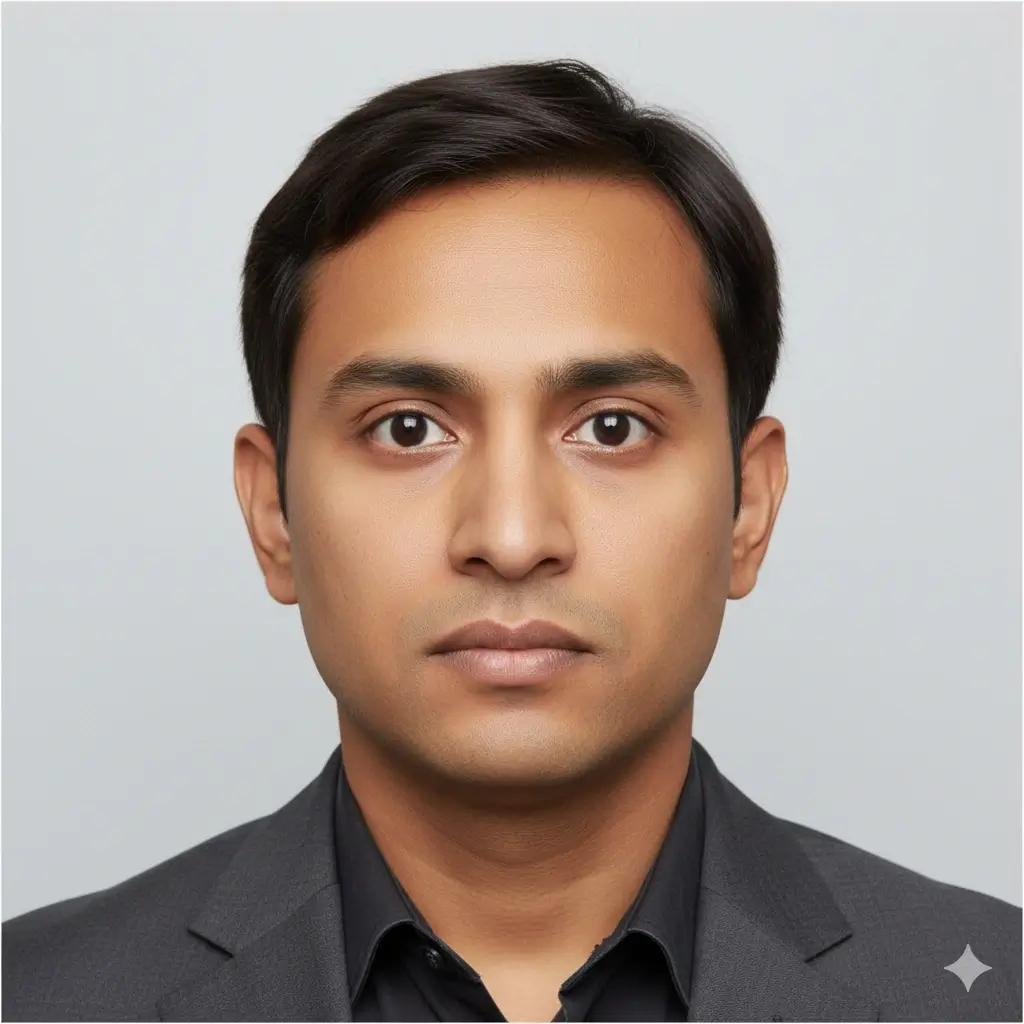
35x45mm ID Photo
35x45mm | Light gray
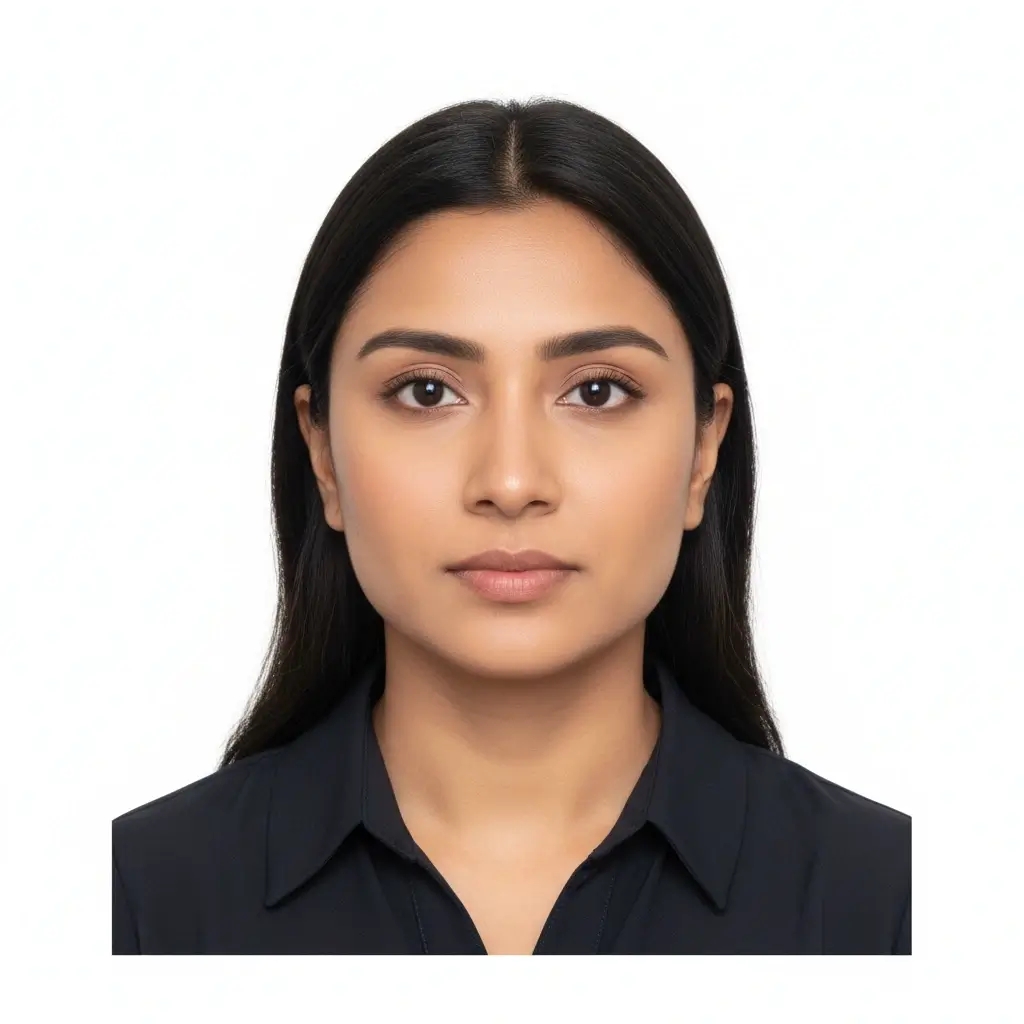
50x70mm ID Photo
50x70mm | White
You have 0 credits remaining Melden Sie sich an, um AI ID Photo Maker zu testen
2 Credits pro erzeugtem Foto
Ergebnis
Die Vorschau erscheint hier
Laden Sie ein Foto hoch und wählen Sie eine Vorlage, um zu beginnen.
Foto wird verarbeitet
Dies dauert normalerweise 30 bis 60 Sekunden
Foto wird analysiert...
Tipps für bessere Ergebnisse
- Blicken Sie direkt in die Kamera und halten Sie die Augen offen.
- Nutzen Sie weiches, gleichmäßiges Licht ohne starke Schatten.
- Vermeiden Sie Hüte, getönte Brillen und unruhige Hintergründe.
- Verändern Sie keine Gesichtsmerkmale bei offiziellen Dokumentfotos.
Related photo tools for specific document types
Start with the AI ID photo maker, then open a more specific page when you already know the exact document or country requirement.
Passfoto-Maker
Bereite ein passähnliches Foto mit schlichtem Hintergrund und üblichen offiziellen Maßen vor.
Passfoto-Maker öffnenFührerscheinfoto-Maker
Bereite ein führerscheinähnliches Porträt vor und prüfe Behördenregeln vor der Nutzung.
Führerscheinfoto-MakerUse official guidance whenever a government office, school, employer, or visa center has strict requirements.
KI-Ausweisfoto-Vorlagen und Standardgrößen
Nutzen Sie AI ID Photo Maker für Passfotos, Studentenausweise, Mitarbeiter-Badges oder benutzerdefinierte Größen, wenn ein Formular exakte Maße verlangt.
| Preset | Common dimensions | Common use | Typical background |
|---|---|---|---|
AI ID PhotoBest for general online ID photo needs |
Head-and-shoulders crop | Forms, profiles, badges, internal records | White, light gray, or light blue |
Passport / Green Card PhotoUseful for US-style official photos |
2x2 inch / 51x51mm | Passport, green card, some visa photos | White or off-white |
Visa PhotoCheck the embassy or visa center instructions |
35x45mm or 2x2 inch | Visa applications and immigration documents | White or light gray |
Student ID PhotoSchool and campus card friendly |
School-specific | Student records and campus cards | Plain white, blue, or gray |
Employee Badge PhotoUseful for work badge systems |
Company-specific | Employee IDs and internal access cards | Plain and high-contrast |
Custom ID Photo SizeChoose exact output dimensions |
2x2 inch, 35x45mm, 50x70mm, 33x48mm | Country-specific IDs and custom forms | Follow the issuer requirements |
Wichtiger Hinweis
Ein AI ID Photo Maker kann beim Zuschnitt, Hintergrund und Exportformat helfen, aber das endgültige Dokumentfoto muss weiterhin genau zu den Vorgaben der Behörde, Schule, des Arbeitgebers oder Visa-Zentrums passen.
So funktioniert AI ID Photo Maker
Upload one clear portrait
Start with a recent front-facing photo where your full face is visible and the lighting is even.
Choose the right ID preset
Pick passport, visa, student ID, badge, or a custom size to match the form you need to submit.
Let AI prepare the photo
The tool cleans the background, centers the crop, and creates a file you can review before downloading.
Download digital or print-ready output
Save JPG, PNG, or PDF files for online uploads, document portals, or print sheets.
Digitaler Upload und druckfertige Ausgabe
Wählen Sie das Ausgabeformat passend zur Einreichung Ihres KI-Ausweisfotos.
Digitales Ausweisfoto
Online-Formulare und Upload-Portale
Verwenden Sie JPG oder PNG, wenn Behörde, Visa-Portal, Schule oder Arbeitgeber eine Datei zum Hochladen verlangt.
Einzelbild zum Drucken
Druck in exakter Größe
Laden Sie ein sauberes Einzelbild herunter, wenn Sie genau ein Foto in einer bestimmten Größe benötigen.
Druckbogen
Mehrere Kopien auf einer Seite
Verwenden Sie PDF, wenn Sie mehrere Fotos auf einem druckbaren Bogen zum Ausschneiden brauchen.
Vor dem Drucken
In Originalgröße drucken und Seitenanpassung vermeiden.
Fotopapier verwenden, wenn ein physisches Foto verlangt wird.
Prüfen, ob Ausdrucke zu Hause akzeptiert werden.
Eine digitale Kopie behalten, falls doch ein Upload verlangt wird.
KI-ID-Foto: Anforderungen, Größen und Bearbeitungsgrenzen
Nutze KI für Zuschnitt, Hintergrundbereinigung und Ausgabeformat. Für offizielle Dokumente bleibt das Gesicht natürlich und die aktuellen Regeln müssen geprüft werden.
Klares фронटales Gesicht
Halten Sie das Gesicht mittig, scharf und gut erkennbar. Blicken Sie direkt in die Kamera.
Einfarbiger Hintergrund
Je nach Dokument sind weiße, cremefarbene, hellgraue oder hellblaue Hintergründe üblich.
Richtige Größe und Zuschnitt
Passamt, Visa-Stelle, Schule und Arbeitgeber können unterschiedliche Maße und Kopfpositionen verlangen.
Vorsichtige Bearbeitung
Hintergrundbereinigung und Zuschnitt sind sinnvoll. Vermeiden Sie Änderungen, die Ihre Identität bei offiziellen Dokumenten verändern.
Vor dem Hochladen
Use this quick checklist before generating your final AI ID photo.
- Use a recent, front-facing portrait that still looks like you.
- Keep your full face visible from forehead to chin, with eyes open.
- Choose the preset size first, then confirm the exact ID card photo size required by your issuer.
- Use a plain white, off-white, light gray, or approved color background.
- Avoid hats, sunglasses, heavy filters, and busy backgrounds unless your issuer allows them.
- Use the Natural editing level for passports, visas, driver licenses, and other official IDs.
- Check pixel size, file size, and format before uploading to an online form.
Die prüfende Stelle entscheidet
Das Tool hilft bei typischen Anforderungen, aber die endgültige Annahme hängt von Behörde, Schule, Arbeitgeber oder Visa-Stelle ab.
Grenze der KI-Bearbeitung
Für Pässe, Visa und andere offizielle IDs dürfen KI-Retuschen keine Gesichtsmerkmale, Hautstruktur, Alterswirkung oder andere Identitätsdetails verändern.
Warum diesen KI-ID-Foto-Generator verwenden
Fast AI workflow
Upload, choose a preset, generate, download
Upload one portrait and get a clean ID-style photo without manual crop tools or background editing software.
ID card photo size guidance
Useful for student IDs, badges, and online forms
The page keeps common size and crop reminders close to the tool so you can prepare a photo that fits the requested ID card format.
Multiple ID use cases
Passport-style, visa, student ID, badge, and profile photos
Use the same AI workflow for common ID photo needs while keeping each document's review rules separate.
Flexible downloads
JPG, PNG, and PDF output
Download a single digital image for upload portals or a print-ready layout when you need physical copies.
AI editing guardrails
Crop and cleanup without identity-changing edits
The workflow separates helpful cleanup from retouching that could make an official ID photo fail review.
Privacy-aware preparation
Prepare the file before final review
Use the tool to prepare a clean file, then compare it with the issuing authority's current instructions before submitting.
Verwandte Ausweisfoto-Tools
Nutzen Sie einen spezifischeren Ablauf, wenn Dokumenttyp, Groesse oder Land bereits feststehen.
Verwandte Ausweisfoto-Tools
Nutzen Sie einen spezifischeren Ablauf, wenn Dokumenttyp, Groesse oder Land bereits feststehen.
Offizielle Quellen fuer die Endpruefung
Bereiten Sie die Datei mit dem Tool vor und vergleichen Sie das fertige Foto vor Upload oder Druck mit den aktuellen Vorgaben.
Bereiten Sie die Datei mit dem Tool vor und vergleichen Sie das fertige Foto vor Upload oder Druck mit den aktuellen Vorgaben.
FAQ zu AI ID Photo Maker
Privacy and review reminders
Secure upload flow
Use a protected upload flow for personal ID-style photos and avoid sharing unnecessary personal documents.
Identity-safe editing
Prepare crop, background, and size without relying on edits that change who you are.
Requirement checklist
Review face visibility, background, lighting, and output format before you download or submit.
Reviewer decides
Final acceptance always depends on the agency, school, employer, or organization that reviews your photo.
KI-Ausweisfoto online erstellen
Laden Sie ein Porträt hoch, wählen Sie eine Vorlage, passen Sie Hintergrund und Zuschnitt an und laden Sie eine digitale oder druckfertige Datei herunter.
AI ID photo generator for passport-style photos, visas, badges, and school IDs
White, off-white, light gray, light blue, and red background options
JPG, PNG, and PDF downloads for digital or print use
Clear reminders for official photo acceptance rules
Check the latest rules from the passport office, embassy, school, employer, DMV, or organization that will review your photo.