AI ID Photo Maker
Crea Fotos de Identificación Online Gratis
Sube un retrato y crea fotos con IA para pasaporte, visa, carnet estudiantil, credencial de empleado y perfiles. Limpia el fondo, ajusta el recorte y descarga archivos digitales o listos para imprimir en minutos.
Generador de foto ID con IA y limpieza de fondo
Presets para pasaporte, visa, carnet estudiantil, credencial y perfil
Descarga JPG, PNG o PDF para envío digital o impresión
Recordatorios para revisar requisitos antes de enviar
Creador de Fotos ID con IA Gratis - Sube, Ajusta y Descarga
Sube Tu Retrato
Sube una foto reciente de frente, con buena iluminación y el rostro visible.
Formatos compatibles: JPG, PNG, HEIC, WEBP
Una sola selfie clara es suficiente para empezar.
Foto subida
Elige un Preset de Foto ID con IA
Selecciona un preset para fotos tipo pasaporte, carnets escolares, credenciales de trabajo, visas o tamaños personalizados.

AI ID Photo
Plain background | Front-facing crop
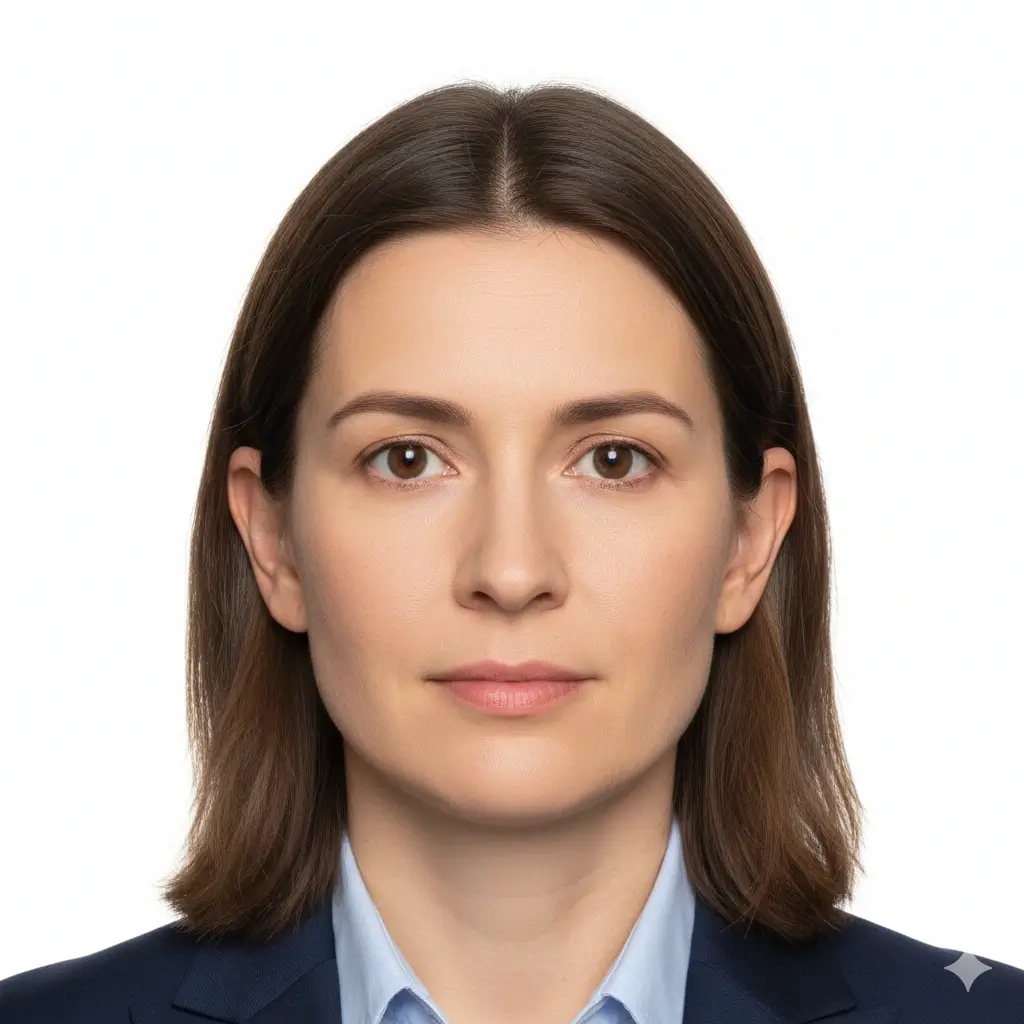
Passport Photo
2x2 inch (51x51mm) | White
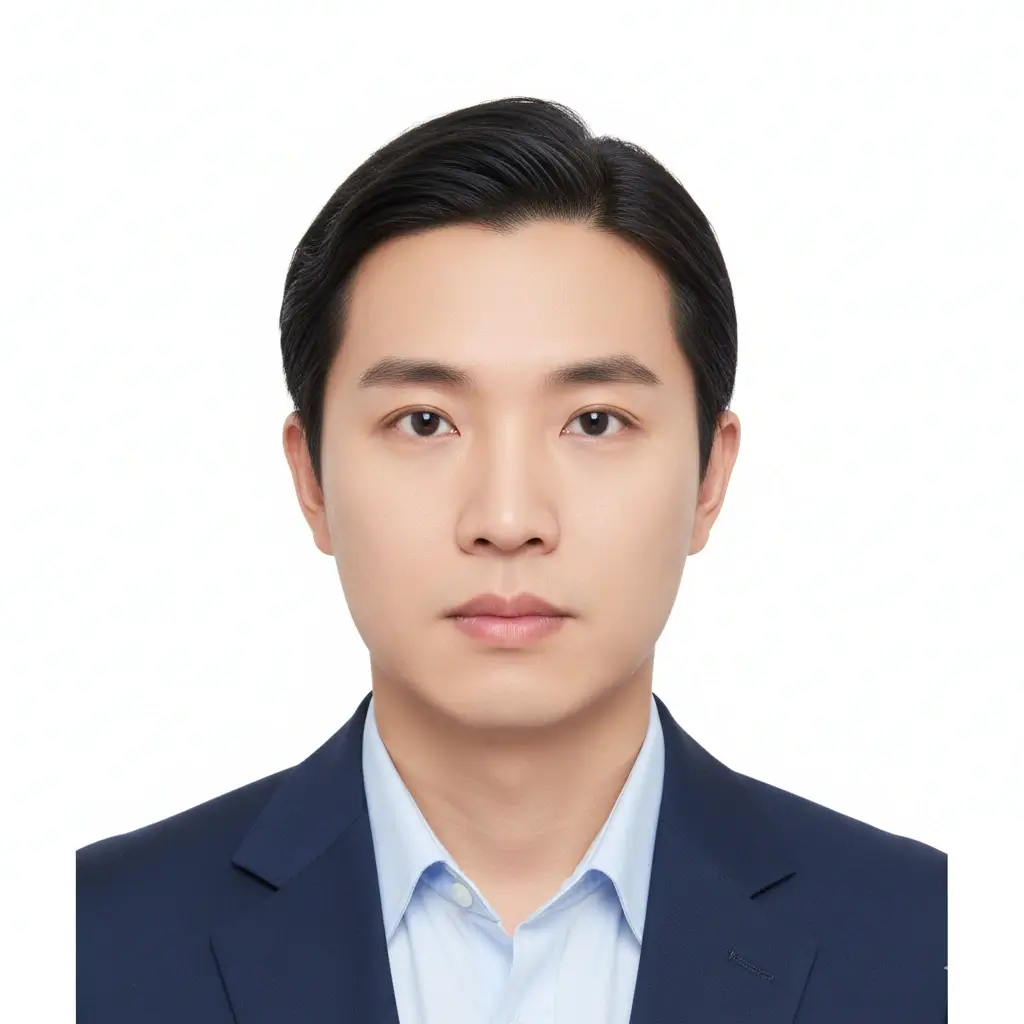
Visa Photo
35x45mm or 2x2 inch | White
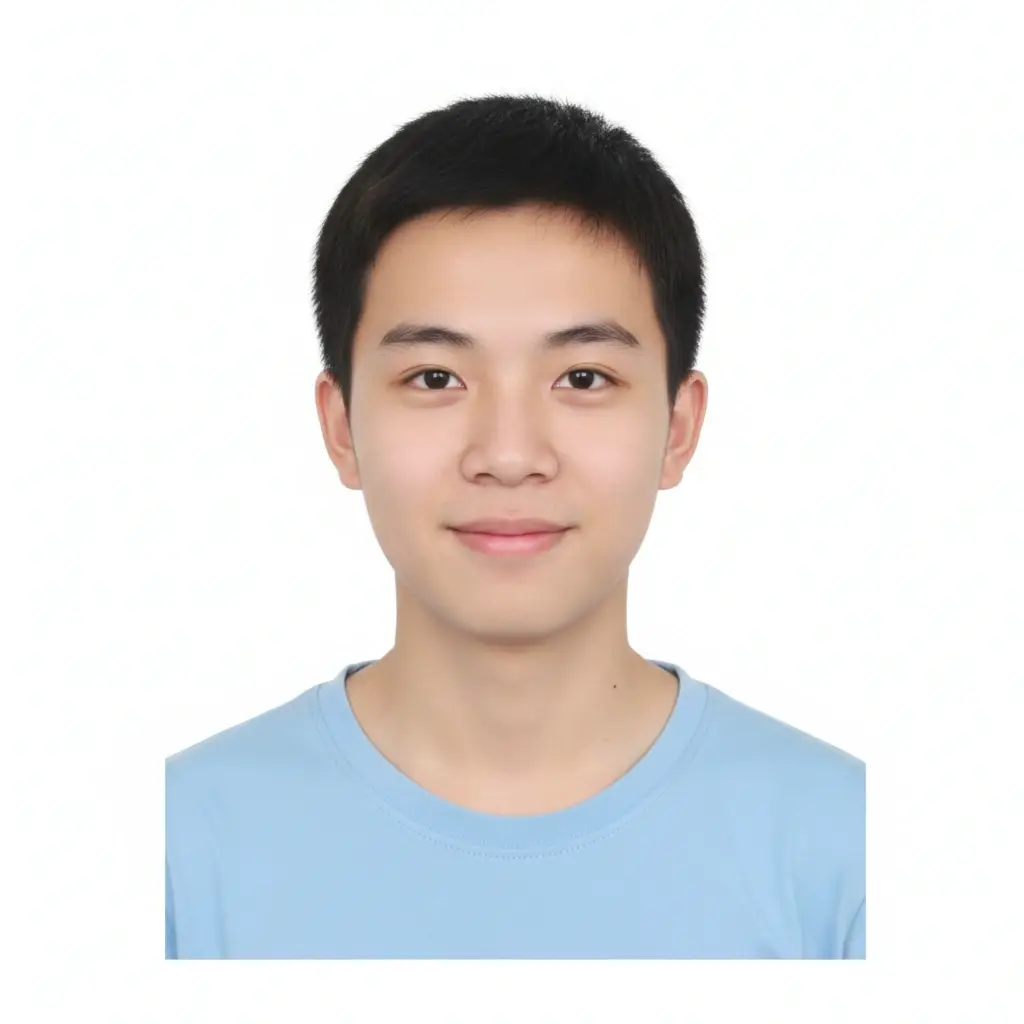
Student ID
Head and shoulders | Plain
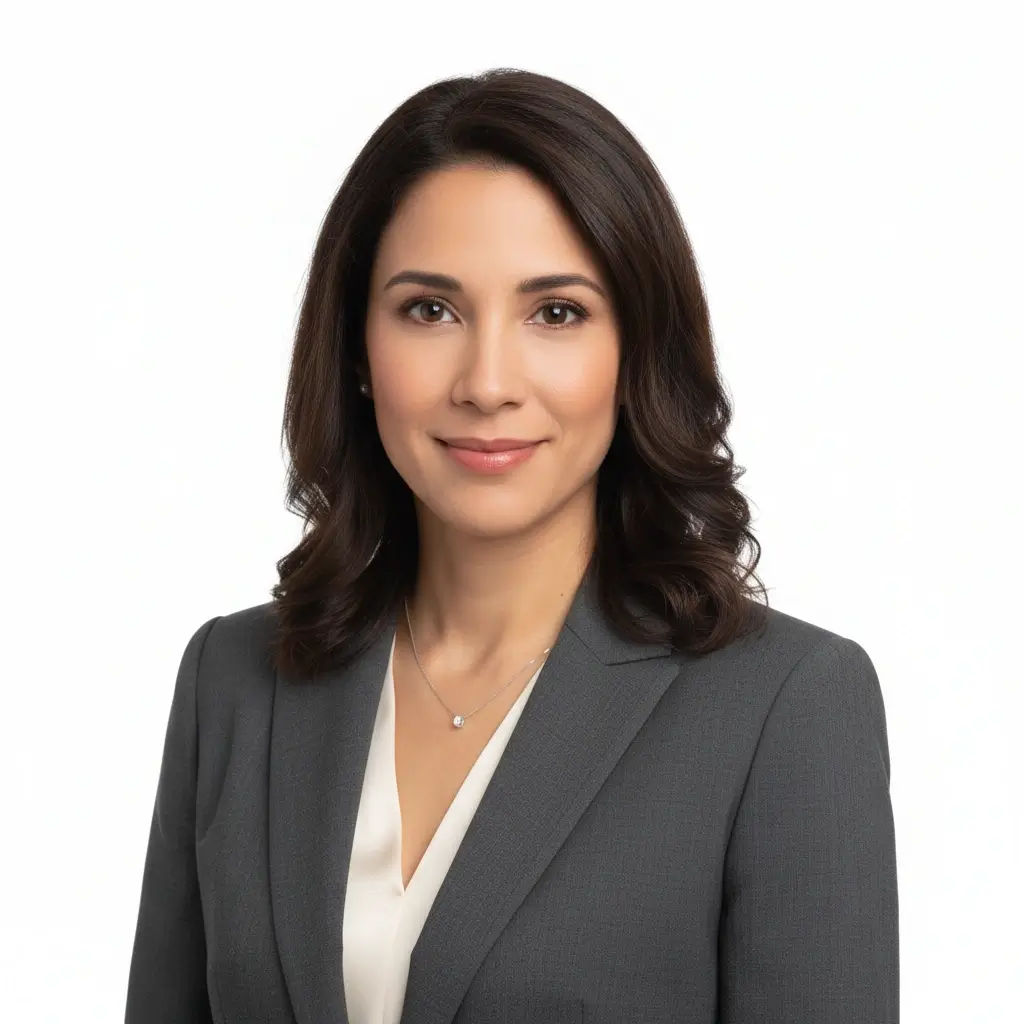
Employee Badge / Resume
Professional headshot | Plain
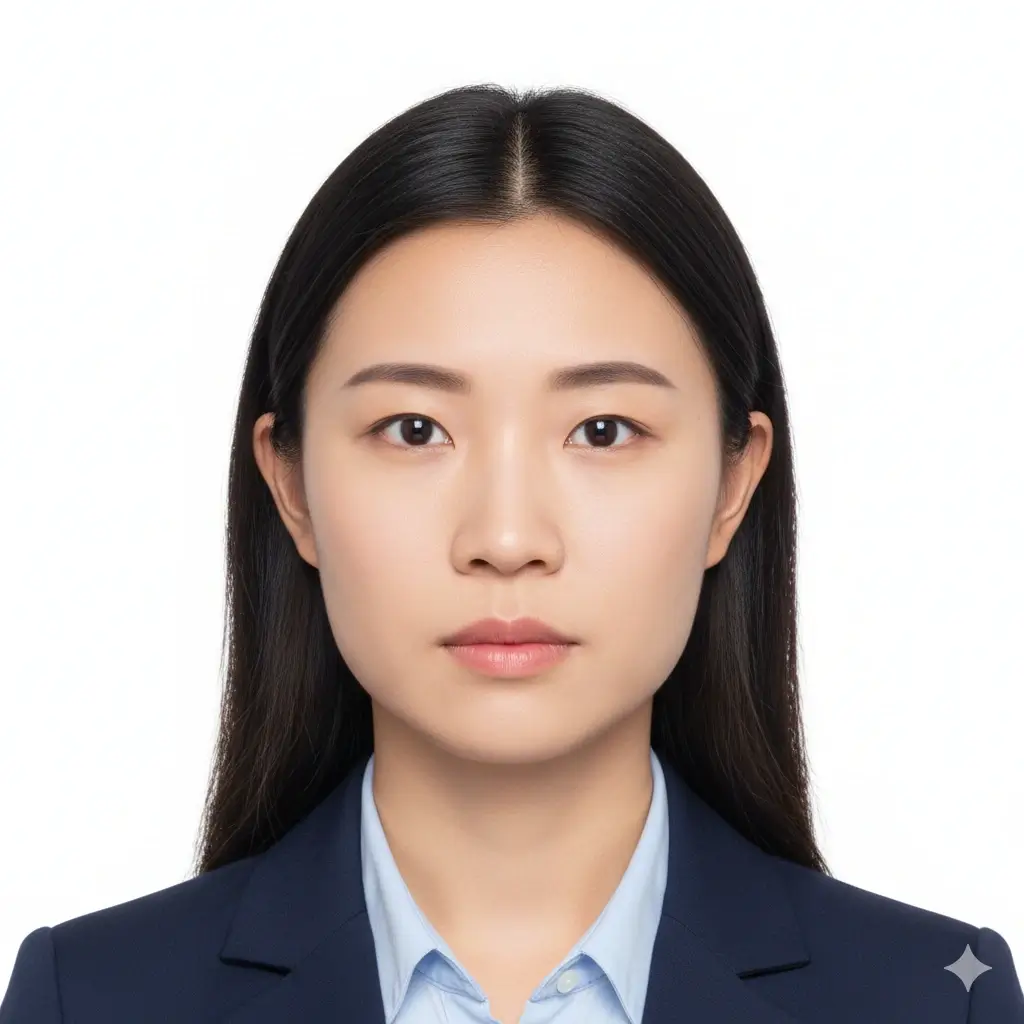
Green Card Photo
2x2 inch (51x51mm) | White
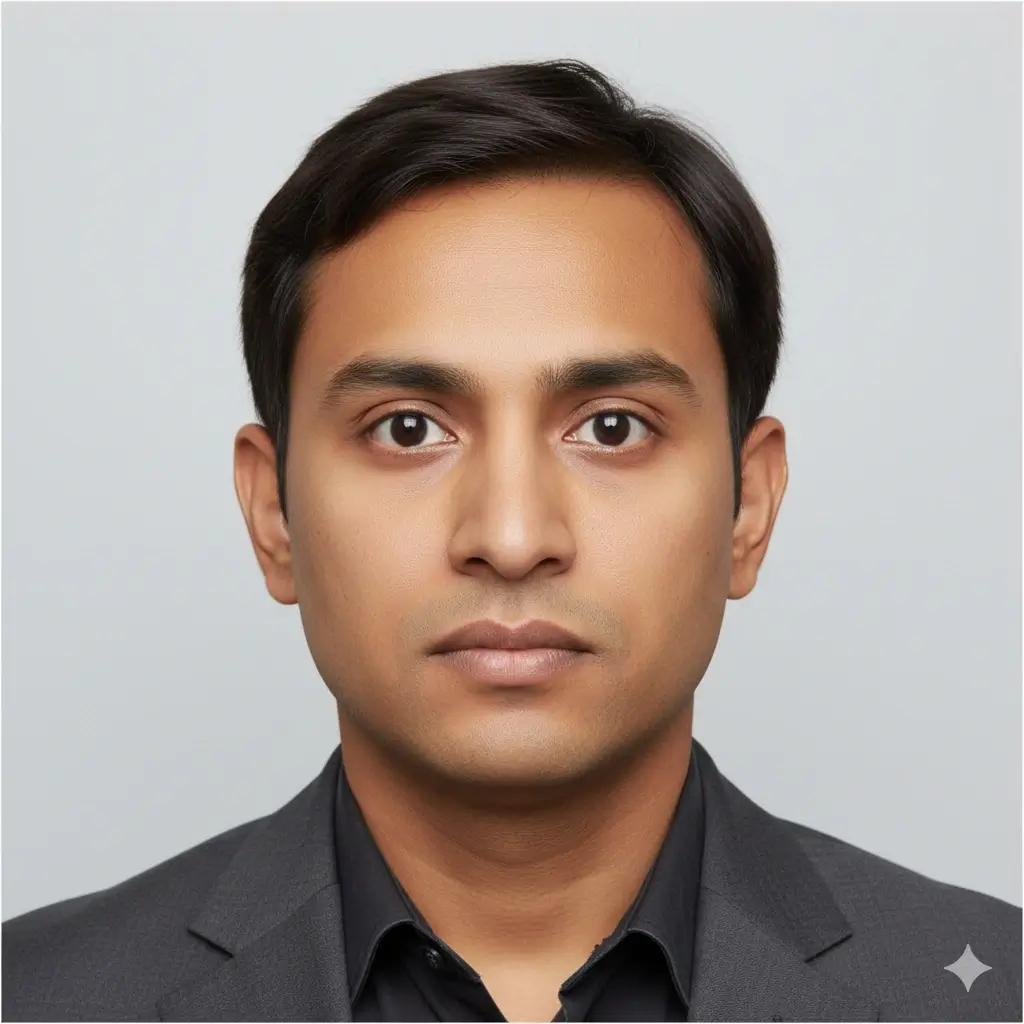
35x45mm ID Photo
35x45mm | Light gray
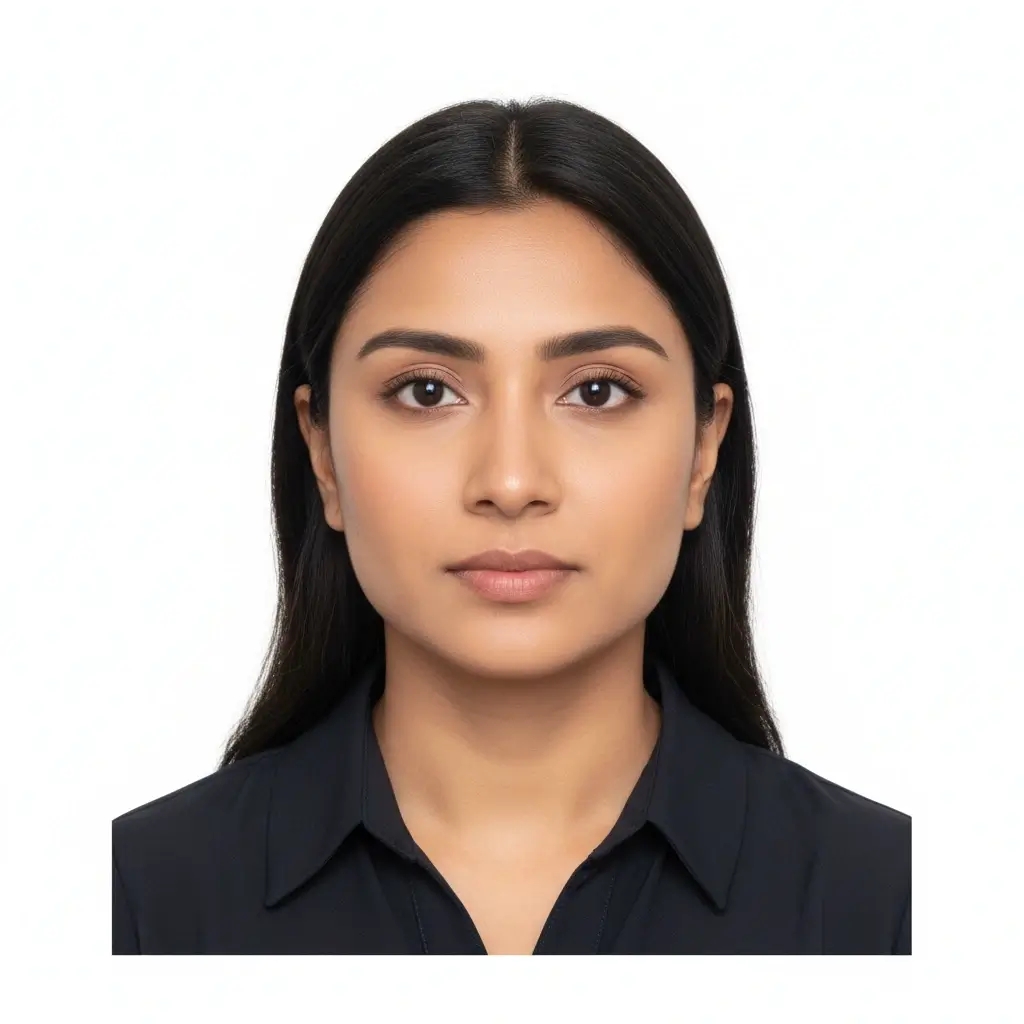
50x70mm ID Photo
50x70mm | White
You have 0 credits remaining Inicia sesión para probar el creador AI ID Photo Maker
2 créditos por foto generada
Resultado
La vista previa aparecerá aquí
Sube una foto y elige un preset para comenzar.
Procesando tu foto
Esto suele tardar entre 30 y 60 segundos
Analizando foto...
Consejos para mejores resultados
- Mira directamente a la cámara y mantén los ojos abiertos.
- Usa luz suave y uniforme, sin sombras fuertes.
- Evita sombreros, gafas oscuras y fondos recargados.
- No cambies rasgos faciales en fotos para documentos oficiales.
Related photo tools for specific document types
Start with the AI ID photo maker, then open a more specific page when you already know the exact document or country requirement.
Creador de foto de pasaporte
Prepara una foto tipo pasaporte con fondo liso y dimensiones oficiales comunes.
Abrir creador de pasaporteCreador de foto tamaño pasaporte
Crea fotos de tamaño pasaporte y hojas listas para imprimir.
Abrir tamaño pasaporteCreador de foto para licencia
Prepara un retrato estilo licencia y revisa los límites del DMV antes de usarlo.
Creador de foto para licenciaUse official guidance whenever a government office, school, employer, or visa center has strict requirements.
Presets y Tamaños Comunes para Fotos ID con IA
Usa AI ID Photo Maker para fotos tipo pasaporte, carnets escolares, credenciales de empleado o tamaños personalizados cuando el formulario pida medidas exactas.
| Preset | Common dimensions | Common use | Typical background |
|---|---|---|---|
AI ID PhotoBest for general online ID photo needs |
Head-and-shoulders crop | Forms, profiles, badges, internal records | White, light gray, or light blue |
Passport / Green Card PhotoUseful for US-style official photos |
2x2 inch / 51x51mm | Passport, green card, some visa photos | White or off-white |
Visa PhotoCheck the embassy or visa center instructions |
35x45mm or 2x2 inch | Visa applications and immigration documents | White or light gray |
Student ID PhotoSchool and campus card friendly |
School-specific | Student records and campus cards | Plain white, blue, or gray |
Employee Badge PhotoUseful for work badge systems |
Company-specific | Employee IDs and internal access cards | Plain and high-contrast |
Custom ID Photo SizeChoose exact output dimensions |
2x2 inch, 35x45mm, 50x70mm, 33x48mm | Country-specific IDs and custom forms | Follow the issuer requirements |
Nota importante
Un AI ID photo maker puede ayudarte a preparar el recorte, el fondo y el formato de salida, pero la foto final debe cumplir las reglas exactas de la oficina, escuela, empresa o centro de visas que la revisará.
Cómo Funciona AI ID Photo Maker
Upload one clear portrait
Start with a recent front-facing photo where your full face is visible and the lighting is even.
Choose the right ID preset
Pick passport, visa, student ID, badge, or a custom size to match the form you need to submit.
Let AI prepare the photo
The tool cleans the background, centers the crop, and creates a file you can review before downloading.
Download digital or print-ready output
Save JPG, PNG, or PDF files for online uploads, document portals, or print sheets.
Salida Digital y Formato Listo para Imprimir
Elige el tipo de salida según cómo vayas a enviar tu foto ID con IA.
Foto ID Digital
Formularios online y portales de carga
Usa JPG o PNG cuando una oficina, portal de visas, escuela o empresa solicite una carga digital.
Archivo Único para Imprimir
Impresión en tamaño exacto
Descarga una imagen limpia cuando necesites una sola foto ID en una medida precisa.
Hoja Imprimible
Varias copias en una sola página
Usa PDF cuando necesites varias fotos ID en una hoja lista para cortar.
Antes de Imprimir
Imprime al tamaño real y evita ajustar a la página.
Usa papel fotográfico cuando se requiera una copia física.
Confirma si la entidad acepta fotos impresas en casa.
Guarda una copia digital por si el trámite final exige carga online.
Requisitos, tamaños y límites de edición para fotos ID con IA
Usa la IA para recortar, limpiar el fondo y preparar el formato. Para documentos oficiales, conserva el rostro natural y revisa las reglas actuales.
Rostro frontal y claro
Mantén el rostro centrado, nítido y fácil de reconocer. Mira directamente a la cámara con los ojos abiertos.
Fondo liso
Los fondos blanco, blanco roto, gris claro o azul claro son comunes según el tipo de documento.
Tamaño y recorte correctos
Oficinas de pasaporte, centros de visado, escuelas y empresas pueden pedir tamaños y posiciones diferentes.
Edición cuidadosa
La limpieza del fondo y el recorte ayudan, pero evita cambios que alteren tu identidad en documentos oficiales.
Antes de subir la foto
Use this quick checklist before generating your final AI ID photo.
- Usa un retrato reciente, frontal y reconocible.
- Mantén el rostro completo visible, de la frente al mentón, con los ojos abiertos.
- Elige primero el tamaño predefinido y confirma el tamaño exacto que pide el emisor.
- Usa fondo blanco, blanco roto, gris claro u otro color aprobado.
- Evita sombreros, gafas oscuras, filtros intensos y fondos con distracciones.
- Usa edición Natural para pasaportes, visas, licencias y otros documentos oficiales.
- Comprueba píxeles, peso del archivo y formato antes de subirlo.
La aceptación depende del revisor
La herramienta ayuda a preparar requisitos comunes, pero la aceptación final depende de la oficina, escuela, empresa o centro de visas que revise la imagen.
Límite de edición con IA
Para pasaportes, visas y otros documentos oficiales, no uses edición IA para cambiar rasgos faciales, textura de piel, edad aparente u otros detalles de identidad.
Por qué usar este generador de fotos ID con IA
Fast AI workflow
Upload, choose a preset, generate, download
Upload one portrait and get a clean ID-style photo without manual crop tools or background editing software.
ID card photo size guidance
Useful for student IDs, badges, and online forms
The page keeps common size and crop reminders close to the tool so you can prepare a photo that fits the requested ID card format.
Multiple ID use cases
Passport-style, visa, student ID, badge, and profile photos
Use the same AI workflow for common ID photo needs while keeping each document's review rules separate.
Flexible downloads
JPG, PNG, and PDF output
Download a single digital image for upload portals or a print-ready layout when you need physical copies.
AI editing guardrails
Crop and cleanup without identity-changing edits
The workflow separates helpful cleanup from retouching that could make an official ID photo fail review.
Privacy-aware preparation
Prepare the file before final review
Use the tool to prepare a clean file, then compare it with the issuing authority's current instructions before submitting.
Herramientas relacionadas de fotos de ID
Abre un flujo más específico cuando ya conoces el documento, tamaño o país.
Herramientas relacionadas de fotos de ID
Abre un flujo más específico cuando ya conoces el documento, tamaño o país.
Referencias oficiales para la revisión final
Usa la herramienta para preparar el archivo y compara la foto final con las reglas actuales antes de subirla o imprimirla.
Usa la herramienta para preparar el archivo y compara la foto final con las reglas actuales antes de subirla o imprimirla.
Preguntas Frecuentes sobre AI ID Photo Maker
Privacy and review reminders
Secure upload flow
Use a protected upload flow for personal ID-style photos and avoid sharing unnecessary personal documents.
Identity-safe editing
Prepare crop, background, and size without relying on edits that change who you are.
Requirement checklist
Review face visibility, background, lighting, and output format before you download or submit.
Reviewer decides
Final acceptance always depends on the agency, school, employer, or organization that reviews your photo.
Crea tu foto ID con IA online
Sube un retrato, elige un preset de foto ID, ajusta el fondo y el recorte, y descarga un archivo digital o listo para imprimir.
AI ID photo generator for passport-style photos, visas, badges, and school IDs
White, off-white, light gray, light blue, and red background options
JPG, PNG, and PDF downloads for digital or print use
Clear reminders for official photo acceptance rules
Check the latest rules from the passport office, embassy, school, employer, DMV, or organization that will review your photo.