AI ID Photo Maker
Criar Fotos de Identificação Online Grátis
Envie um retrato e crie fotos com IA para passaporte, visto, cartão estudantil, crachá de funcionário e perfis. Limpe o fundo, ajuste o enquadramento e baixe arquivos digitais ou prontos para impressão em minutos.
Foto de identificação com IA e fundo limpo
Presets para passaporte, visto, cartão estudantil, crachá e perfil
Download em JPG, PNG ou PDF para envio digital ou impressão
Lembretes importantes antes do envio
AI ID Photo Maker Grátis - Enviar, Ajustar e Baixar
Enviar seu retrato
Envie uma foto recente de frente, com iluminação uniforme e rosto bem visível.
Formatos aceitos: JPG, PNG, HEIC, WEBP
Uma selfie nítida já é suficiente para começar.
Foto enviada
Escolher um preset de foto ID com IA
Selecione um preset para foto tipo passaporte, cartão estudantil, crachá profissional, visto ou tamanho personalizado.

AI ID Photo
Plain background | Front-facing crop
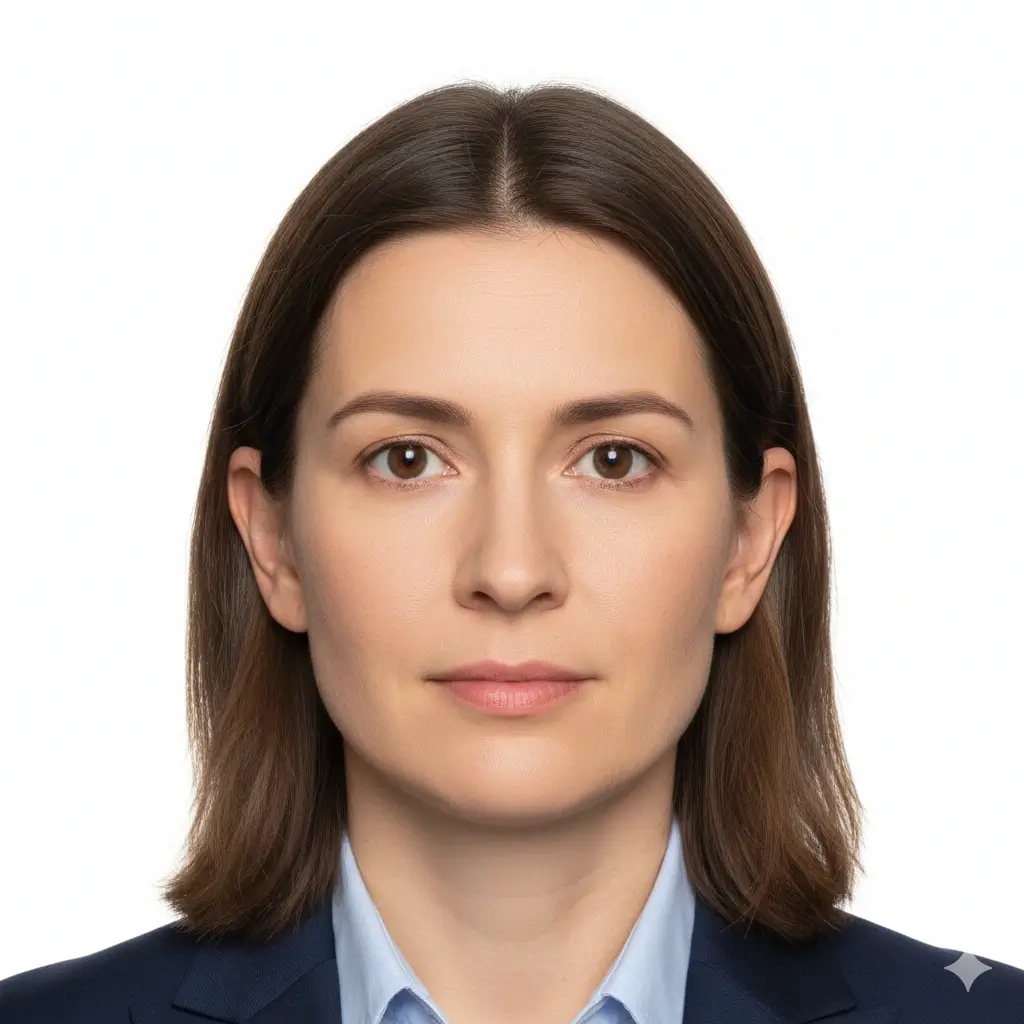
Passport Photo
2x2 inch (51x51mm) | White

Visa Photo
35x45mm or 2x2 inch | White

Student ID
Head and shoulders | Plain
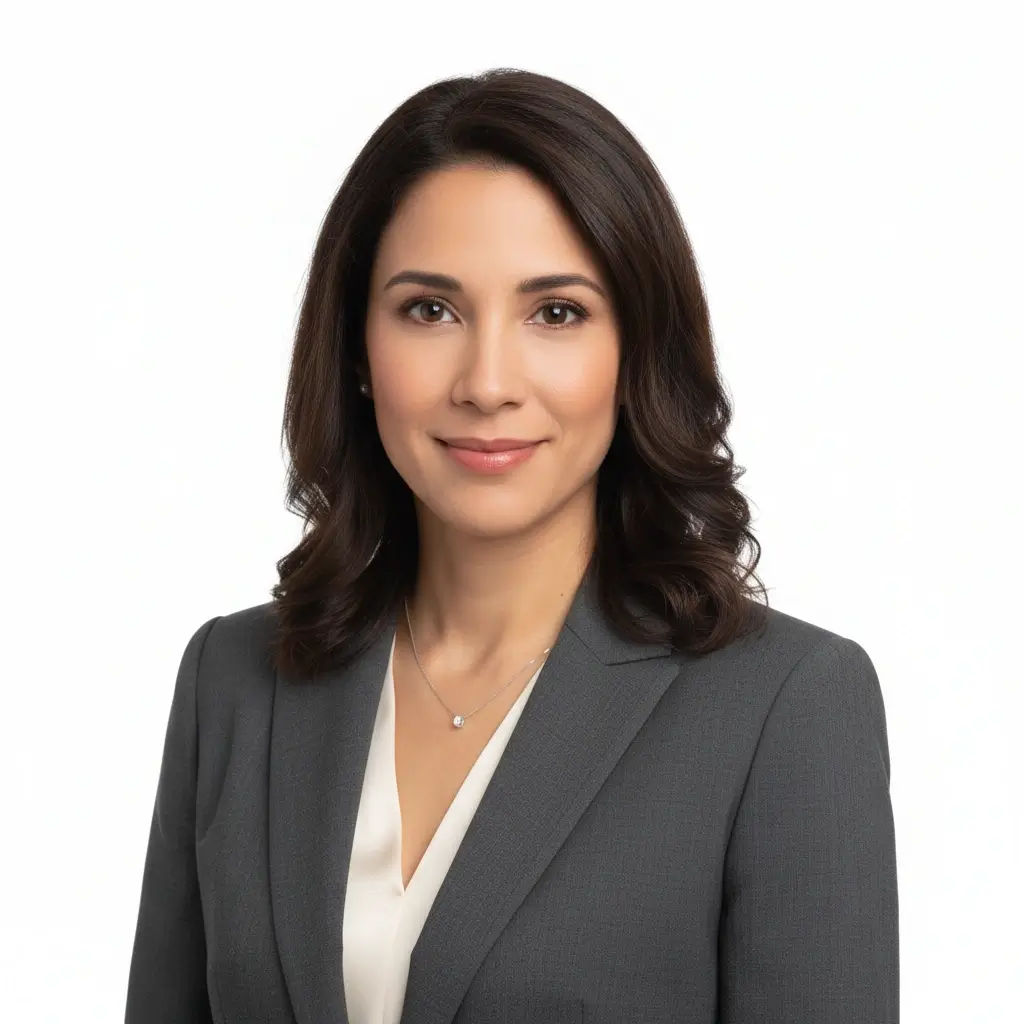
Employee Badge / Resume
Professional headshot | Plain
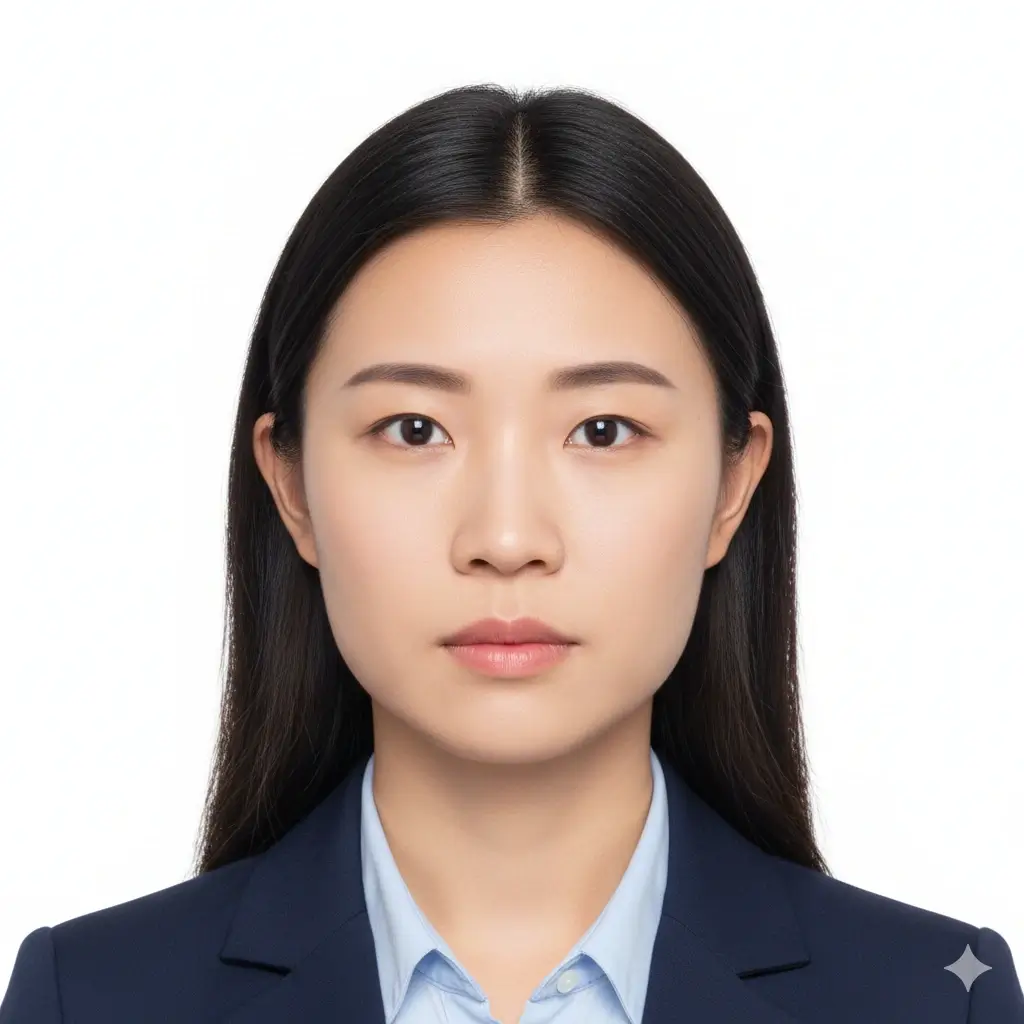
Green Card Photo
2x2 inch (51x51mm) | White

35x45mm ID Photo
35x45mm | Light gray
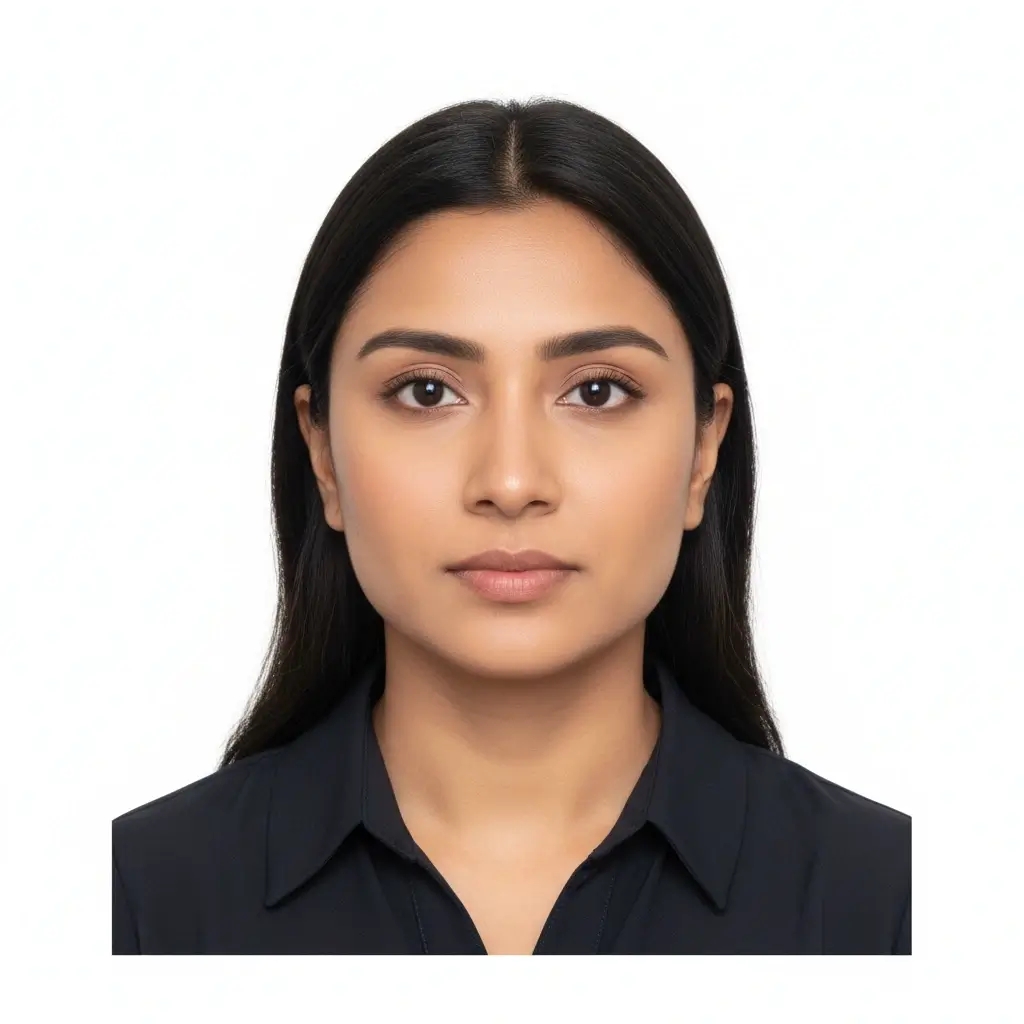
50x70mm ID Photo
50x70mm | White
You have 0 credits remaining Faça login para testar o AI ID Photo Maker
2 créditos por foto gerada
Resultado
A prévia aparecerá aqui
Envie uma foto e selecione um preset para começar.
Processando sua foto
Isso normalmente leva de 30 a 60 segundos
Analisando foto...
Dicas para melhores resultados
- Olhe diretamente para a câmera e mantenha os olhos abertos.
- Use iluminação suave e uniforme, sem sombras fortes.
- Evite chapéus, óculos escuros e fundos poluídos.
- Não altere traços faciais em fotos para documentos oficiais.
Related photo tools for specific document types
Start with the AI ID photo maker, then open a more specific page when you already know the exact document or country requirement.
Criador de foto de passaporte
Prepare uma foto estilo passaporte com fundo liso e dimensões oficiais comuns.
Abrir criador de passaporteCriador de foto tamanho passaporte
Crie fotos de tamanho passaporte e folhas prontas para impressão.
Abrir tamanho passaporteCriador de foto para carteira de motorista
Prepare um retrato estilo habilitação e revise limites do órgão antes de usar.
Criador de foto para carteira de motoristaUse official guidance whenever a government office, school, employer, or visa center has strict requirements.
Presets e Tamanhos Comuns de Foto ID com IA
Use o AI ID Photo Maker para fotos tipo passaporte, cartões estudantis, crachás ou tamanhos personalizados quando o formulário exigir medidas exatas.
| Preset | Common dimensions | Common use | Typical background |
|---|---|---|---|
AI ID PhotoBest for general online ID photo needs |
Head-and-shoulders crop | Forms, profiles, badges, internal records | White, light gray, or light blue |
Passport / Green Card PhotoUseful for US-style official photos |
2x2 inch / 51x51mm | Passport, green card, some visa photos | White or off-white |
Visa PhotoCheck the embassy or visa center instructions |
35x45mm or 2x2 inch | Visa applications and immigration documents | White or light gray |
Student ID PhotoSchool and campus card friendly |
School-specific | Student records and campus cards | Plain white, blue, or gray |
Employee Badge PhotoUseful for work badge systems |
Company-specific | Employee IDs and internal access cards | Plain and high-contrast |
Custom ID Photo SizeChoose exact output dimensions |
2x2 inch, 35x45mm, 50x70mm, 33x48mm | Country-specific IDs and custom forms | Follow the issuer requirements |
Aviso importante
Um AI ID photo maker pode ajudar no corte, fundo e formato de exportação, mas a foto final ainda precisa seguir exatamente as regras do órgão, escola, empresa ou centro de visto que fará a revisão.
Como Funciona o AI ID Photo Maker
Upload one clear portrait
Start with a recent front-facing photo where your full face is visible and the lighting is even.
Choose the right ID preset
Pick passport, visa, student ID, badge, or a custom size to match the form you need to submit.
Let AI prepare the photo
The tool cleans the background, centers the crop, and creates a file you can review before downloading.
Download digital or print-ready output
Save JPG, PNG, or PDF files for online uploads, document portals, or print sheets.
Envio Digital e Formato Pronto para Impressão
Escolha o formato de saída de acordo com a forma como você enviará sua foto ID com IA.
Foto ID Digital
Formulários online e portais de envio
Use JPG ou PNG quando órgão, portal de visto, escola ou empresa pedir um arquivo digital.
Arquivo Único para Impressão
Impressão em tamanho exato
Baixe uma imagem limpa quando precisar de apenas uma foto em dimensão específica.
Folha para Impressão
Várias cópias em uma página
Use PDF quando precisar de várias fotos em uma folha pronta para cortar.
Antes de Imprimir
Imprima em tamanho real e evite ajuste automático.
Use papel fotográfico quando uma cópia física for exigida.
Confirme se a instituição aceita impressão caseira.
Guarde também uma cópia digital para envio online, se necessário.
Requisitos, tamanhos e limites de edição para foto ID com IA
Use IA para recorte, limpeza de fundo e formato. Para documentos oficiais, mantenha o rosto natural e verifique as regras atuais antes de enviar.
Rosto frontal e nítido
Mantenha o rosto centralizado, nítido e fácil de reconhecer. Olhe diretamente para a câmera.
Fundo liso
Fundos branco, off-white, cinza claro ou azul claro são comuns dependendo do documento.
Tamanho e corte corretos
Órgãos, centros de visto, escolas e empresas podem pedir medidas e posições de cabeça diferentes.
Edição cuidadosa
Limpeza de fundo e recorte ajudam, mas evite mudanças que alterem sua identidade em documentos oficiais.
Antes de enviar a foto
Use this quick checklist before generating your final AI ID photo.
- Use a recent, front-facing portrait that still looks like you.
- Keep your full face visible from forehead to chin, with eyes open.
- Choose the preset size first, then confirm the exact ID card photo size required by your issuer.
- Use a plain white, off-white, light gray, or approved color background.
- Avoid hats, sunglasses, heavy filters, and busy backgrounds unless your issuer allows them.
- Use the Natural editing level for passports, visas, driver licenses, and other official IDs.
- Check pixel size, file size, and format before uploading to an online form.
A aceitação depende do revisor
A ferramenta ajuda a preparar requisitos comuns, mas a aceitação final depende do órgão, escola, empresa ou centro de visto que revisará a imagem.
Limite da edição com IA
Para passaportes, vistos e outros documentos oficiais, não use IA para alterar traços faciais, textura da pele, aparência de idade ou outros detalhes de identidade.
Por que usar este gerador de foto ID com IA
Fast AI workflow
Upload, choose a preset, generate, download
Upload one portrait and get a clean ID-style photo without manual crop tools or background editing software.
ID card photo size guidance
Useful for student IDs, badges, and online forms
The page keeps common size and crop reminders close to the tool so you can prepare a photo that fits the requested ID card format.
Multiple ID use cases
Passport-style, visa, student ID, badge, and profile photos
Use the same AI workflow for common ID photo needs while keeping each document's review rules separate.
Flexible downloads
JPG, PNG, and PDF output
Download a single digital image for upload portals or a print-ready layout when you need physical copies.
AI editing guardrails
Crop and cleanup without identity-changing edits
The workflow separates helpful cleanup from retouching that could make an official ID photo fail review.
Privacy-aware preparation
Prepare the file before final review
Use the tool to prepare a clean file, then compare it with the issuing authority's current instructions before submitting.
Ferramentas relacionadas de foto de identificacao
Abra um fluxo mais especifico quando o documento, tamanho ou pais ja estiver definido.
Ferramentas relacionadas de foto de identificacao
Abra um fluxo mais especifico quando o documento, tamanho ou pais ja estiver definido.
Referencias oficiais para a revisao final
Use a ferramenta para preparar o arquivo e compare a foto final com as regras atuais antes de enviar ou imprimir.
Use a ferramenta para preparar o arquivo e compare a foto final com as regras atuais antes de enviar ou imprimir.
Perguntas Frequentes sobre AI ID Photo Maker
Privacy and review reminders
Secure upload flow
Use a protected upload flow for personal ID-style photos and avoid sharing unnecessary personal documents.
Identity-safe editing
Prepare crop, background, and size without relying on edits that change who you are.
Requirement checklist
Review face visibility, background, lighting, and output format before you download or submit.
Reviewer decides
Final acceptance always depends on the agency, school, employer, or organization that reviews your photo.
Crie sua foto ID com IA online
Envie um retrato, escolha um preset, ajuste o fundo e o recorte e baixe um arquivo digital ou pronto para impressão.
AI ID photo generator for passport-style photos, visas, badges, and school IDs
White, off-white, light gray, light blue, and red background options
JPG, PNG, and PDF downloads for digital or print use
Clear reminders for official photo acceptance rules
Check the latest rules from the passport office, embassy, school, employer, DMV, or organization that will review your photo.