AI ID Photo Maker
Crea Foto Tessera Online Gratis
Carica un ritratto e crea foto con IA per passaporto, visto, badge studente, badge dipendente e profili. Pulisci lo sfondo, regola il ritaglio e scarica file digitali o pronti da stampare in pochi minuti.
Foto identificativa con IA e sfondo pulito
Preset per passaporto, visto, badge studente, badge lavoro e profilo
Download in JPG, PNG o PDF per invio digitale o stampa
Promemoria utili prima dell’invio
AI ID Photo Maker Gratis - Carica, Regola e Scarica
Carica il tuo ritratto
Carica una foto recente frontale, ben illuminata e con il volto chiaramente visibile.
Formati supportati: JPG, PNG, HEIC, WEBP
Basta un selfie nitido per iniziare.
Foto caricata
Scegli un preset AI per foto ID
Seleziona un preset per foto tipo passaporto, badge studente, badge aziendale, visto o misura personalizzata.

AI ID Photo
Plain background | Front-facing crop
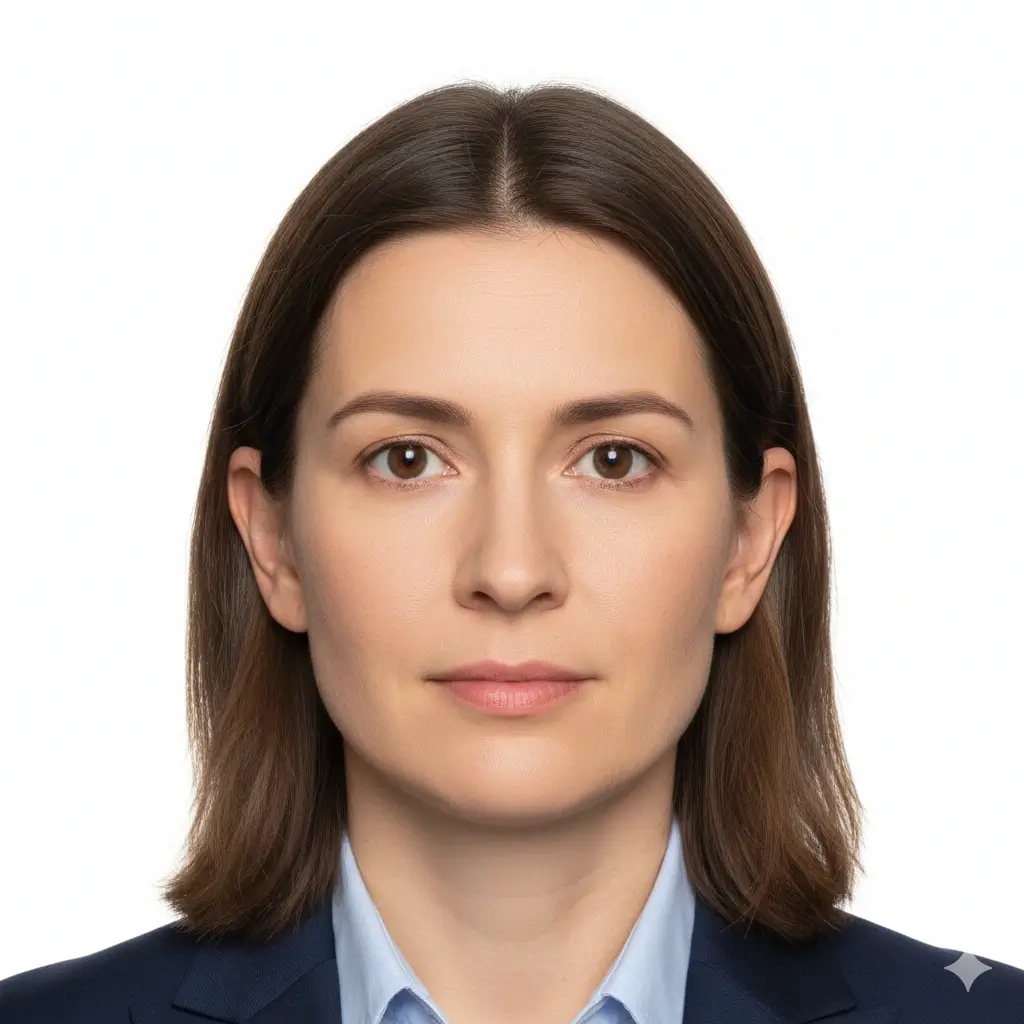
Passport Photo
2x2 inch (51x51mm) | White

Visa Photo
35x45mm or 2x2 inch | White

Student ID
Head and shoulders | Plain
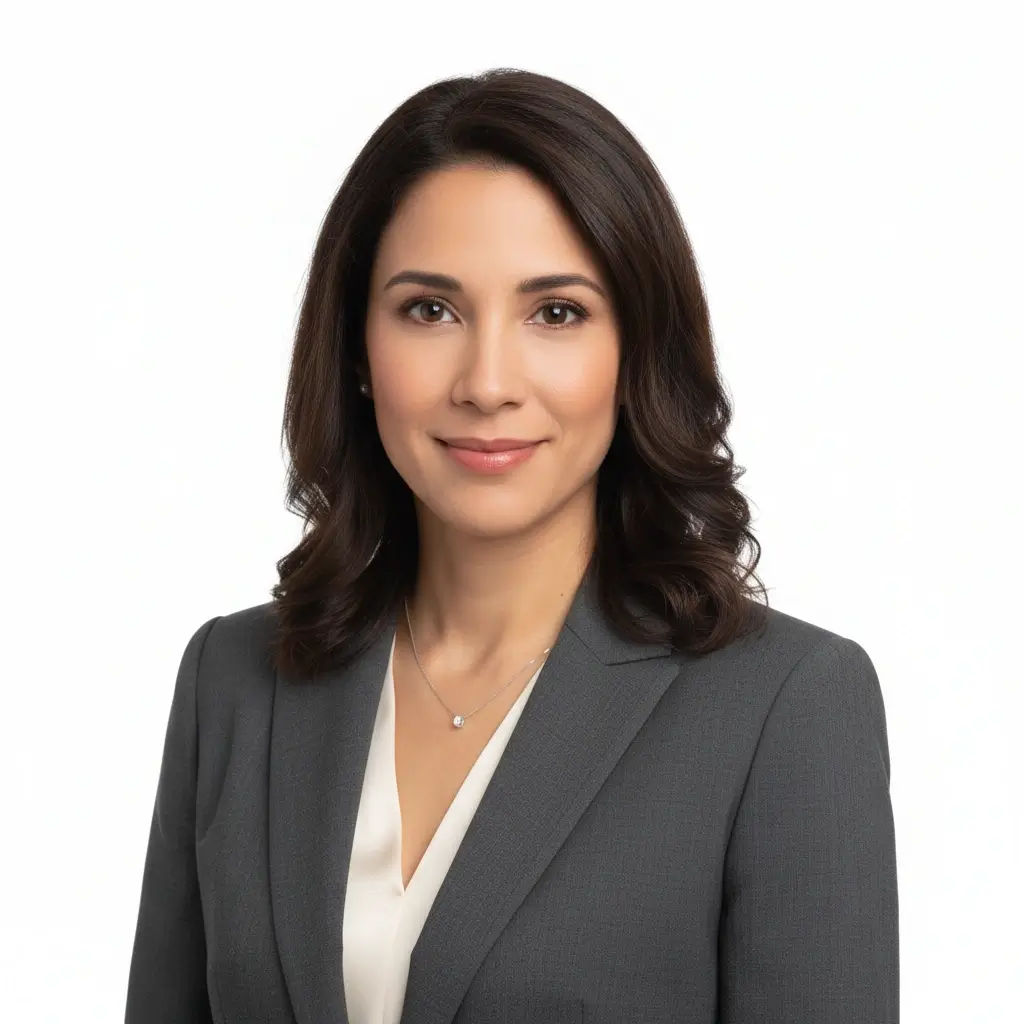
Employee Badge / Resume
Professional headshot | Plain
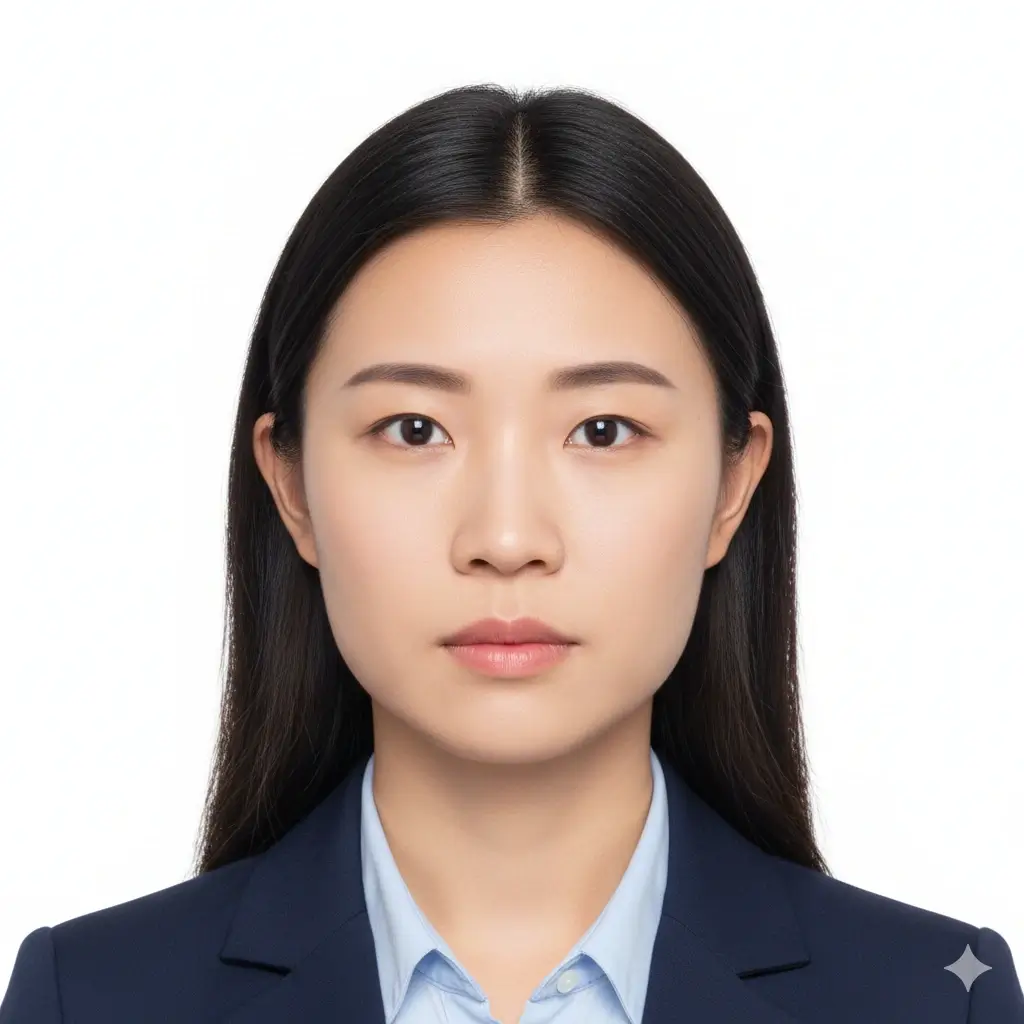
Green Card Photo
2x2 inch (51x51mm) | White

35x45mm ID Photo
35x45mm | Light gray
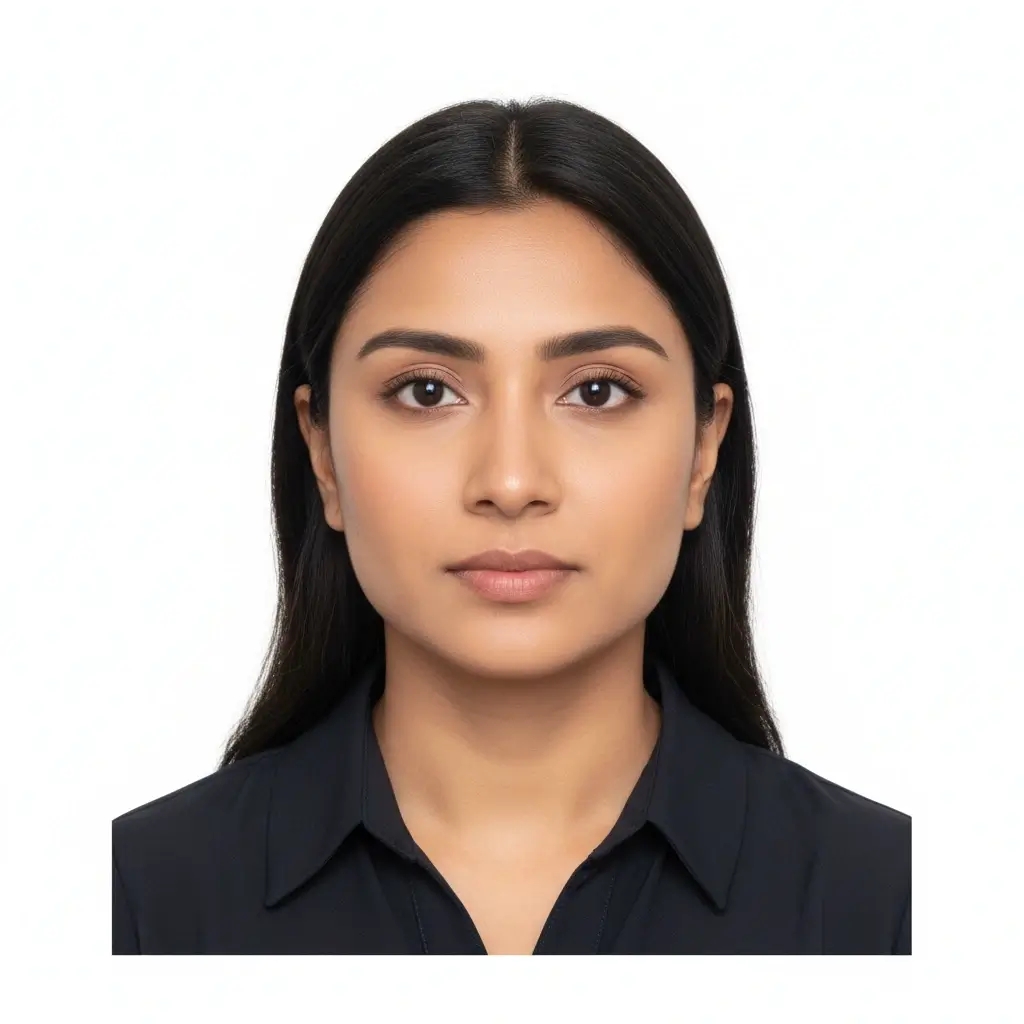
50x70mm ID Photo
50x70mm | White
You have 0 credits remaining Accedi per provare AI ID Photo Maker
2 crediti per ogni foto generata
Risultato
L’anteprima apparirà qui
Carica una foto e scegli un preset per iniziare.
Elaborazione della foto
Di solito servono 30-60 secondi
Analisi della foto...
Suggerimenti per un risultato migliore
- Guarda direttamente la fotocamera e tieni gli occhi aperti.
- Usa luce morbida e uniforme senza ombre forti.
- Evita cappelli, occhiali scuri e sfondi affollati.
- Non modificare i tratti del viso per documenti ufficiali.
Related photo tools for specific document types
Start with the AI ID photo maker, then open a more specific page when you already know the exact document or country requirement.
Creatore foto passaporto
Prepara una foto stile passaporto con sfondo semplice e dimensioni ufficiali comuni.
Apri creatore passaportoCreatore formato passaporto
Crea foto in formato passaporto e fogli pronti per la stampa.
Apri formato passaportoCreatore foto patente
Prepara un ritratto stile patente e controlla i limiti dell'ente prima dell'uso.
Creatore foto patenteUse official guidance whenever a government office, school, employer, or visa center has strict requirements.
Preset e Dimensioni Comuni per Foto ID con IA
Usa AI ID Photo Maker per foto tipo passaporto, badge studente, badge dipendente o misure personalizzate quando il modulo richiede dimensioni precise.
| Preset | Common dimensions | Common use | Typical background |
|---|---|---|---|
AI ID PhotoBest for general online ID photo needs |
Head-and-shoulders crop | Forms, profiles, badges, internal records | White, light gray, or light blue |
Passport / Green Card PhotoUseful for US-style official photos |
2x2 inch / 51x51mm | Passport, green card, some visa photos | White or off-white |
Visa PhotoCheck the embassy or visa center instructions |
35x45mm or 2x2 inch | Visa applications and immigration documents | White or light gray |
Student ID PhotoSchool and campus card friendly |
School-specific | Student records and campus cards | Plain white, blue, or gray |
Employee Badge PhotoUseful for work badge systems |
Company-specific | Employee IDs and internal access cards | Plain and high-contrast |
Custom ID Photo SizeChoose exact output dimensions |
2x2 inch, 35x45mm, 50x70mm, 33x48mm | Country-specific IDs and custom forms | Follow the issuer requirements |
Nota importante
Un AI ID photo maker può aiutarti con ritaglio, sfondo e formato di esportazione, ma la foto finale deve comunque rispettare le regole precise dell’ente, della scuola, del datore di lavoro o del centro visti che la controllerà.
Come Funziona AI ID Photo Maker
Upload one clear portrait
Start with a recent front-facing photo where your full face is visible and the lighting is even.
Choose the right ID preset
Pick passport, visa, student ID, badge, or a custom size to match the form you need to submit.
Let AI prepare the photo
The tool cleans the background, centers the crop, and creates a file you can review before downloading.
Download digital or print-ready output
Save JPG, PNG, or PDF files for online uploads, document portals, or print sheets.
Output Digitale e Formato Pronto da Stampare
Scegli il formato di output in base al modo in cui invierai la tua foto ID con IA.
Foto ID Digitale
Moduli online e portali di caricamento
Usa JPG o PNG quando ufficio, portale visti, scuola o datore di lavoro richiedono un file digitale.
File Singolo da Stampare
Stampa in dimensione esatta
Scarica un’immagine pulita quando ti serve una sola foto in una misura precisa.
Foglio Stampabile
Più copie su una sola pagina
Usa il PDF quando hai bisogno di più foto su un foglio pronto da ritagliare.
Prima di Stampare
Stampa in dimensione reale senza adattamento alla pagina.
Usa carta fotografica se serve una copia fisica.
Controlla se l’ente accetta foto stampate a casa.
Conserva anche una copia digitale in caso di upload finale.
Requisiti, dimensioni e limiti di modifica per foto ID IA
Usa l'IA per ritaglio, pulizia dello sfondo e formato. Per documenti ufficiali mantieni il volto naturale e verifica le regole aggiornate.
Volto frontale e nitido
Mantieni il viso centrato, nitido e facilmente riconoscibile. Guarda dritto verso la fotocamera.
Sfondo uniforme
Sfondo bianco, bianco sporco, grigio chiaro o azzurro chiaro sono comuni a seconda del documento.
Dimensioni e ritaglio corretti
Uffici passaporti, centri visti, scuole e aziende possono richiedere misure e posizioni diverse.
Modifiche prudenti
Pulizia dello sfondo e ritaglio aiutano, ma evita modifiche che alterino la tua identità per documenti ufficiali.
Prima del caricamento
Use this quick checklist before generating your final AI ID photo.
- Use a recent, front-facing portrait that still looks like you.
- Keep your full face visible from forehead to chin, with eyes open.
- Choose the preset size first, then confirm the exact ID card photo size required by your issuer.
- Use a plain white, off-white, light gray, or approved color background.
- Avoid hats, sunglasses, heavy filters, and busy backgrounds unless your issuer allows them.
- Use the Natural editing level for passports, visas, driver licenses, and other official IDs.
- Check pixel size, file size, and format before uploading to an online form.
L’accettazione dipende dal revisore
Lo strumento aiuta a preparare requisiti comuni, ma l’accettazione finale dipende da ufficio, scuola, azienda o centro visti che controllerà l’immagine.
Limite dell’editing IA
Per passaporti, visti e altri documenti ufficiali, non usare l’IA per modificare tratti del viso, texture della pelle, aspetto dell’età o altri dettagli identificativi.
Perché usare questo generatore di foto ID con IA
Fast AI workflow
Upload, choose a preset, generate, download
Upload one portrait and get a clean ID-style photo without manual crop tools or background editing software.
ID card photo size guidance
Useful for student IDs, badges, and online forms
The page keeps common size and crop reminders close to the tool so you can prepare a photo that fits the requested ID card format.
Multiple ID use cases
Passport-style, visa, student ID, badge, and profile photos
Use the same AI workflow for common ID photo needs while keeping each document's review rules separate.
Flexible downloads
JPG, PNG, and PDF output
Download a single digital image for upload portals or a print-ready layout when you need physical copies.
AI editing guardrails
Crop and cleanup without identity-changing edits
The workflow separates helpful cleanup from retouching that could make an official ID photo fail review.
Privacy-aware preparation
Prepare the file before final review
Use the tool to prepare a clean file, then compare it with the issuing authority's current instructions before submitting.
Strumenti correlati per foto ID
Apri un flusso piu specifico quando conosci gia documento, dimensione o paese.
Strumenti correlati per foto ID
Apri un flusso piu specifico quando conosci gia documento, dimensione o paese.
Riferimenti ufficiali per il controllo finale
Usa lo strumento per preparare il file, poi confronta la foto finale con le regole aggiornate prima di caricarla o stamparla.
Usa lo strumento per preparare il file, poi confronta la foto finale con le regole aggiornate prima di caricarla o stamparla.
FAQ su AI ID Photo Maker
Privacy and review reminders
Secure upload flow
Use a protected upload flow for personal ID-style photos and avoid sharing unnecessary personal documents.
Identity-safe editing
Prepare crop, background, and size without relying on edits that change who you are.
Requirement checklist
Review face visibility, background, lighting, and output format before you download or submit.
Reviewer decides
Final acceptance always depends on the agency, school, employer, or organization that reviews your photo.
Crea la tua foto ID con IA online
Carica un ritratto, scegli un preset, regola sfondo e ritaglio e scarica un file digitale o pronto da stampare.
AI ID photo generator for passport-style photos, visas, badges, and school IDs
White, off-white, light gray, light blue, and red background options
JPG, PNG, and PDF downloads for digital or print use
Clear reminders for official photo acceptance rules
Check the latest rules from the passport office, embassy, school, employer, DMV, or organization that will review your photo.