AI ID Photo Maker
Créer des Photos d’Identité en Ligne Gratuitement
Importez un portrait et créez des photos IA pour passeport, visa, carte étudiante, badge employé et profils. Nettoyez le fond, ajustez le cadrage et téléchargez un fichier numérique ou prêt à imprimer en quelques minutes.
Création de photo d’identité IA avec fond propre
Préréglages pour passeport, visa, carte étudiante, badge et profil
Téléchargement JPG, PNG ou PDF pour envoi numérique ou impression
Rappels utiles avant l’envoi de documents stricts
AI ID Photo Maker Gratuit - Importer, Ajuster et Télécharger
Importer votre portrait
Importez une photo récente de face, bien éclairée, avec le visage clairement visible.
Formats pris en charge : JPG, PNG, HEIC, WEBP
Un seul selfie net suffit pour commencer.
Photo importée
Choisir un préréglage IA
Sélectionnez un préréglage pour photo type passeport, carte étudiante, badge professionnel, visa ou taille personnalisée.

AI ID Photo
Plain background | Front-facing crop
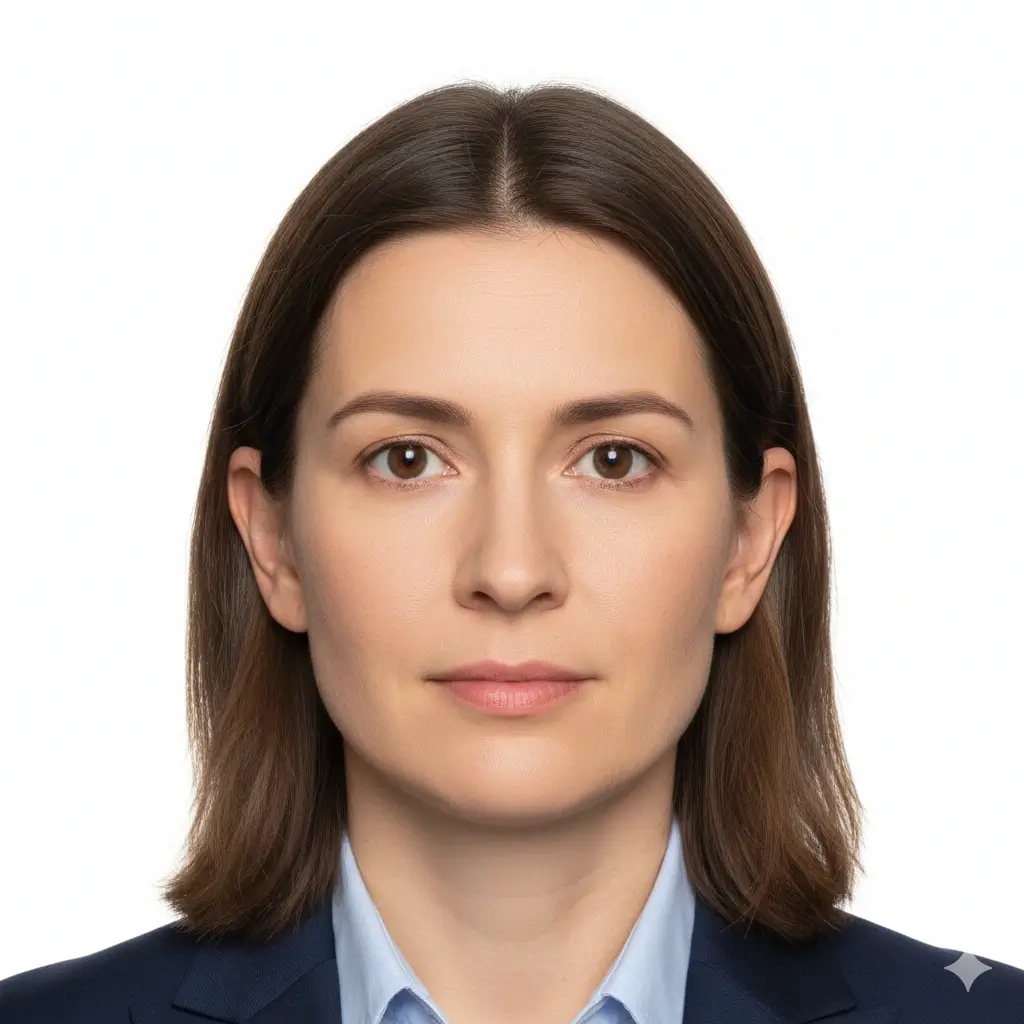
Passport Photo
2x2 inch (51x51mm) | White

Visa Photo
35x45mm or 2x2 inch | White

Student ID
Head and shoulders | Plain
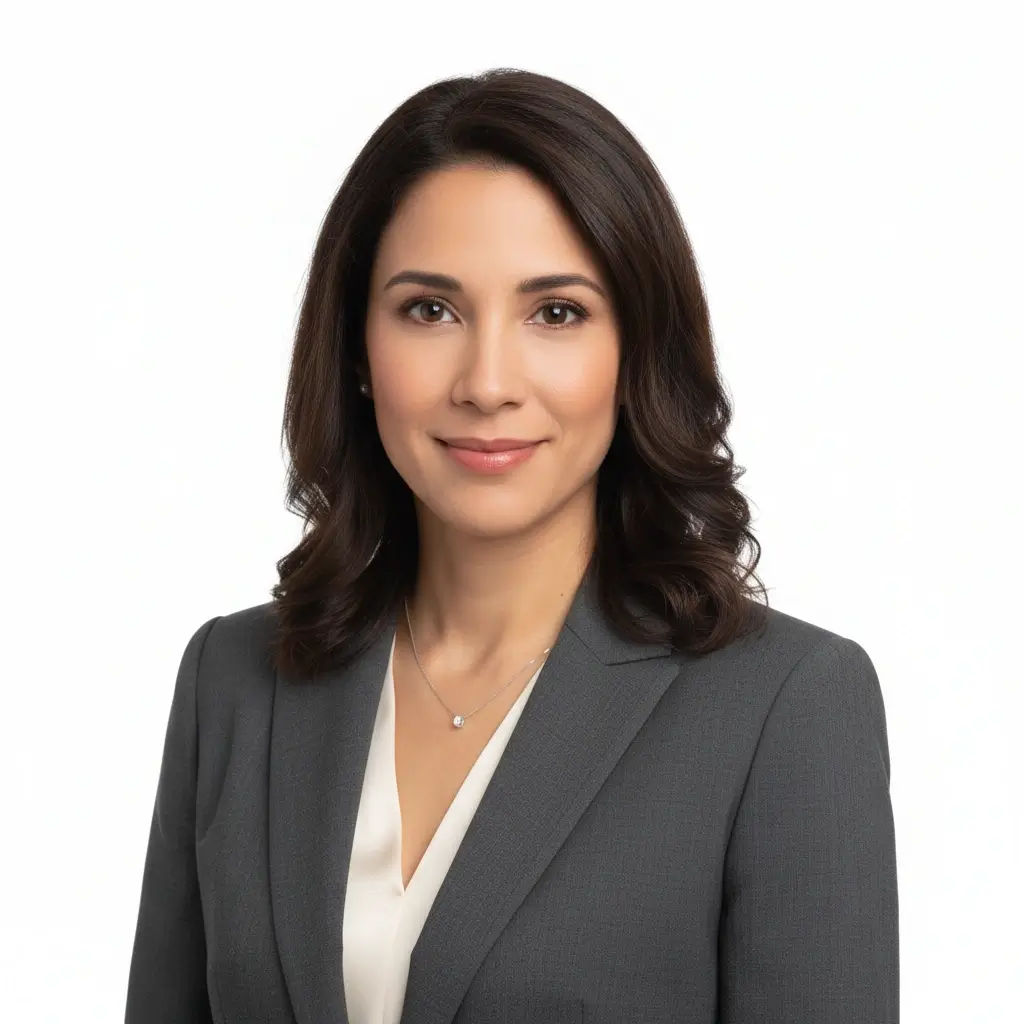
Employee Badge / Resume
Professional headshot | Plain
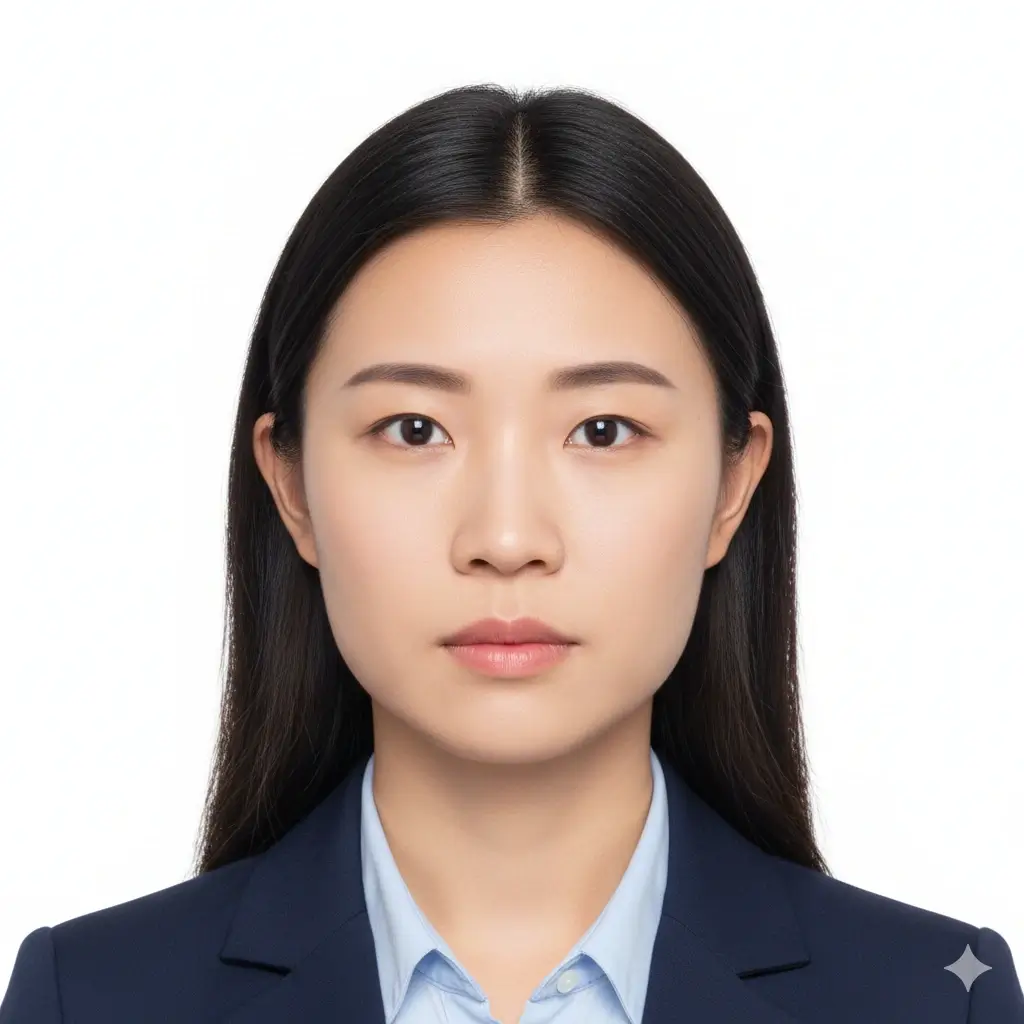
Green Card Photo
2x2 inch (51x51mm) | White
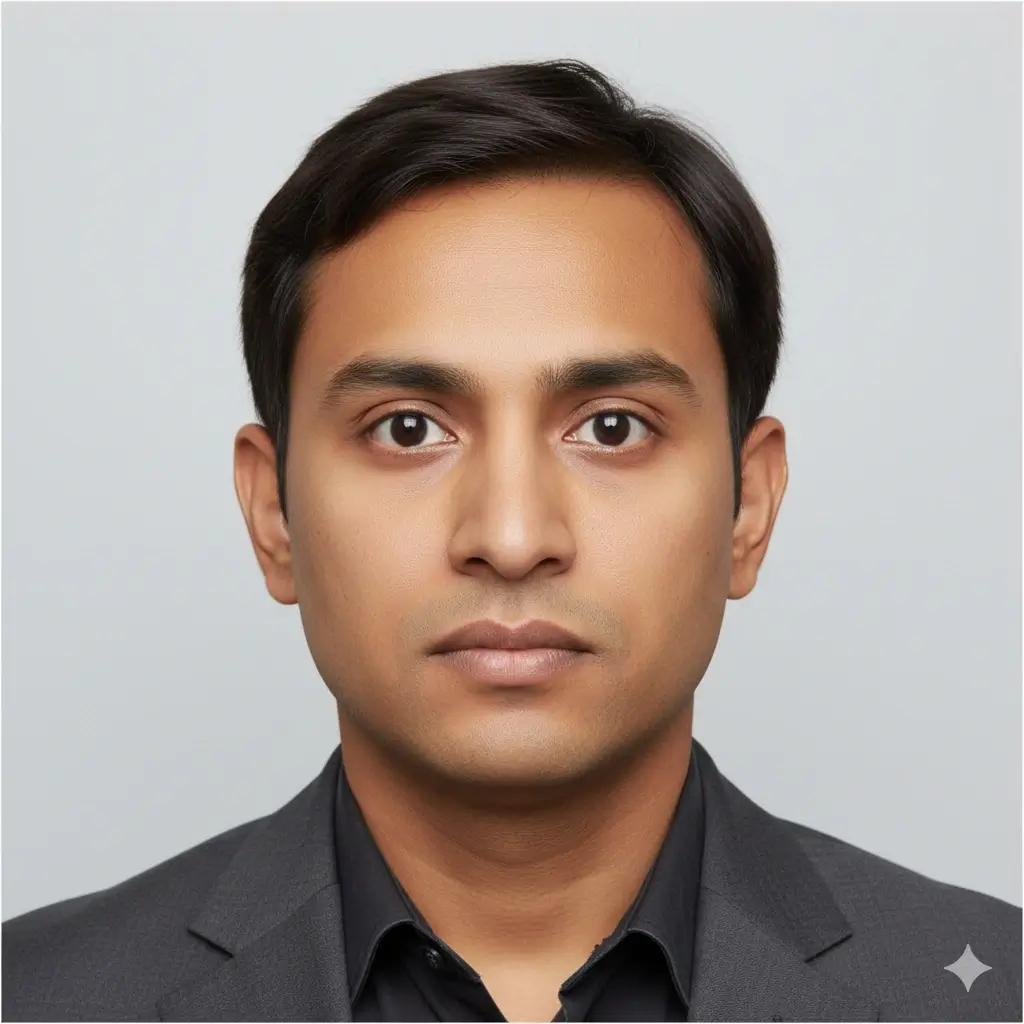
35x45mm ID Photo
35x45mm | Light gray
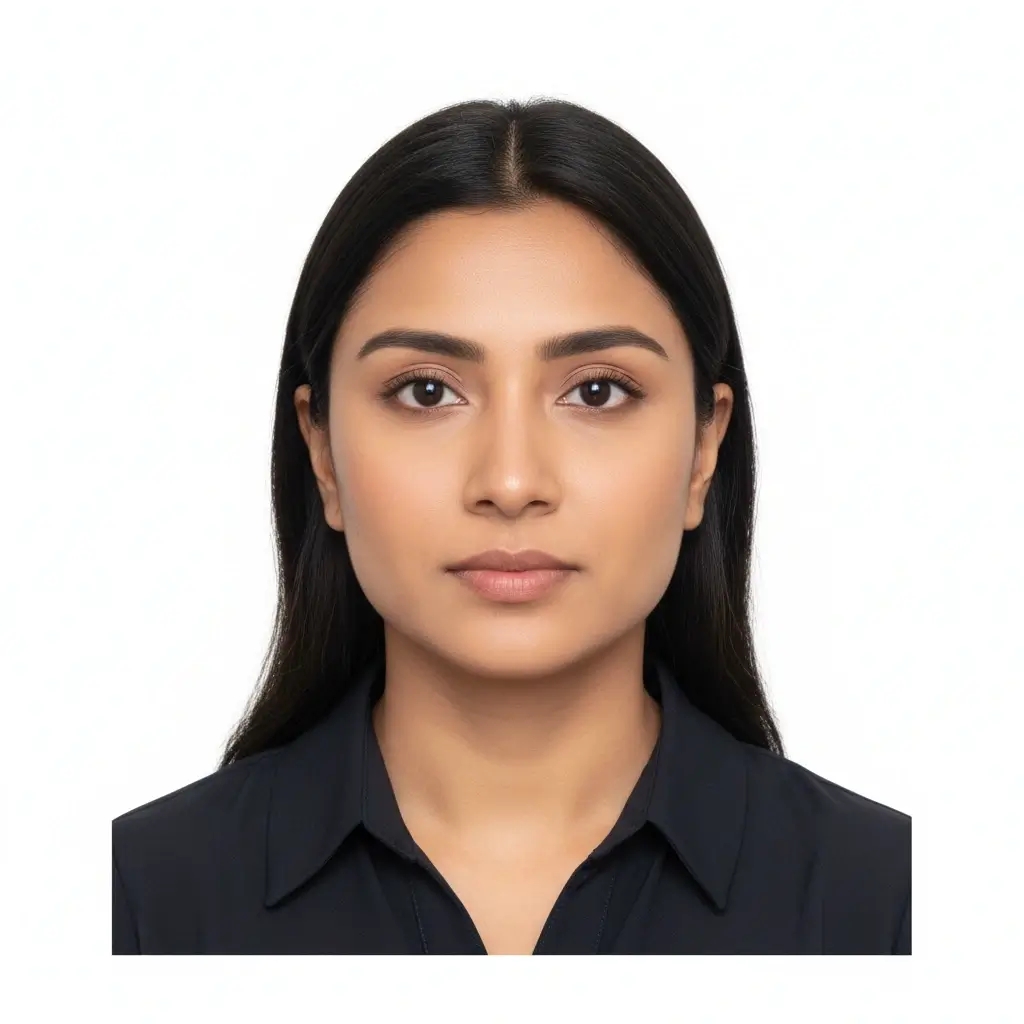
50x70mm ID Photo
50x70mm | White
You have 0 credits remaining Connectez-vous pour essayer AI ID Photo Maker
2 crédits par photo générée
Résultat
L’aperçu apparaîtra ici
Importez une photo et choisissez un préréglage pour commencer.
Traitement de votre photo
Cela prend généralement 30 à 60 secondes
Analyse de la photo...
Conseils pour de meilleurs résultats
- Regardez l’objectif directement et gardez les yeux ouverts.
- Utilisez une lumière douce et uniforme, sans ombres fortes.
- Évitez chapeaux, lunettes teintées et arrière-plans chargés.
- Ne modifiez pas les traits du visage pour les documents officiels.
Related photo tools for specific document types
Start with the AI ID photo maker, then open a more specific page when you already know the exact document or country requirement.
Créateur de photo de passeport
Préparez une photo type passeport avec fond uni et dimensions officielles courantes.
Ouvrir le créateur passeportPhoto format passeport
Créez des photos au format passeport et des feuilles prêtes à imprimer.
Ouvrir le format passeportCréateur de photo pour permis
Préparez un portrait de style permis et vérifiez les limites de l'administration avant usage.
Créateur de photo pour permisUse official guidance whenever a government office, school, employer, or visa center has strict requirements.
Préréglages IA et tailles courantes
Utilisez AI ID Photo Maker pour les photos type passeport, cartes étudiantes, badges employés ou tailles personnalisées lorsque le formulaire exige des dimensions précises.
| Preset | Common dimensions | Common use | Typical background |
|---|---|---|---|
AI ID PhotoBest for general online ID photo needs |
Head-and-shoulders crop | Forms, profiles, badges, internal records | White, light gray, or light blue |
Passport / Green Card PhotoUseful for US-style official photos |
2x2 inch / 51x51mm | Passport, green card, some visa photos | White or off-white |
Visa PhotoCheck the embassy or visa center instructions |
35x45mm or 2x2 inch | Visa applications and immigration documents | White or light gray |
Student ID PhotoSchool and campus card friendly |
School-specific | Student records and campus cards | Plain white, blue, or gray |
Employee Badge PhotoUseful for work badge systems |
Company-specific | Employee IDs and internal access cards | Plain and high-contrast |
Custom ID Photo SizeChoose exact output dimensions |
2x2 inch, 35x45mm, 50x70mm, 33x48mm | Country-specific IDs and custom forms | Follow the issuer requirements |
Remarque importante
Un AI ID photo maker peut vous aider à préparer le cadrage, le fond et le format d’export, mais la photo finale doit toujours respecter les règles exactes de l’administration, de l’école, de l’employeur ou du centre de visa qui la vérifie.
Comment fonctionne AI ID Photo Maker
Upload one clear portrait
Start with a recent front-facing photo where your full face is visible and the lighting is even.
Choose the right ID preset
Pick passport, visa, student ID, badge, or a custom size to match the form you need to submit.
Let AI prepare the photo
The tool cleans the background, centers the crop, and creates a file you can review before downloading.
Download digital or print-ready output
Save JPG, PNG, or PDF files for online uploads, document portals, or print sheets.
Téléversement numérique et format prêt à imprimer
Choisissez le type de sortie selon la façon dont vous enverrez votre photo d’identité IA.
Photo d’identité numérique
Formulaires en ligne et portails de dépôt
Utilisez JPG ou PNG lorsqu’un service, un portail visa, une école ou un employeur demande un fichier à téléverser.
Image Unique à Imprimer
Impression à taille exacte
Téléchargez une image propre lorsque vous avez besoin d’une seule photo d’identité à une taille précise.
Planche Imprimable
Plusieurs copies sur une page
Utilisez le PDF lorsque vous avez besoin de plusieurs photos sur une feuille à découper.
Avant Impression
Imprimez en taille réelle sans ajustement automatique.
Utilisez du papier photo lorsqu’une copie papier est demandée.
Vérifiez si l’organisme accepte les impressions à domicile.
Conservez aussi une copie numérique en cas de téléversement obligatoire.
Exigences, tailles et limites d'édition des photos d'identité IA
Utilisez l'IA pour recadrer, nettoyer le fond et préparer le format. Pour un document officiel, gardez le visage naturel et vérifiez les règles actuelles.
Visage net et de face
Gardez votre visage centré, net et facile à reconnaître. Regardez l’objectif avec les yeux ouverts.
Fond uni
Un fond blanc, blanc cassé, gris clair ou bleu clair est souvent demandé selon le document.
Taille et cadrage corrects
Passeport, visa, école et employeur peuvent exiger des dimensions et positions de tête différentes.
Retouche prudente
Le nettoyage du fond et le recadrage sont utiles, mais évitez toute retouche qui modifie votre identité.
Avant de téléverser
Use this quick checklist before generating your final AI ID photo.
- Use a recent, front-facing portrait that still looks like you.
- Keep your full face visible from forehead to chin, with eyes open.
- Choose the preset size first, then confirm the exact ID card photo size required by your issuer.
- Use a plain white, off-white, light gray, or approved color background.
- Avoid hats, sunglasses, heavy filters, and busy backgrounds unless your issuer allows them.
- Use the Natural editing level for passports, visas, driver licenses, and other official IDs.
- Check pixel size, file size, and format before uploading to an online form.
La décision revient au contrôleur
L’outil aide à préparer des exigences courantes, mais l’acceptation finale dépend du service, de l’école, de l’employeur ou du centre de visa qui vérifie votre image.
Limite de retouche IA
Pour passeports, visas et autres documents officiels, n’utilisez pas l’IA pour modifier les traits du visage, la texture de peau, l’âge apparent ou d’autres détails d’identité.
Pourquoi utiliser ce générateur de photo d'identité IA
Fast AI workflow
Upload, choose a preset, generate, download
Upload one portrait and get a clean ID-style photo without manual crop tools or background editing software.
ID card photo size guidance
Useful for student IDs, badges, and online forms
The page keeps common size and crop reminders close to the tool so you can prepare a photo that fits the requested ID card format.
Multiple ID use cases
Passport-style, visa, student ID, badge, and profile photos
Use the same AI workflow for common ID photo needs while keeping each document's review rules separate.
Flexible downloads
JPG, PNG, and PDF output
Download a single digital image for upload portals or a print-ready layout when you need physical copies.
AI editing guardrails
Crop and cleanup without identity-changing edits
The workflow separates helpful cleanup from retouching that could make an official ID photo fail review.
Privacy-aware preparation
Prepare the file before final review
Use the tool to prepare a clean file, then compare it with the issuing authority's current instructions before submitting.
Outils associés pour photos d'identité
Utilisez un flux plus précis lorsque le document, la taille ou le pays est déjà connu.
Outils associés pour photos d'identité
Utilisez un flux plus précis lorsque le document, la taille ou le pays est déjà connu.
Références officielles pour la vérification finale
Préparez le fichier avec l'outil, puis comparez la photo finale aux règles actuelles avant l'envoi ou l'impression.
Préparez le fichier avec l'outil, puis comparez la photo finale aux règles actuelles avant l'envoi ou l'impression.
FAQ AI ID Photo Maker
Privacy and review reminders
Secure upload flow
Use a protected upload flow for personal ID-style photos and avoid sharing unnecessary personal documents.
Identity-safe editing
Prepare crop, background, and size without relying on edits that change who you are.
Requirement checklist
Review face visibility, background, lighting, and output format before you download or submit.
Reviewer decides
Final acceptance always depends on the agency, school, employer, or organization that reviews your photo.
Créer votre photo d’identité IA en ligne
Importez un portrait, choisissez un préréglage, ajustez le fond et le cadrage, puis téléchargez un fichier numérique ou prêt à imprimer.
AI ID photo generator for passport-style photos, visas, badges, and school IDs
White, off-white, light gray, light blue, and red background options
JPG, PNG, and PDF downloads for digital or print use
Clear reminders for official photo acceptance rules
Check the latest rules from the passport office, embassy, school, employer, DMV, or organization that will review your photo.