AI ID Photo Maker
Create ID Photos Online Free
Upload one portrait and create AI ID photos for passport-style photos, visas, student IDs, employee badges, and profile use. Clean the background, adjust the crop, and download digital or print-ready files in minutes.
AI ID photo generator with plain background cleanup
Passport, visa, student ID, badge, and profile presets
Download JPG, PNG, or PDF for digital upload or printing
Official-review reminders for strict document photo rules
Free AI ID Photo Maker - Upload, Adjust, Download
Upload Your Portrait
Upload a recent front-facing photo with even lighting and a clear view of your face.
Supported: JPG, PNG, HEIC, WEBP
One clear selfie is enough to start your AI ID photo.
Uploaded photo
Choose an AI ID Photo Preset
Pick a preset for passport-style photos, school IDs, work badges, visa photos, or custom ID needs.

AI ID Photo
Plain background | Front-facing crop
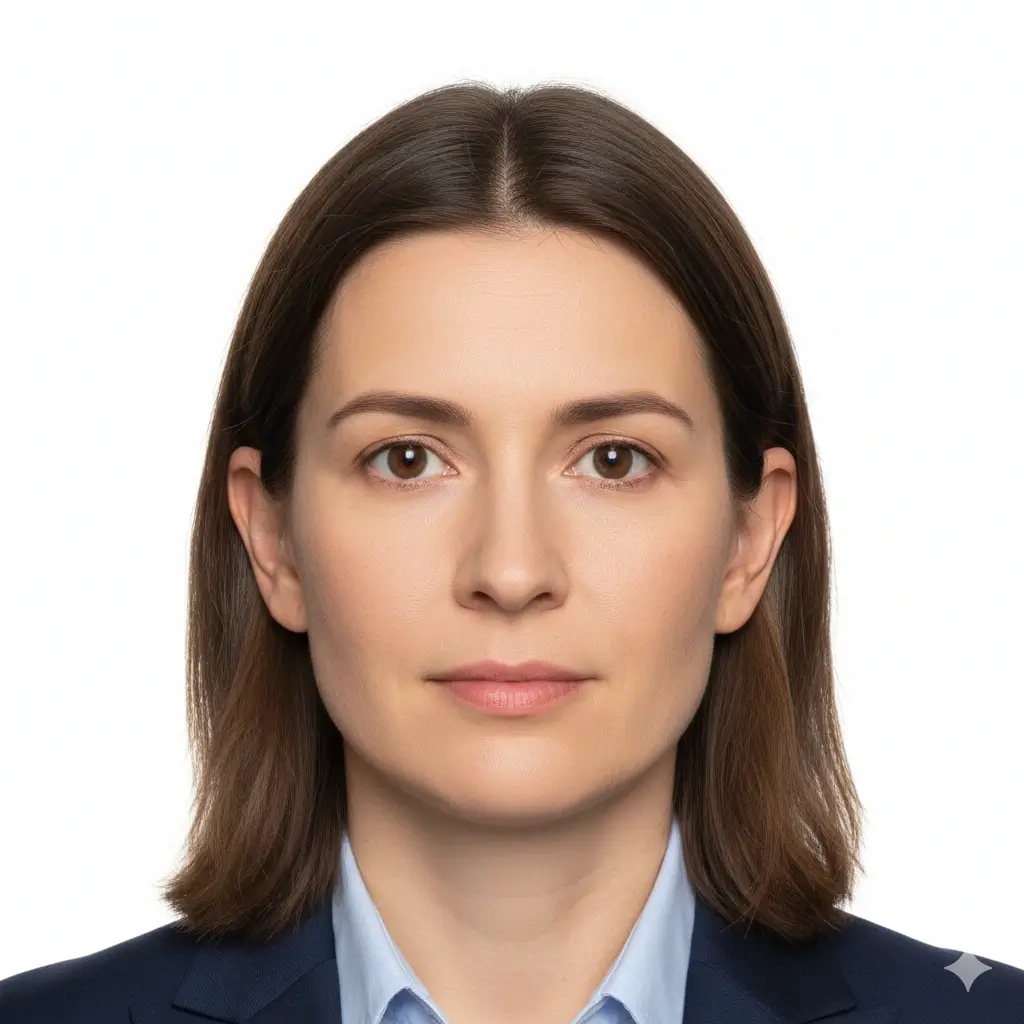
Passport Photo
2x2 inch (51x51mm) | White

Visa Photo
35x45mm or 2x2 inch | White

Student ID
Head and shoulders | Plain

Employee Badge / Resume
Professional headshot | Plain
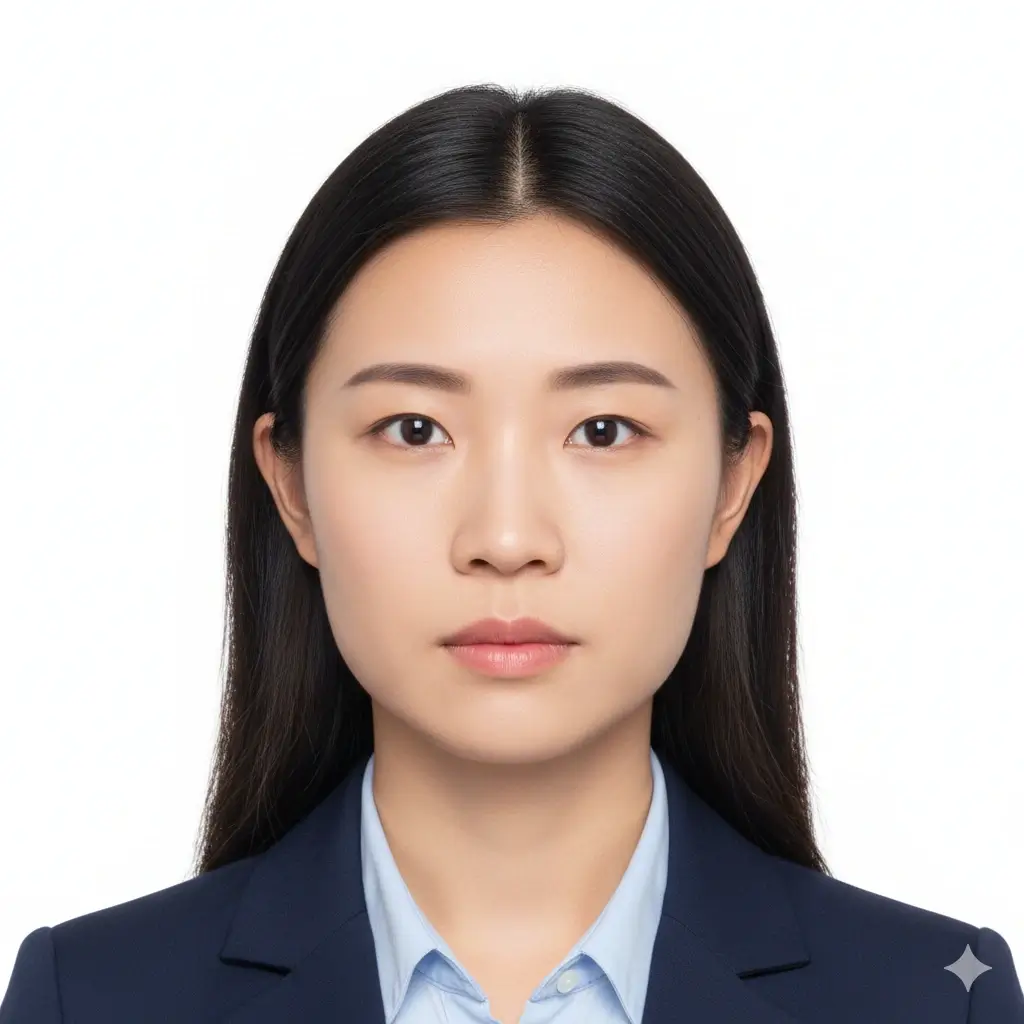
Green Card Photo
2x2 inch (51x51mm) | White

35x45mm ID Photo
35x45mm | Light gray
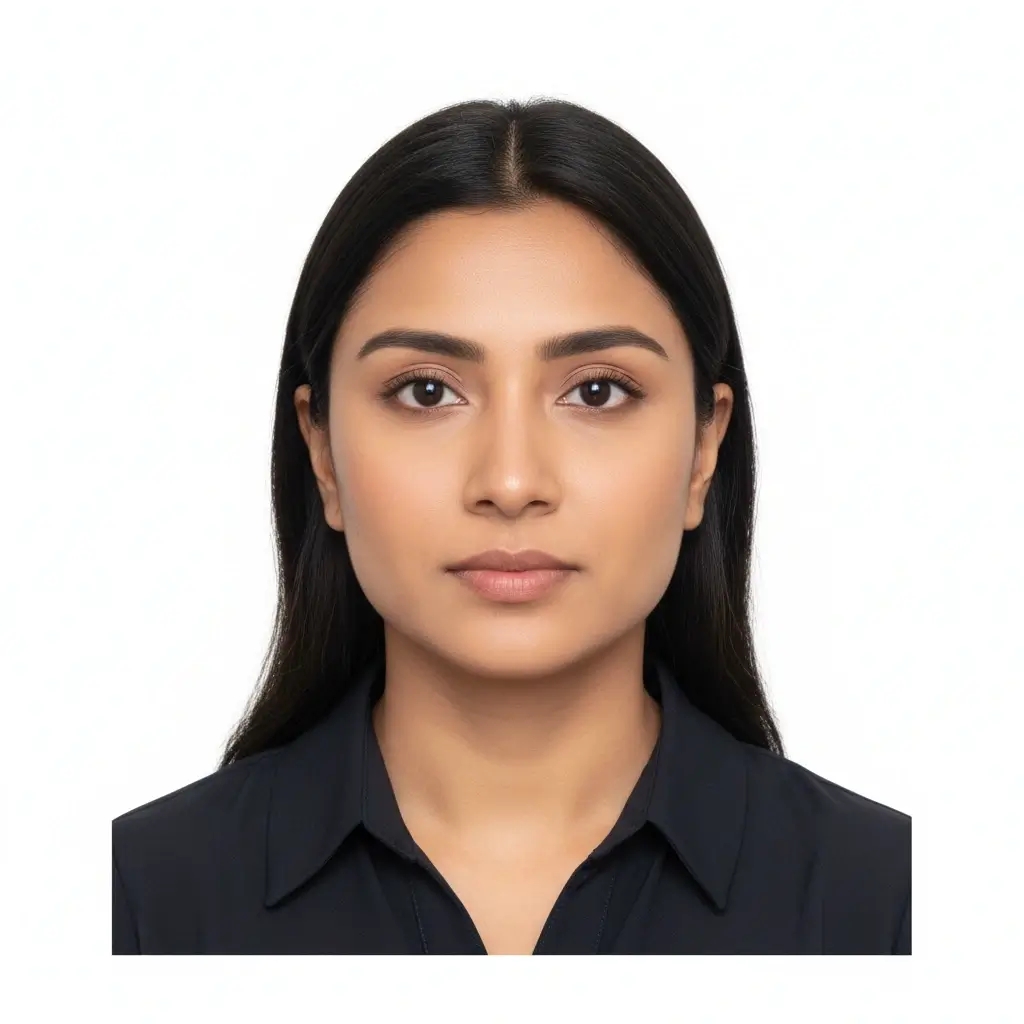
50x70mm ID Photo
50x70mm | White
You have 0 credits remaining Sign in to try the AI ID photo maker
2 credits per generated photo
Your Result
Your AI ID photo preview will appear here
Upload a portrait and select a preset to begin.
Processing Your Photo
This usually takes 30-60 seconds
Analyzing photo...
Tips for Better Results
- Face the camera directly and keep your eyes open.
- Use soft, even lighting and avoid strong shadows.
- Keep hats, tinted glasses, and busy backgrounds out of the frame.
- Do not change facial features for official document photos.
Related photo tools for specific document types
Start with the AI ID photo maker, then open a more specific page when you already know the exact document or country requirement.
Passport Photo Maker
Prepare a standard passport-style photo with plain background and common official dimensions.
Open passport photo makerPassport Size Photo Maker
Create standard passport-size photos and print-ready sheets for common submission formats.
Open passport size photo makerDriver License Photo Maker
Prepare a license-style portrait and review DMV submission limits before using it.
Driver License Photo MakerUse official guidance whenever a government office, school, employer, or visa center has strict requirements.
AI ID Photo Presets and Common Sizes
Use the AI ID photo maker for standard passport-style photos, school IDs, employee badges, or custom image sizes when a form asks for exact dimensions.
| Preset | Common dimensions | Common use | Typical background |
|---|---|---|---|
AI ID PhotoBest for general online ID photo needs |
Head-and-shoulders crop | Forms, profiles, badges, internal records | White, light gray, or light blue |
Passport / Green Card PhotoUseful for US-style official photos |
2x2 inch / 51x51mm | Passport, green card, some visa photos | White or off-white |
Visa PhotoCheck the embassy or visa center instructions |
35x45mm or 2x2 inch | Visa applications and immigration documents | White or light gray |
Student ID PhotoSchool and campus card friendly |
School-specific | Student records and campus cards | Plain white, blue, or gray |
Employee Badge PhotoUseful for work badge systems |
Company-specific | Employee IDs and internal access cards | Plain and high-contrast |
Custom ID Photo SizeChoose exact output dimensions |
2x2 inch, 35x45mm, 50x70mm, 33x48mm | Country-specific IDs and custom forms | Follow the issuer requirements |
Important note
An AI ID photo maker can help you prepare the crop, background, and export format, but the final document photo must still match the exact rules of the office, school, employer, or visa center that reviews it.
How the AI ID Photo Maker Works
Upload one clear portrait
Start with a recent front-facing photo where your full face is visible and the lighting is even.
Choose the right ID preset
Pick passport, visa, student ID, badge, or a custom size to match the form you need to submit.
Let AI prepare the photo
The tool cleans the background, centers the crop, and creates a file you can review before downloading.
Download digital or print-ready output
Save JPG, PNG, or PDF files for online uploads, document portals, or print sheets.
Digital Upload and Print-Ready Output
Choose the output type that matches how you will submit your AI ID photo.
Digital ID Photo
Online forms and upload portals
Use JPG or PNG when a passport office, visa portal, school, or employer asks for an online upload file.
Single Print File
Exact-size photo printing
Download a clean single image when you need one ID photo at a precise size.
Printable Sheet
Multiple copies on one page
Use PDF output when you need several ID photos on a printable sheet for cutting.
Before You Print
Print at actual size and avoid fit-to-page scaling.
Use photo paper when a physical photo is required.
Check whether the reviewing office accepts home-printed photos.
Keep a digital copy in case the final application needs an upload file.
AI ID Photo Requirements, Sizes, and Editing Limits
Use AI for crop, background cleanup, and output format. For official documents, keep your face natural and verify the latest size and background rules before submitting.
Clear front-facing face
Keep your face centered, sharp, and easy to recognize. Look straight at the camera with eyes open.
Plain background
White, off-white, light gray, or light blue backgrounds are common depending on the document type.
Correct size and crop
Passport offices, visa centers, schools, and employers may all ask for different sizes and head positions.
Careful editing
Background cleanup and crop adjustments are useful. Avoid edits that change your identity for official documents.
Before You Upload
Use this quick checklist before generating your final AI ID photo.
- Use a recent, front-facing portrait that still looks like you.
- Keep your full face visible from forehead to chin, with eyes open.
- Choose the preset size first, then confirm the exact ID card photo size required by your issuer.
- Use a plain white, off-white, light gray, or approved color background.
- Avoid hats, sunglasses, heavy filters, and busy backgrounds unless your issuer allows them.
- Use the Natural editing level for passports, visas, driver licenses, and other official IDs.
- Check pixel size, file size, and format before uploading to an online form.
Acceptance depends on the reviewer
This tool helps you prepare common ID-style photo requirements. Final acceptance depends on the passport office, embassy, school, employer, DMV, or other organization that reviews your image.
AI editing limit
For passports, visas, driver licenses, and similar official IDs, do not use AI edits or retouching to change facial features, skin texture, age appearance, or other identity details.
Why use this AI ID photo generator
Fast AI workflow
Upload, choose a preset, generate, download
Upload one portrait and get a clean ID-style photo without manual crop tools or background editing software.
ID card photo size guidance
Useful for student IDs, badges, and online forms
The page keeps common size and crop reminders close to the tool so you can prepare a photo that fits the requested ID card format.
Multiple ID use cases
Passport-style, visa, student ID, badge, and profile photos
Use the same AI workflow for common ID photo needs while keeping each document's review rules separate.
Flexible downloads
JPG, PNG, and PDF output
Download a single digital image for upload portals or a print-ready layout when you need physical copies.
AI editing guardrails
Crop and cleanup without identity-changing edits
The workflow separates helpful cleanup from retouching that could make an official ID photo fail review.
Privacy-aware preparation
Prepare the file before final review
Use the tool to prepare a clean file, then compare it with the issuing authority's current instructions before submitting.
Related ID photo tools
Open a narrower workflow when the document type, size, or country requirement is already known.
Related ID photo tools
Open a narrower workflow when the document type, size, or country requirement is already known.
Official references for final checks
Use the tool to prepare the file, then compare the final photo with the current authority guidance before uploading or printing.
Use the tool to prepare the file, then compare the final photo with the current authority guidance before uploading or printing.
AI ID Photo Maker FAQ
Privacy and review reminders
Secure upload flow
Use a protected upload flow for personal ID-style photos and avoid sharing unnecessary personal documents.
Identity-safe editing
Prepare crop, background, and size without relying on edits that change who you are.
Requirement checklist
Review face visibility, background, lighting, and output format before you download or submit.
Reviewer decides
Final acceptance always depends on the agency, school, employer, or organization that reviews your photo.
Create your AI ID photo online
Upload a portrait, choose an ID photo preset, adjust the background and crop, then download a digital or print-ready file.
AI ID photo generator for passport-style photos, visas, badges, and school IDs
White, off-white, light gray, light blue, and red background options
JPG, PNG, and PDF downloads for digital or print use
Clear reminders for official photo acceptance rules
Check the latest rules from the passport office, embassy, school, employer, DMV, or organization that will review your photo.