Passport Size Photo Maker
Online
Use this passport size photo maker online to upload a clear portrait, choose a common size such as 2x2 inch, 35x45mm, or 50x70mm, set a plain background, and download a passport size photo for digital use or printing.
Make passport size photo files from a phone or desktop portrait
Choose presets for 2x2 inch, 35x45mm, 50x70mm, and 33x48mm photos
Create passport size photo results with white, light grey, or light blue backgrounds
Download a single image or a PDF layout for quick printing
Passport Size Photo Maker Online
Start with the size first. Upload a portrait, pick a passport size photo preset, adjust the background, and generate a download-ready result.
Upload Your Photo
Choose a recent, front-facing portrait with even lighting.
Supported: JPG, PNG, WEBP, HEIC
or drag a portrait here
Uploaded portrait
Choose Passport Size Photo Preset
Select the format that matches your application checklist. You can also use the photo size settings below when you need a different dimension.
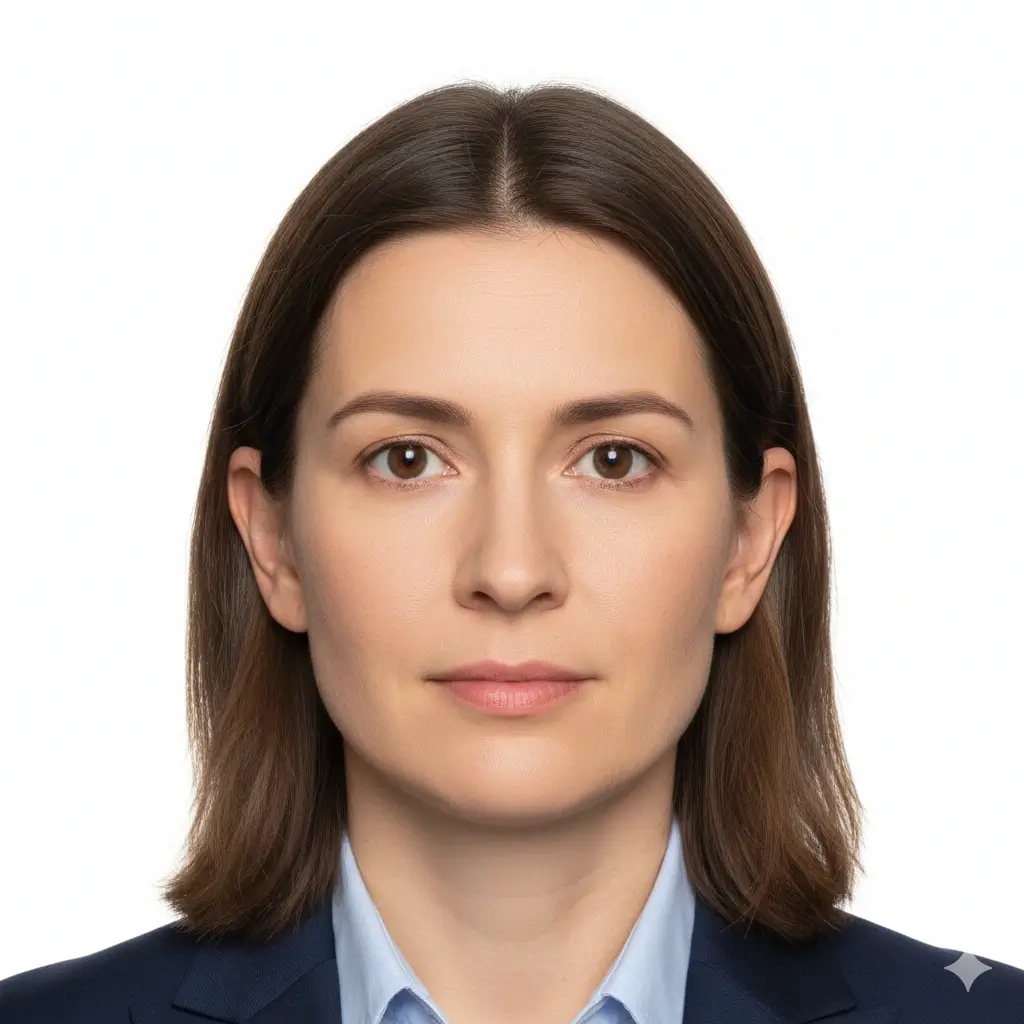
2x2 Inch Photo
51x51mm | US-style passport size
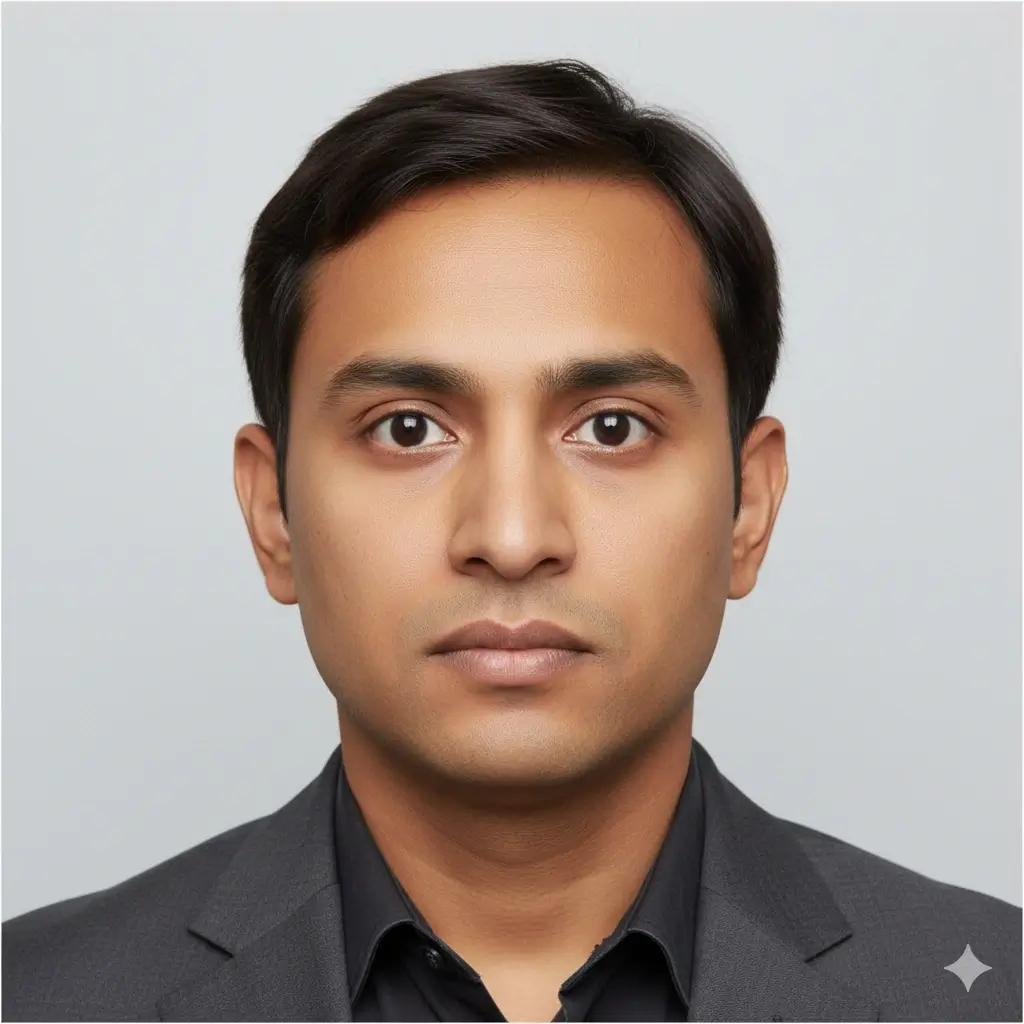
35x45mm Photo
Common UK, Europe, Japan size
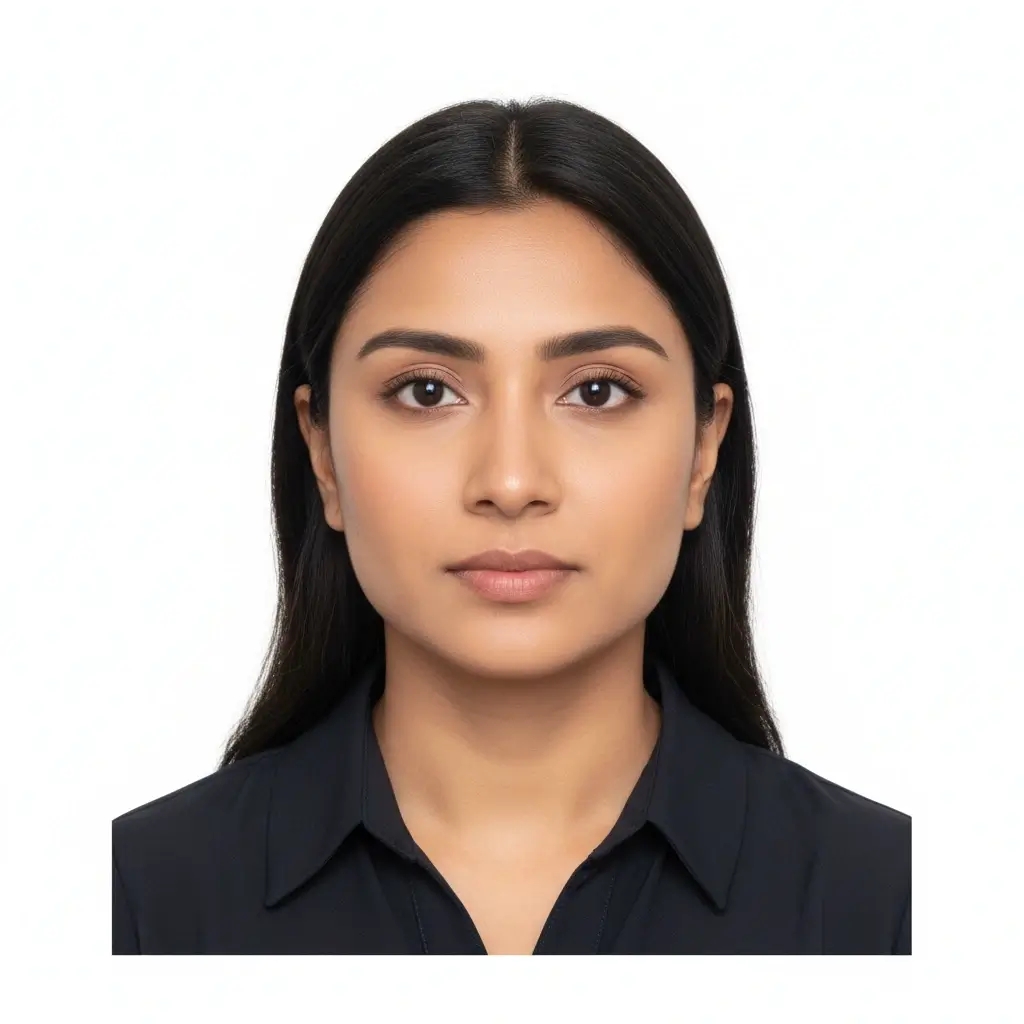
50x70mm Photo
Canada passport size reference

Visa Size Photo
35x45mm | Schengen-style use
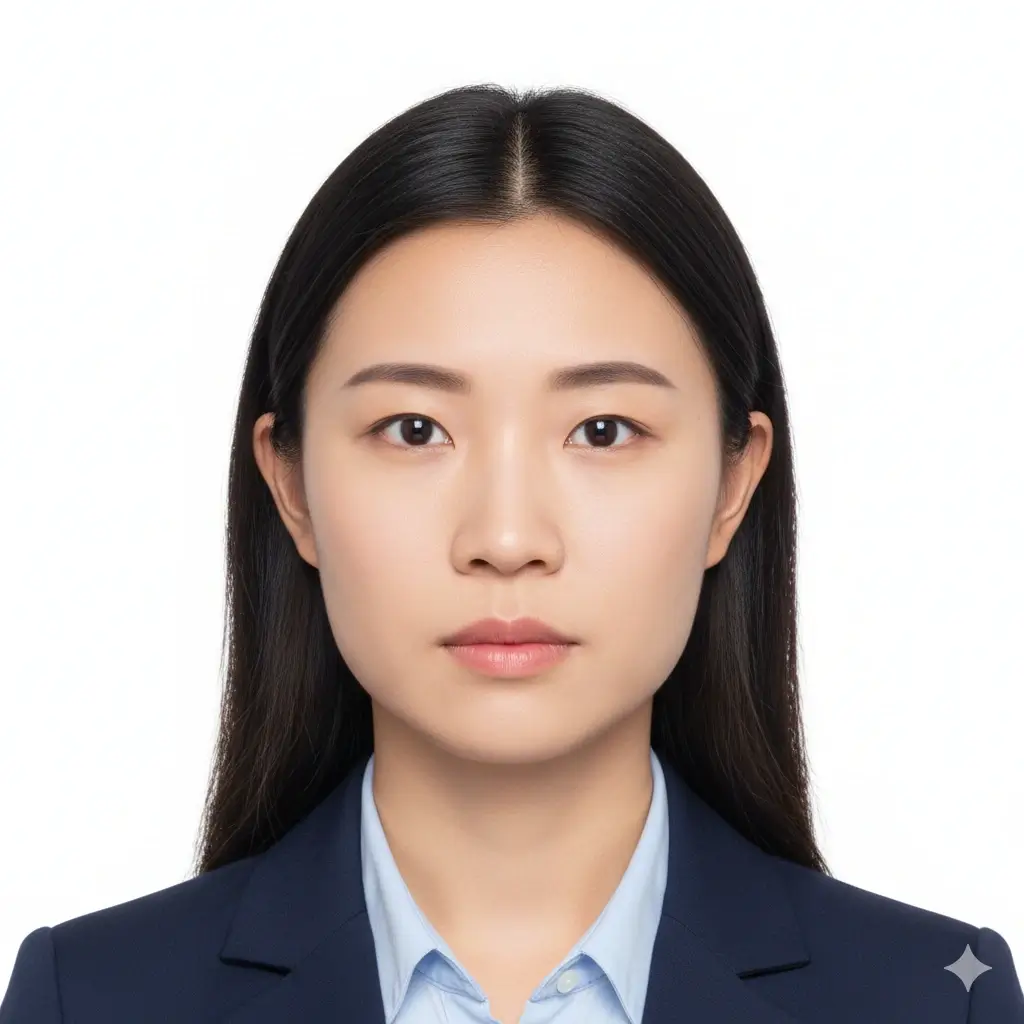
Square ID Photo
2x2 inch | US visa and ID use
Custom ID Photo
Useful when your checklist gives exact size
Size and Background Settings
Fine-tune the passport size photo maker when the preset is close but your form asks for a specific photo size or background.
Use this when your application checklist gives an exact width and height.
Allowed range: width 20-80mm, height 20-90mm. PDF print layout will use this physical size.
You have 0 credits remaining Sign in to use the passport size photo maker
2 credits per generated passport size photo
Passport Size Photo Result
Your passport size photo preview will appear here
Upload a photo and choose a size preset to begin.
Preparing Passport Size Photo
This usually takes 30-60 seconds.
Analyzing photo...
Tips Before You Generate
- Use a recent portrait with your full face visible.
- Face the camera directly and keep both eyes open.
- Avoid heavy shadows, beauty filters, hats, and tinted glasses.
- Check the official size and background rules before submission.
Common Passport Size Photo Presets
A passport size photo is not one universal size. Use this table to choose a practical starting point, then confirm the latest official checklist for your country, visa center, or document type.
| Preset | Dimensions | Common Use | Background |
|---|---|---|---|
US 2x2Square passport size photo |
2 x 2 inch / 51 x 51 mm | US passport, US visa, Green Card style photos | White or off-white |
UK 35x45Rectangular passport size photo |
35 x 45 mm | UK passport printed photos and many ID forms | Light grey or cream |
Schengen-styleCommon visa photo preset |
35 x 45 mm | Many Schengen visa and European application checklists | Plain light background |
Japan PassportCommon Japan passport format |
35 x 45 mm | Japan passport application photo reference | White recommended |
Canada PassportLarge passport photo preset |
50 x 70 mm | Canada passport photo size reference | White or light-colored |
Custom SizeUse exact checklist dimensions |
User-selected preset | Applications that list exact width, height, or print requirements | Match the checklist |
Use presets as a starting point, not a guarantee
Passport and visa rules can vary by country, application channel, and update date. Some authorities also restrict retouching, filters, home printing, or AI-edited images. Always compare your final passport size photo with the current official requirements before you upload or print it.
How to Make Passport Size Photo Online
Upload a Clear Portrait
Start with a recent phone or camera photo. The passport size photo maker works best when your face is centered, sharp, and evenly lit.
Select the Photo Size
Choose 2x2 inch, 35x45mm, 50x70mm, or another passport size photo preset based on the document checklist you are following.
Adjust Crop and Background
Set a plain background and review the crop so the head, shoulders, and face position look suitable for the selected passport size photo format.
Download or Print
Save the passport size photo online as PNG, JPG, or PDF. Use a single image for digital upload or a print layout when you need physical copies.
Download a Passport Size Photo for Digital or Print Use
The right output depends on what you need next. Some users need a digital passport size photo for upload, while others need a printable sheet for a local print shop or home printer.
PNG Passport Size Photo
Best for clean digital quality
PNG keeps edges and background areas crisp. It is useful when you want a high-quality passport size photo online before converting, printing, or storing a backup copy.
JPG Passport Size Photo
Best for easy upload and sharing
JPG is widely supported by application forms, email, and mobile devices. Choose it when your form accepts common image files and file size matters.
PDF Print Layout
Best for printing copies
PDF output helps when you want to print a passport size photo on a standard page. Measure the printed result before submission because printer scaling can change dimensions.
Passport Size Photo Printing Checks
Disable fit-to-page scaling when exact physical dimensions matter.
Use photo paper or a reliable print shop for sharper results.
Measure one printed copy before cutting the sheet.
Keep a digital backup so you can print extra copies later.
For 4x6 print, keep scaling at 100% and measure one photo before cutting the sheet.
For 4x6 print, keep scaling at 100% and measure one photo before cutting the sheet.
For 4x6 print, keep scaling at 100% and measure one photo before cutting the sheet.
What a Good Passport Size Photo Needs
A useful passport size photo generator should help with size, crop, background, and download format. Final approval still depends on the authority reviewing your application.
Correct Photo Size
Choose the passport size photo dimensions that match your country or application checklist, such as 2x2 inch, 35x45mm, or 50x70mm.
Centered Face
Your face should be front-facing, clearly visible, and positioned with enough head and shoulder space for the selected crop.
Plain Background
Many passport size photo rules ask for a white, off-white, light grey, or plain light background without texture or shadows.
No Heavy Editing
Avoid beauty filters, face reshaping, skin retouching, or AI changes that alter appearance. Some official sources reject modified photos.
Quick Checklist Before Download
Review these points before you use the passport size photo maker result for a real document.
- Confirm the required width and height from the latest official application page.
- Use a recent photo that reflects your current appearance.
- Keep both eyes open and look directly at the camera.
- Remove busy backgrounds, strong shadows, and objects behind your head.
- Choose clothing that contrasts with the background and does not cover your face.
- Check whether the authority allows home printing, digital uploads, or edited photos.
- Confirm whether your form lists the photo size in mm, cm, inch, pixels, or file-size limits before download.
- Confirm whether your form lists the photo size in mm, cm, inch, pixels, or file-size limits before download.
- Confirm whether your form lists the photo size in mm, cm, inch, pixels, or file-size limits before download.
Passport size photo rules are document-specific
The same person may need different photo sizes for a passport, visa, residence card, school ID, or online form. Use this page to prepare the file, then compare the final image with the current official instructions.
Submission reminder
No online passport size photo maker can guarantee acceptance. Government agencies, visa centers, and identity providers make the final decision based on their own current rules.
Why Use This Passport Size Photo Maker
Built Around Passport Size Photo Intent
Size first, then crop and background
Many users search for a passport size photo maker because they already know they need a specific dimension. This page puts photo size presets before long explanations so you can start with the format that matters.
Online Passport Size Photo Workflow
No desktop software required
You can create passport size photo files from your browser. Upload a portrait, choose a size, generate the result, and download a file that is easier to review, share, or print.
Common Presets plus Flexible Options
Useful for many passport, visa, and ID forms
The passport size photo generator supports common formats such as 2x2 inch, 35x45mm, and 50x70mm. If your checklist asks for a different size, start with the closest preset and review the output carefully.
Practical Download Choices
Digital image or print-ready file
Some applications ask for an upload, while others need physical copies. Download PNG or JPG for digital use, or use PDF when you want to print a passport size photo sheet.
4x6 Print Sheet Support
Multiple copies without re-cropping
Use a print-ready layout when you need several passport size photos on one sheet, then verify the printed measurements before submission.
4x6 Print Sheet Support
Multiple copies without re-cropping
Use a print-ready layout when you need several passport size photos on one sheet, then verify the printed measurements before submission.
4x6 Print Sheet Support
Multiple copies without re-cropping
Use a print-ready layout when you need several passport size photos on one sheet, then verify the printed measurements before submission.
Related ID photo tools
Open a narrower workflow when the document type, size, or country requirement is already known.
Related ID photo tools
Open a narrower workflow when the document type, size, or country requirement is already known.
Official references for final checks
Use the tool to prepare the file, then compare the final photo with the current authority guidance before uploading or printing.
Use the tool to prepare the file, then compare the final photo with the current authority guidance before uploading or printing.
Passport Size Photo Maker FAQ
Prepare Passport Size Photos With Clear Limits
Secure Upload Flow
Use the same account and upload flow already used across AI ID Photo Maker.
Size-Focused Presets
Start with common passport size photo dimensions instead of guessing the crop.
Multiple Downloads
Keep a PNG, JPG, or PDF depending on whether you need digital upload or printing.
Final Review
Preview the result and compare it with official guidance before you submit.
Create a Passport Size Photo Online
Upload your portrait, select the passport size photo preset you need, and download a file for review, upload, or printing.
Choose common sizes like 2x2 inch, 35x45mm, and 50x70mm
Set a plain white, light grey, or light blue background
Download PNG, JPG, or PDF output
Review official requirements before final submission
Final approval depends on the current rules of the passport office, visa center, or document provider.