
Malaysia Passport Photo Size
35x50mm Maker & Requirements
Prepare a clean 35x50mm portrait, export a digital or print-ready file, and understand an important rule before you submit: most adult Malaysian passport applicants are photographed live at the Immigration office, while children below four may bring a printed photo that follows the published specifications.
Malaysia Passport Photo Maker — 35x50mm
Upload a front-facing portrait. The custom physical size starts at 35mm wide by 50mm high; review the crop and keep a plain white background when you are preparing the published child-photo format.
Upload Your Photo
Choose a recent, front-facing portrait with even lighting.
Supported: JPG, PNG, WEBP, HEIC
or drag a portrait here
Uploaded portrait
Choose Passport Size Photo Preset
Select the passport size photo format that matches your application checklist, or enter a different exact dimension when the form requires it.
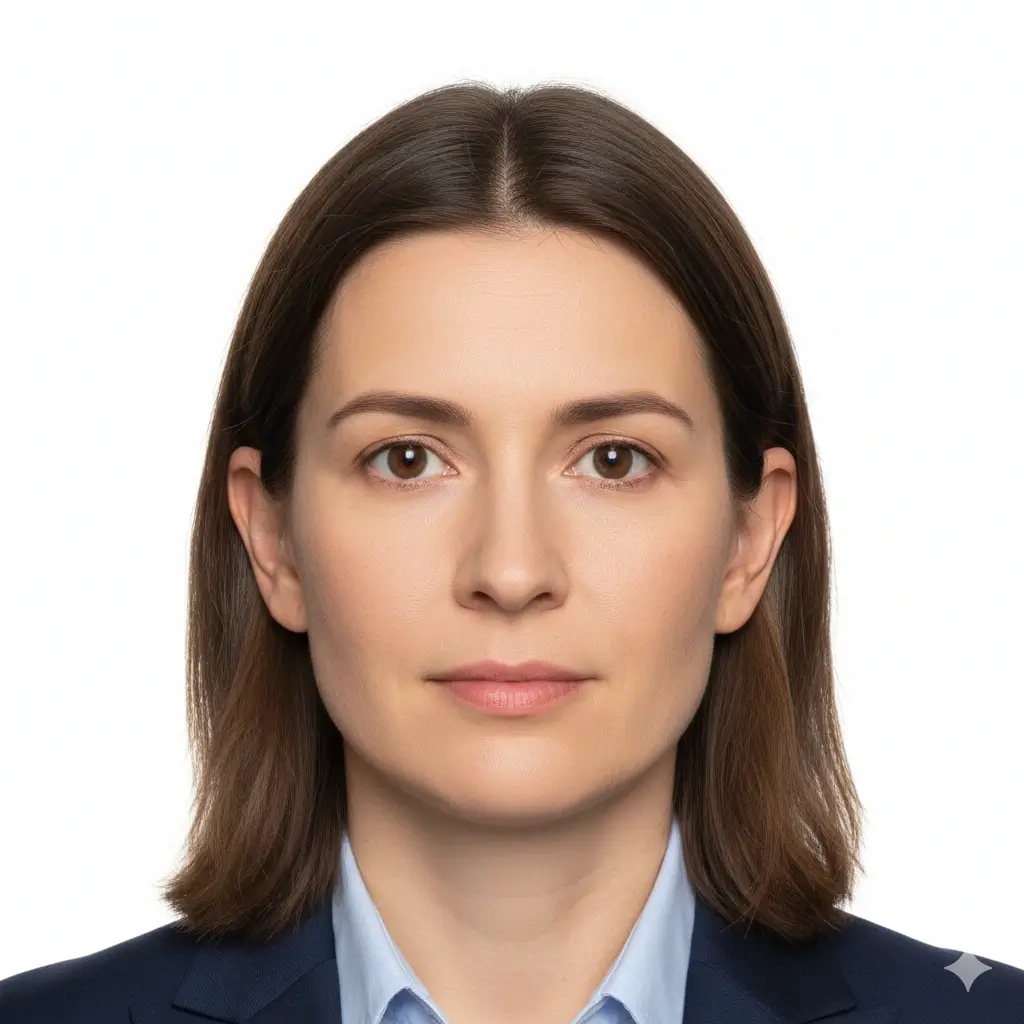
2x2 Inch Photo
51x51mm | US-style passport size
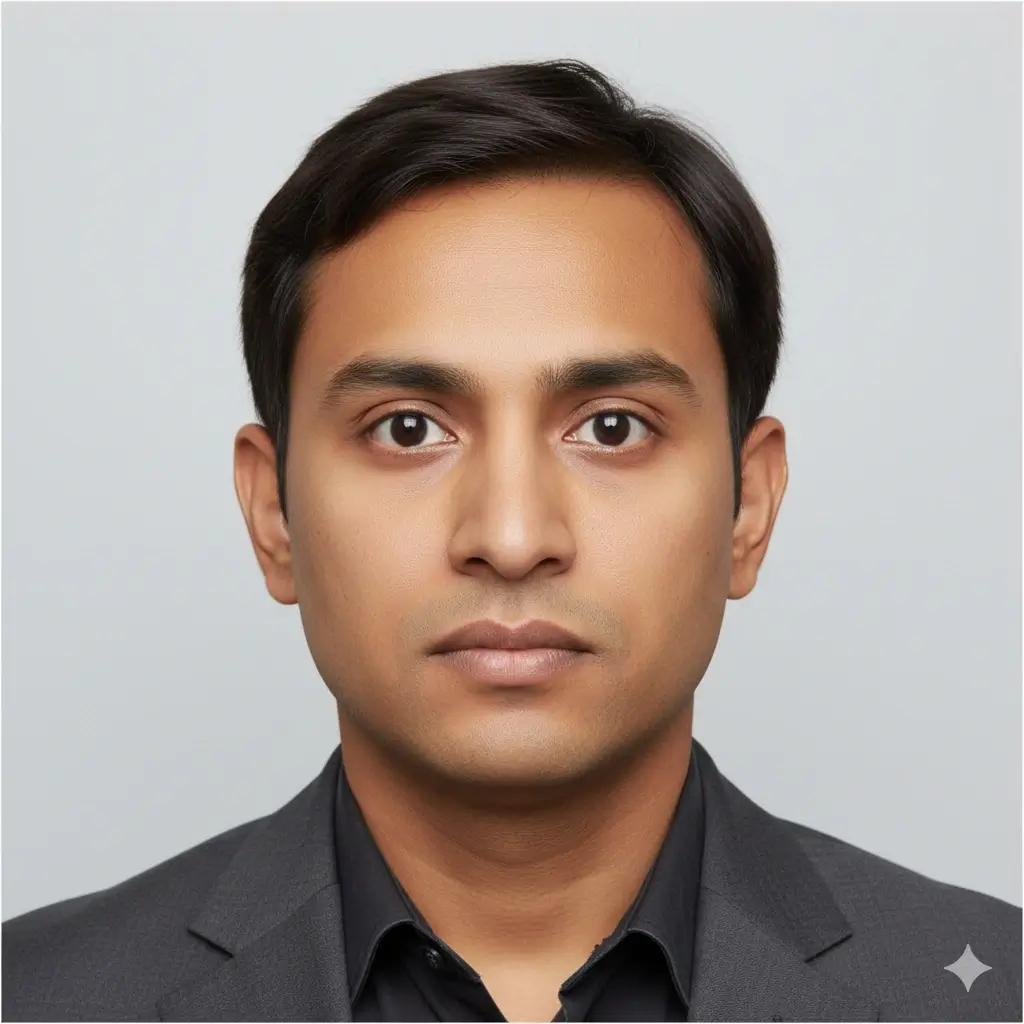
35x45mm Photo
Common UK, Europe, Japan size
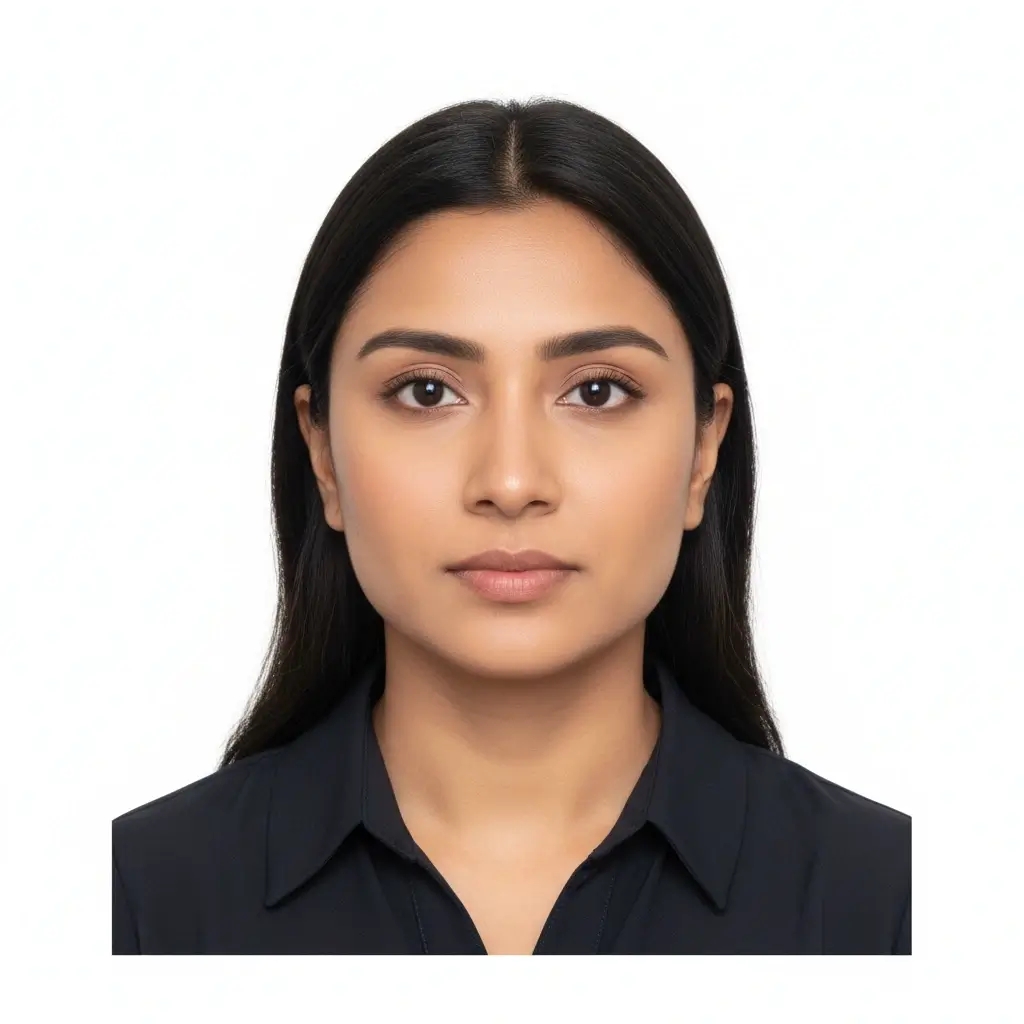
50x70mm Photo
Canada passport size reference

Visa Size Photo
35x45mm | Schengen-style use
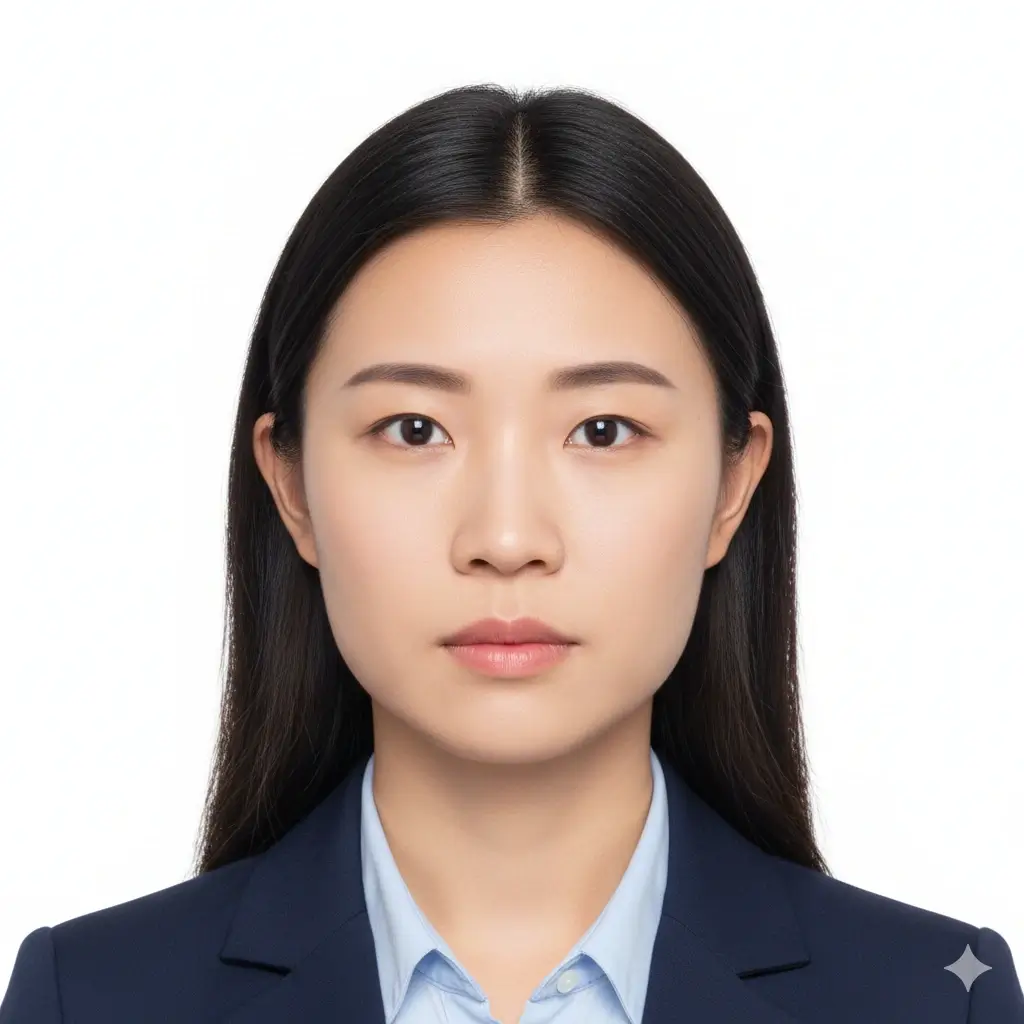
Square ID Photo
2x2 inch | US visa and ID use
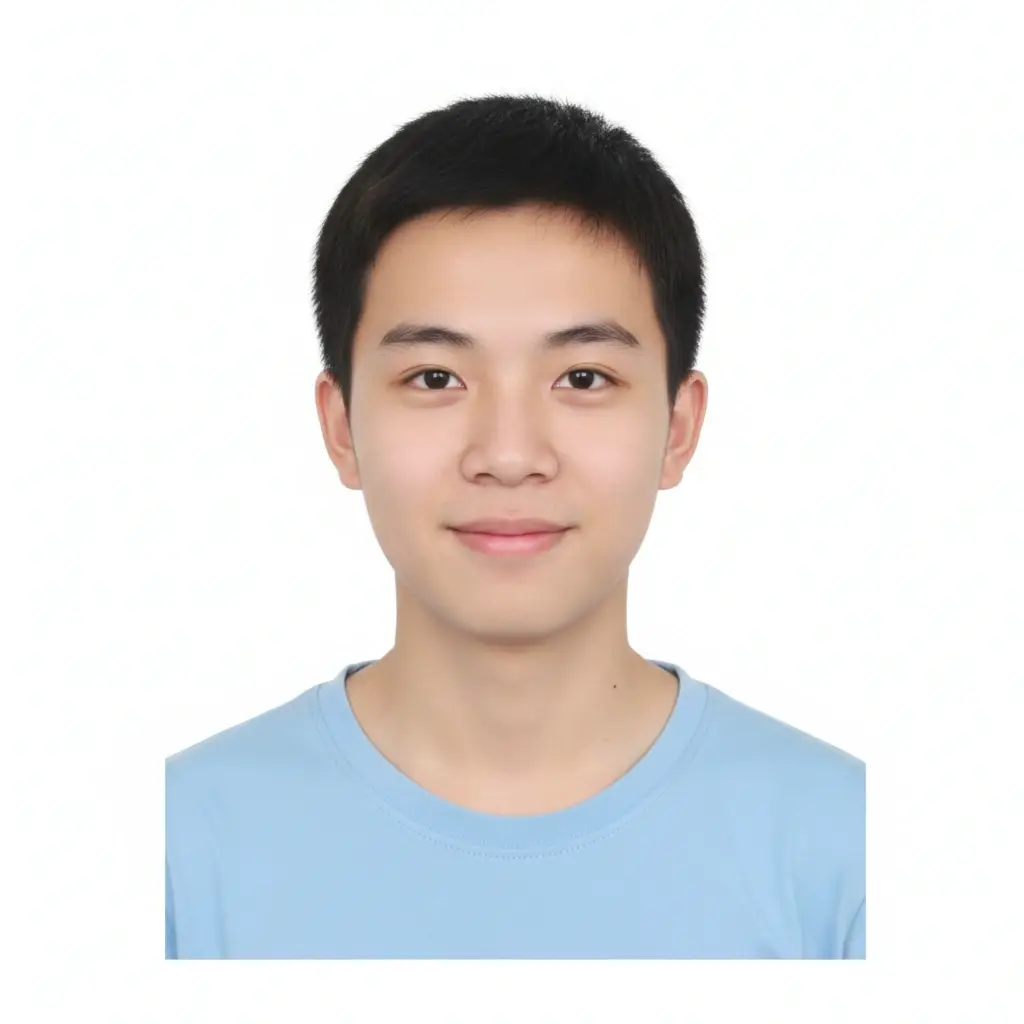
Custom ID Photo
Useful when your checklist gives exact size
Size and Background Settings
Fine-tune the passport size photo maker when the preset is close but your form asks for a specific photo size or background.
Use this when your application checklist gives an exact width and height.
Malaysia child passport photo reference: 35mm wide × 50mm high. Confirm the exact request from Immigration or your Malaysian mission before printing.
You have 0 credits remaining Sign in to use the passport size photo maker
2 credits per generated passport size photo
Passport Size Photo Result
Your passport size photo preview will appear here
Upload a photo and choose a preset to begin.
Processing Your Photo
This usually takes 30-60 seconds.
Analyzing photo...
Tips Before You Generate
- Use a recent portrait with your full face visible.
- Face the camera directly and keep both eyes open.
- Avoid heavy shadows, beauty filters, hats, and tinted glasses.
- Check the official size and background rules before submission.
Quick answer: do you need to bring a passport photo?
For a normal adult Malaysian passport application in Malaysia, the Immigration Department says the applicant does not need to bring a photograph because the image is captured with Facial Live Capture at the passport office. The same official page separately provides a printed-photo exception and specifications for children below four years old.
Use this maker when: you were specifically asked for a 35x50mm file or print, you are preparing a child photo, an overseas Malaysian mission requests photographs, or you want a review copy before attending an appointment. The receiving authority's instructions always override this page.
Malaysia Passport Photo Requirements at a Glance
The phrase “Malaysia passport photo size” often hides two different workflows. The table separates the current in-office adult process from the published photo format for children below four and from overseas mission instructions that may vary by location.
| Check | Published or practical requirement | Why it matters |
|---|---|---|
| Adult applications in Malaysia | Photo normally captured live at the passport office | Do not assume a studio print replaces the in-office capture step. |
| Children below four | A photograph may be brought according to the official child-photo specifications | This is the clearest 35x50mm use case on the Immigration Department page. |
| Printed size | 35mm wide × 50mm high, without a frame | The tool prefills 35 and 50 in the custom millimeter fields. |
| Background | White background in the current Immigration child-photo instructions | Older or overseas pages may mention blue; follow the office handling your application. |
| Clothing | Dark clothing covering the shoulders and chest | Avoid white clothing that disappears into a white background. |
| Face and head | Face centered and fully visible; no identity-changing retouching | Use crop and exposure correction conservatively. |
| Overseas applications | Check the responsible Malaysian embassy, high commission, or consulate | Mission checklists can request printed photos or use different operational wording. |
How to Make a Malaysia Passport Photo Online
This workflow prepares the file; it does not replace live capture, biometric review, or the final decision by Immigration.
- Upload a recent portrait
Choose a sharp, front-facing image with even lighting, a neutral expression, and no beauty filter. Leave space around the head and shoulders. - Keep 35×50mm selected
The custom fields are prefilled to 35mm by 50mm. If your embassy or application checklist gives another size, use that exact instruction instead. - Choose a plain white background
Use white for the current Immigration child-photo specification. Wear a darker top and avoid shadows, patterns, hats, or glare. - Review and export
Check that the face remains natural, then download JPG or PNG for a digital request, or PDF for printing. Disable printer scaling and measure the final print.
Photo Quality Checklist
A correct canvas size cannot rescue a poor source image. Review the portrait before spending credits or printing copies.
Use a photo that has
- A straight-on face with open eyes
- Even light without hard shadows
- A plain, uncluttered background
- Natural skin texture and recognizable features
- Enough resolution for a clean 35x50mm crop
Retake or reject a photo with
- Beauty filters or facial reshaping
- Blur, compression artifacts, or low resolution
- Tilted head, cropped hair, or hidden chin
- Glasses glare, hats, or accessories covering the face
- A background color that conflicts with the receiving office's checklist
Child Passport Photo
Prepare the 35x50mm, no-frame format described for children below four. A calm, well-lit source photo is more important than aggressive editing.
Overseas Mission Checklist
Use the maker only after reading the Malaysian mission's current page. Some overseas workflows still ask applicants to provide photographs.
Digital Review or Print Copy
Create a digital proof for checking crop and background, or a measured print when the authority specifically requests physical photos.
Why Malaysia Passport Photo Advice Often Conflicts
Many photo websites repeat a universal blue-background rule or present 35x50mm as a photo every applicant must upload. That is too broad. The current Malaysian Immigration Department passport page says adults applying through the normal in-country process are photographed at the office using Facial Live Capture. On the same page, the detailed 35x50mm, white-background instructions are attached to the exception for children below four.
Overseas applications are operationally different. Malaysian embassies, high commissions, and consulates publish their own appointment and document checklists, and some pages may still request printed photographs or use older background wording. Treat the mission handling your application as the source of truth. If two official pages disagree, follow the more specific current instruction for your location and application type, or contact that office before paying for prints.
This page was reviewed on July 29, 2026. It helps you create a correctly sized file and recognize the process distinction, but it cannot verify identity, eligibility, appointment documents, or final acceptance. Avoid changing facial features with AI; passport photos should remain a faithful representation of the applicant.
Related Photo Tools
Official Sources to Check Before Submission
Requirements can change, especially between in-country and overseas workflows. Use these first-party pages for the final check.
- Immigration Department of Malaysia — Malaysian International Passport — Primary source for live capture and the child-photo specifications.
- High Commission of Malaysia in London — Passport Renewal — Example of an overseas mission checklist; confirm its update date and instructions.
- Embassy of Malaysia in Washington — Passport Services — Use the mission responsible for your residence, not a random location's checklist.
Malaysia Passport Photo FAQ
Prepare Your 35x50mm Photo
Start with a clear portrait, keep the face natural, and verify whether your application actually requires a submitted photo.
Open the Malaysia Photo Maker