
Convert Photo to Passport Size
Online
Upload a normal portrait, choose the passport size you need, and create a clean digital or print-ready result. The converter keeps the workflow focused on size, crop, background, and output format.
Convert a phone or camera photo into a passport-size file
Choose 2x2 inch, 35x45mm, 50x70mm, or a custom size
Review crop, background, and face position before download
Export a JPG, PNG, or print-ready PDF for the next step
Upload a Photo to Convert It
Start with a clear portrait, choose the required passport size, and review the result before downloading.
Upload Your Photo
Choose a recent, front-facing portrait with even lighting.
Supported: JPG, PNG, WEBP, HEIC
or drag a portrait here
Uploaded portrait
Choose Passport Size Photo Preset
Select the passport size photo format that matches your application checklist, or enter a different exact dimension when the form requires it.
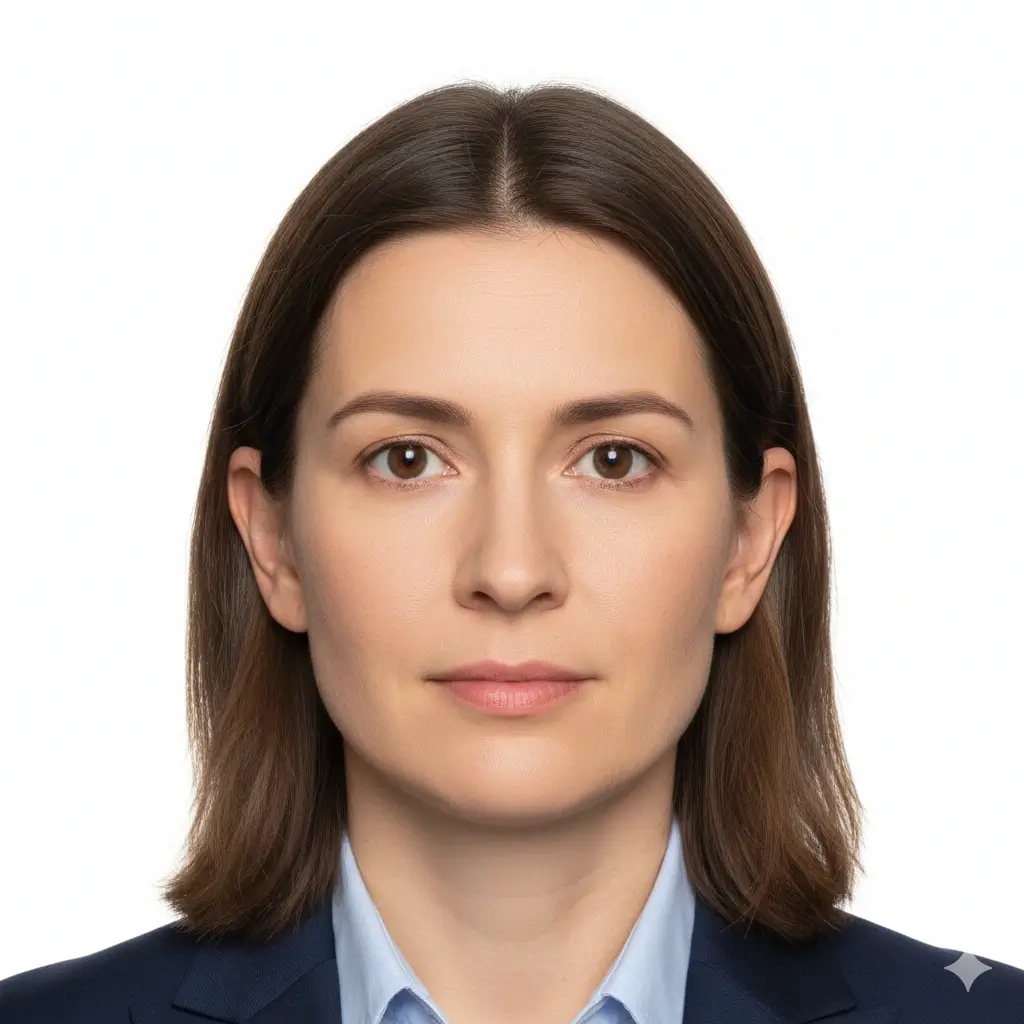
2x2 Inch Photo
51x51mm | US-style passport size

35x45mm Photo
Common UK, Europe, Japan size
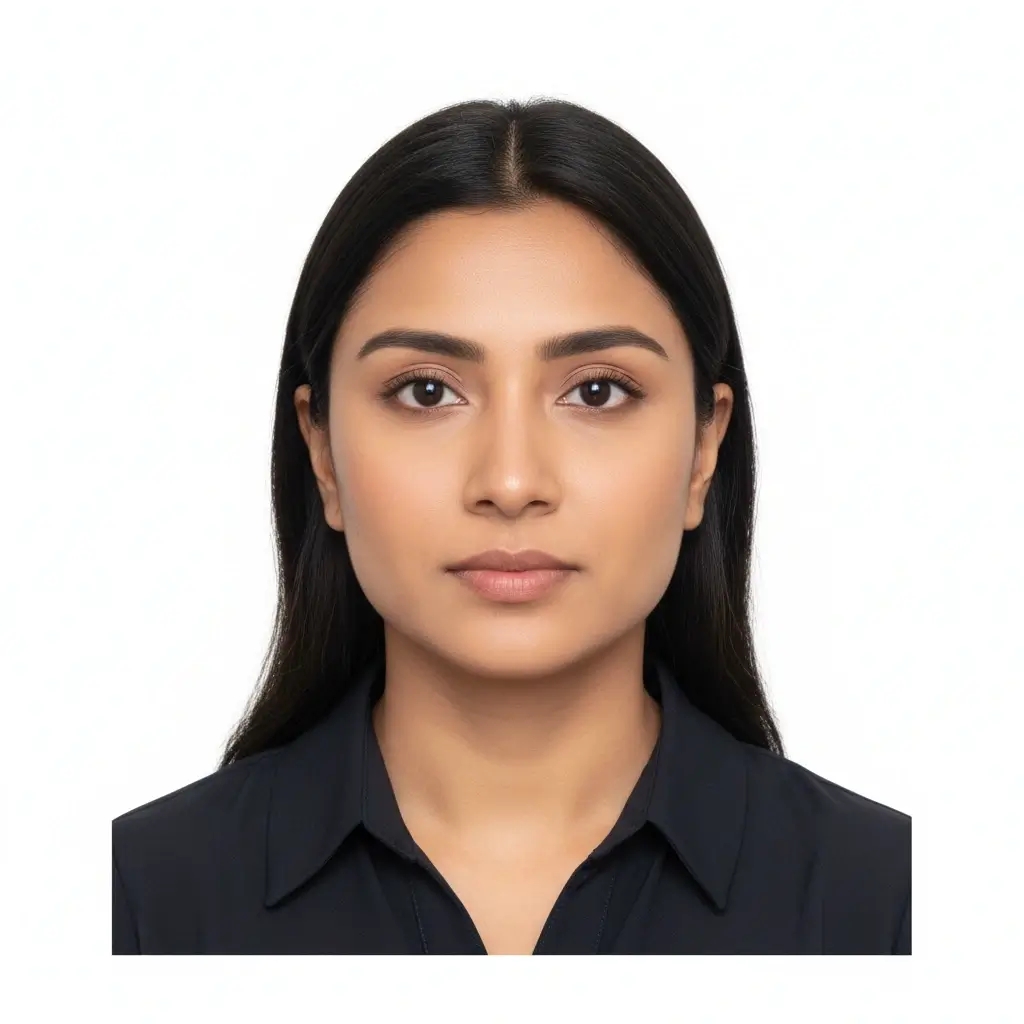
50x70mm Photo
Canada passport size reference

Visa Size Photo
35x45mm | Schengen-style use
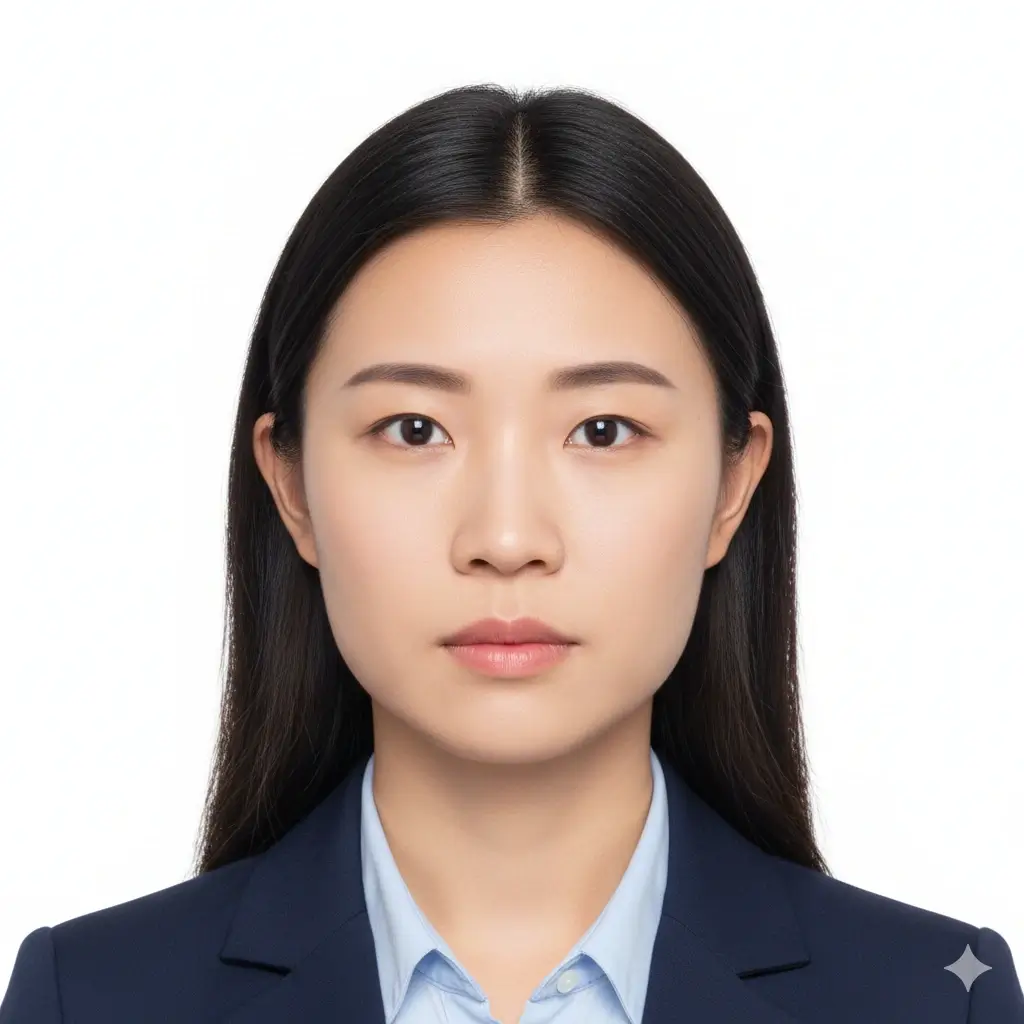
Square ID Photo
2x2 inch | US visa and ID use

Custom ID Photo
Useful when your checklist gives exact size
Size and Background Settings
Fine-tune the passport size photo maker when the preset is close but your form asks for a specific photo size or background.
Use this when your application checklist gives an exact width and height.
Allowed range: width 20-80mm, height 20-90mm. PDF print layout will use this physical size.
You have 0 credits remaining Sign in to use the passport size photo maker
2 credits per generated passport size photo
Passport Size Photo Result
Your passport size photo preview will appear here
Upload a photo and choose a preset to begin.
Processing Your Photo
This usually takes 30-60 seconds.
Analyzing photo...
Tips Before You Generate
- Use a recent portrait with your full face visible.
- Face the camera directly and keep both eyes open.
- Avoid heavy shadows, beauty filters, hats, and tinted glasses.
- Check the official size and background rules before submission.
How the Photo to Passport Size Converter Works
A normal photo is only the source. The final passport photo still needs the right dimensions, crop, background, and output format for the document or application you are preparing.
Input: a normal portrait
Use a sharp, front-facing photo with even light and enough space around the head and shoulders. A phone photo can work when the source is clear.
Output: a passport-size file
Choose a common size or enter a custom dimension, then download a digital image or PDF layout. Measure a print before submitting it.
Convert a Normal Photo in 4 Steps
- Upload the clearest version of your normal photo.
- Choose the official size, such as 2x2 inch or 35x45mm.
- Review the crop, background, head space, and face position.
- Generate the result, then download the format your application accepts.
Choose the Required Size
| Common use | Starting size | Before submission |
|---|---|---|
| U.S. passport-style | 2 x 2 in | Confirm the current U.S. rules. |
| UK / many visa forms | 35 x 45 mm | Check the authority and application channel. |
| Canada passport-style | 50 x 70 mm | Use the current Canadian specifications. |
| Custom document | Your required size | Enter exact width and height before export. |
Check These Details Before Download
- The face is sharp, centered, and not covered by hair, glasses glare, or shadows.
- The crop leaves the head and shoulders inside the required framing.
- The background is plain and matches the document instructions.
- The downloaded file keeps the required physical size when printed at 100%.
Important Limits
This tool converts and prepares a photo; it cannot guarantee acceptance by a passport office, embassy, visa center, school, or employer. Requirements change by country and application type, so compare the finished file with the latest official checklist. Avoid filters, face reshaping, or edits that change your appearance.
Related Photo Tools
From a Normal Photo to a Passport-Size Result
Upload
Choose a clear portrait from your phone or computer.
Select the size
Pick the official preset or enter exact custom dimensions.
Review
Check the crop, background, lighting, and face position.
Download
Save a JPG, PNG, or PDF and verify the final print size.
Continue With the Right Photo Workflow
Use the related tools and official references to finish your file with the correct size and submission context.
Related Tools
Choose another tool when your task is about a broader passport photo workflow, a fixed 2x2 format, or final print preparation.
Official References for Final Checks
Use the current authority instructions to verify the converted file before you upload or print it.
Official requirements can change. Treat the converter as a preparation aid and verify the final file with the issuing authority.
Photo to Passport Size Converter FAQ
Convert Your Photo to the Required Size
Upload a normal portrait, choose the format, and review the result before you print or submit it.
✓ Common passport-size presets
✓ Crop and background review
✓ JPG, PNG, and PDF output
Check your application instructions before using the final photo.