Australian Passport Photo Requirements
& Maker
Create an Australian passport photo from a clear portrait, start with a 35x45mm canvas, and compare the result with the official 35–40mm wide by 45–50mm high range before you submit or print.
✓ 35x45mm starting size with editable millimeter fields
✓ Face-height, background, expression, and recency checklist
✓ JPG, PNG, and print-ready PDF export options
✓ Clear limitations and official-source reminders
Australian Passport Photo Maker — 35x45mm
Upload a recent, front-facing portrait. The custom size starts at 35mm wide by 45mm high; adjust it only when the application or print workflow calls for another value in the official range.
Upload Your Photo
Choose a recent, front-facing portrait with even lighting.
Supported: JPG, PNG, WEBP, HEIC
or drag a portrait here
Uploaded portrait
Choose Passport Size Photo Preset
Select the passport size photo format that matches your application checklist, or enter a different exact dimension when the form requires it.
2x2 Inch Photo
51x51mm | US-style passport size
35x45mm Photo
Common UK, Europe, Japan size
50x70mm Photo
Canada passport size reference
Visa Size Photo
35x45mm | Schengen-style use
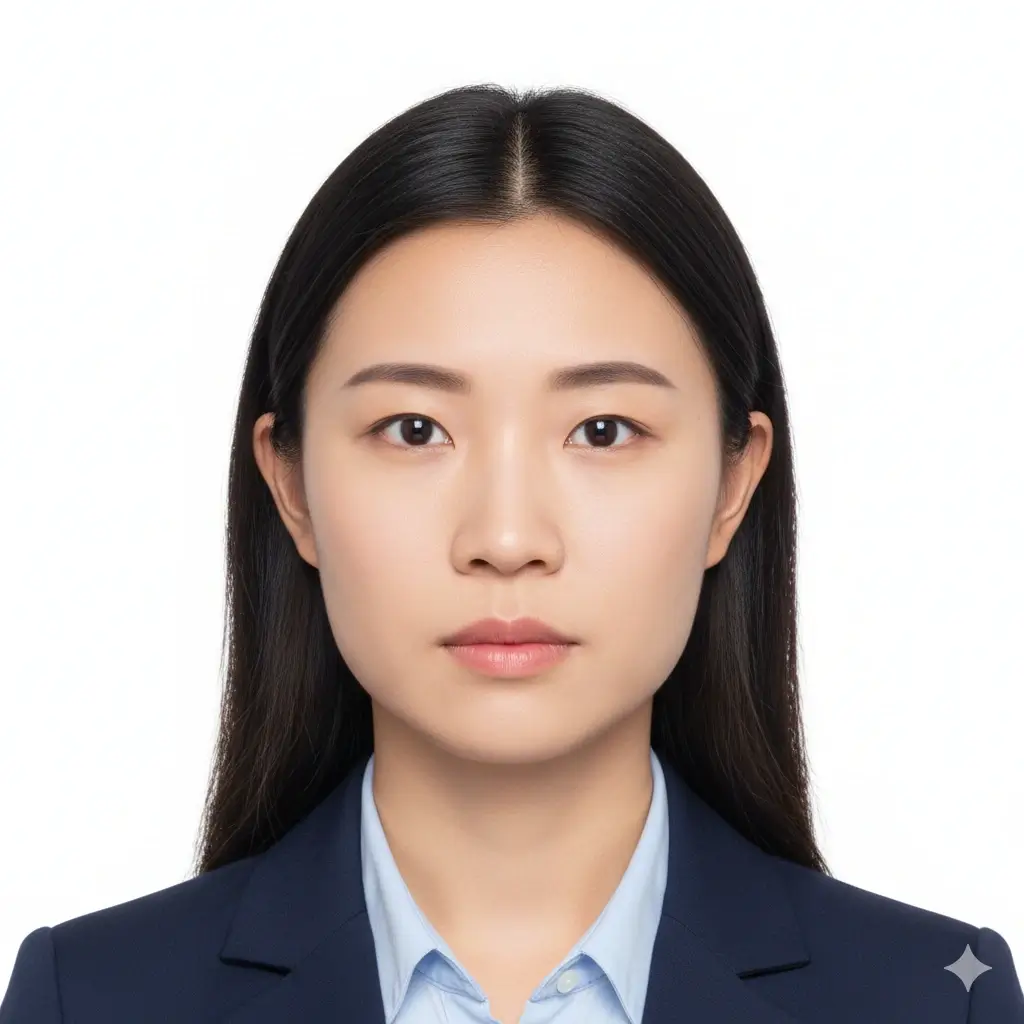
Square ID Photo
2x2 inch | US visa and ID use
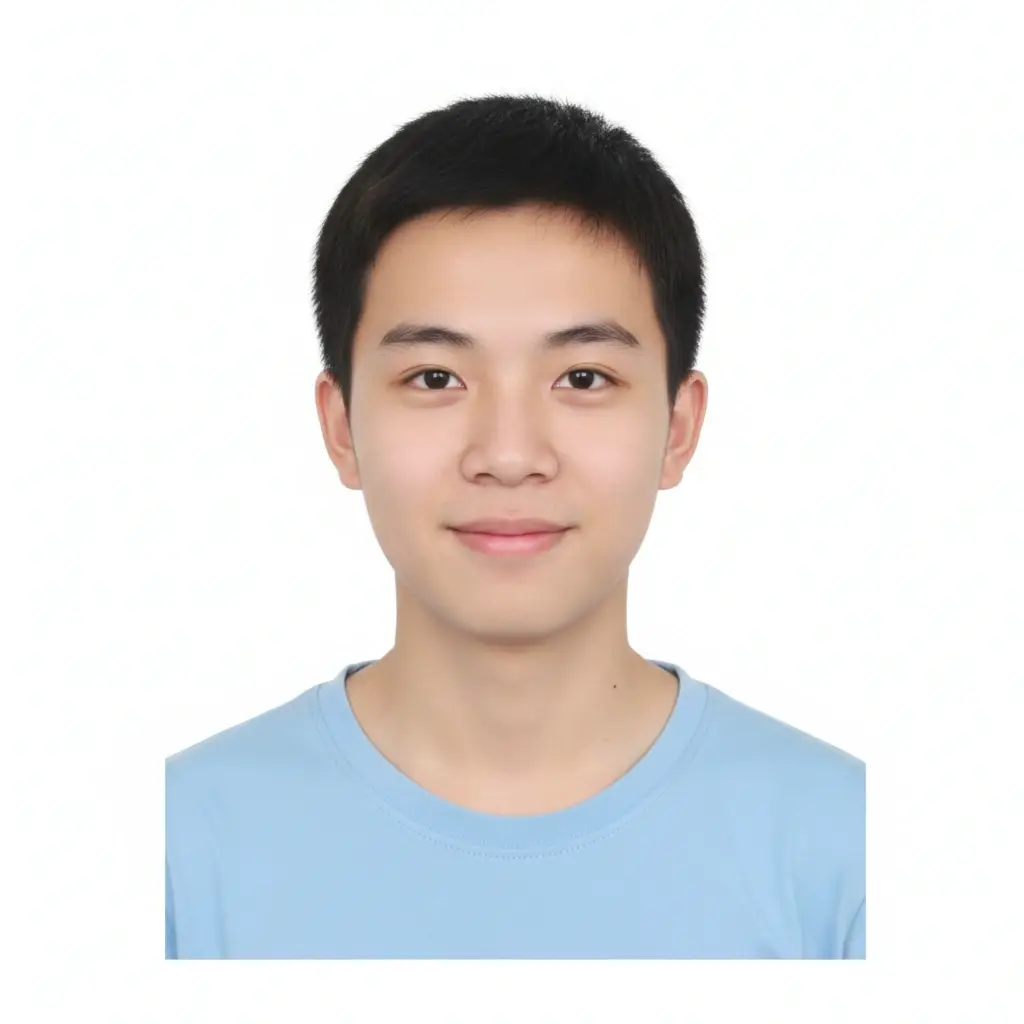
Custom ID Photo
Useful when your checklist gives exact size
Size and Background Settings
Fine-tune the passport size photo maker when the preset is close but your form asks for a specific photo size or background.
Use this when your application checklist gives an exact width and height.
Australian reference range: 35–40mm wide × 45–50mm high. The face should measure about 32–36mm from chin to crown. Confirm the current official instructions before submission.
You have 0 credits remaining Sign in to use the passport size photo maker
2 credits per generated passport size photo
Passport Size Photo Result
Your passport size photo preview will appear here
Upload a photo and choose a preset to begin.
Processing Your Photo
This usually takes 30-60 seconds.
Analyzing photo...
Tips Before You Generate
- Use a recent portrait with your full face visible.
- Face the camera directly and keep both eyes open.
- Avoid heavy shadows, beauty filters, hats, and tinted glasses.
- Check the official size and background rules before submission.
Quick answer: Australian passport photo requirements and size
Australian passport photo requirements include a 35–40mm width and 45–50mm height. The Australian Passport Office also describes the face, measured from the chin to the crown, as about 32–36mm high. Use this page to prepare and inspect a file, but let the Passport Office and your application channel decide whether the final photo is acceptable.
Use this maker when: you need a correctly proportioned digital file, a measured print proof, or a quick way to check the face position and background before uploading or visiting a photo service.
Australian Passport Photo Requirements at a Glance
Australian passport photo requirements cover more than one size. Check the physical dimensions, face height, image age, background, expression, and editing limits together so a correctly sized canvas does not hide a problem in the source portrait.
| Check | Official or practical requirement | Why it matters |
|---|---|---|
| Overall size | 35–40mm wide × 45–50mm high | The tool starts at 35x45mm; use the exact size requested by your application or print workflow. |
| Face height | About 32–36mm from chin to crown | Leave enough space above the head and do not crop the chin or hair. |
| Photo age | Use a recent photograph, normally taken within the last six months | Your appearance should match the person presenting the application. |
| Background | Plain, light-coloured background with even lighting | Avoid patterns, strong shadows, coloured walls, and objects behind the head. |
| Pose and expression | Face the camera directly with a neutral expression and open eyes | Do not tilt the head or let hair cover the eyes or facial outline. |
| Glasses and accessories | Do not wear glasses unless a medical condition requires them; avoid other items that hide the eyes or face | If glasses are medically necessary, follow the official exception guidance and avoid reflections. |
| Digital editing | Keep the face recognisable and avoid retouching that changes identity | Cropping and sizing are different from reshaping facial features or removing marks. |
| Final decision | The receiving authority checks the submitted photo | An online maker can prepare a file but cannot guarantee passport acceptance. |
Official guidance and privacy warning
The Australian Passport Office recommends using a professional passport photo provider and does not recommend online passport photo services or mobile apps because of identity-fraud risks. Use this browser tool only as a preparation aid, and do not upload a sensitive portrait if that conflicts with your privacy needs.
For physical submissions, the official guidance calls for two good-quality colour prints made by dye sublimation (not an inkjet printer) on heavy-weight glossy paper of at least 200 gsm.
How to Make an Australian Passport Photo Online
The tool prepares the crop and export. You still need to compare the result with the current Australian Passport Office instructions and the requirements of the application channel you are using.
- Choose a suitable portrait
Start with a sharp, recent, front-facing photo. Use even light, open eyes, a neutral expression, and enough space around the head and shoulders. - Keep 35x45mm or enter the requested size
The default is a practical 35x45mm canvas. If your instructions specify another value, stay inside the 35–40mm by 45–50mm range and enter the measured size carefully. - Review the face and background
Check the approximate 32–36mm face height, plain light background, visible chin, visible eyes, and natural facial features. Retake the source image when the crop cannot fix the problem. - Export and verify the physical result
Download JPG or PNG for a digital workflow, or PDF for printing. Print at 100% or actual size, disable fit-to-page scaling, and measure the finished photo before submitting it.
Australian Passport Photo Quality Checklist
A correct canvas size cannot rescue a blurry, old, or heavily edited portrait. Use the checklist before you spend credits or print copies.
A good source photo has
- A straight-on face with open eyes
- Even lighting without hard shadows
- A plain light background
- Natural skin texture and recognisable features
- Enough resolution for a clean 35x45mm crop
Retake or reject a source photo with
- Beauty filters, facial reshaping, or identity-changing edits
- Blur, compression artefacts, or low resolution
- Tilted head, cropped hair, or hidden chin
- Glasses unless medically necessary, tinted lenses, hats, or accessories covering the eyes
- A background colour or shadow that conflicts with the current checklist
Online Application File
Prepare a clean digital portrait with the requested crop and export format, then review it again inside the official application flow.
Measured Print Proof
Create a PDF proof when you need to print or compare physical dimensions. Printer scaling can change the final size, so measure the result.
Photo Service Preparation
Use the tool to test a crop and identify background or face-position problems before ordering professional passport photos.
Why Size Alone Does Not Make an Australian Passport Photo Compliant
Searches for Australian passport photo size often focus on one number, but the published range is wider than a single 35x45mm preset. The finished image also needs a suitable face height, a plain light background, even lighting, a direct pose, and a natural likeness. Treat 35x45mm as a starting canvas rather than a promise that every application uses exactly that size.
This tool can crop, resize, and export a portrait, but it cannot decide whether a photograph is recent enough, whether a religious or medical exception applies, or whether an officer will accept a particular image. If the source portrait is blurred, badly lit, or heavily edited, retaking it is safer than trying to repair it with software.
Before submission, read the current Australian Passport Office instructions and the specific online, postal, embassy, or service-centre checklist for your application. Requirements and application workflows can change. Keep the official page as the final authority, especially when a third-party photo service gives different advice.
Related Photo Tools
Official Source to Check Before Submission
Use the Australian Passport Office as the final source for current photo rules and application instructions. This page is a preparation aid, not an acceptance decision.
- Australian Passport Office — Open the current passport photo and application guidance before submitting or printing.
Australian Passport Photo FAQ
Prepare Your Australian Passport Photo
Start with a clear portrait, keep the face natural, and verify the current official instructions before you submit.
Open the Australian Photo Maker