
AI Driver License Photo Generator
Make a License-Style ID Photo Online
Upload a clear portrait and create a driver license style ID photo with a plain background, centered crop, and downloadable digital or print-ready output. Use it for profile records, renewal prep, and non-official forms, then verify the latest DMV or issuing-agency photo rules before submitting.
Create a front-facing driver license style photo online
Choose white, light gray, light blue, blue, or red backgrounds
Download JPG, PNG, or PDF output for digital or print use
Identity-safe reminders for official driver license photos
AI Driver License Photo Generator - Upload, Crop, Download
Upload Your Photo
Drag and drop or click to upload a clear front-facing portrait.
Supported: JPG, PNG, HEIC, WEBP
Use a recent photo with even lighting and your full face visible.
Uploaded photo
Select ID Photo Type
Pick the ID photo preset that best matches your document, school, workplace, or form.

Passport
2x2 inch (51x51mm) | White

Visa Photo
35x45mm or 2x2 inch | White

Student ID
Head and shoulders | Plain

Driver License
Front-facing ID photo | Plain background

Resume Photo
Professional headshot | Light
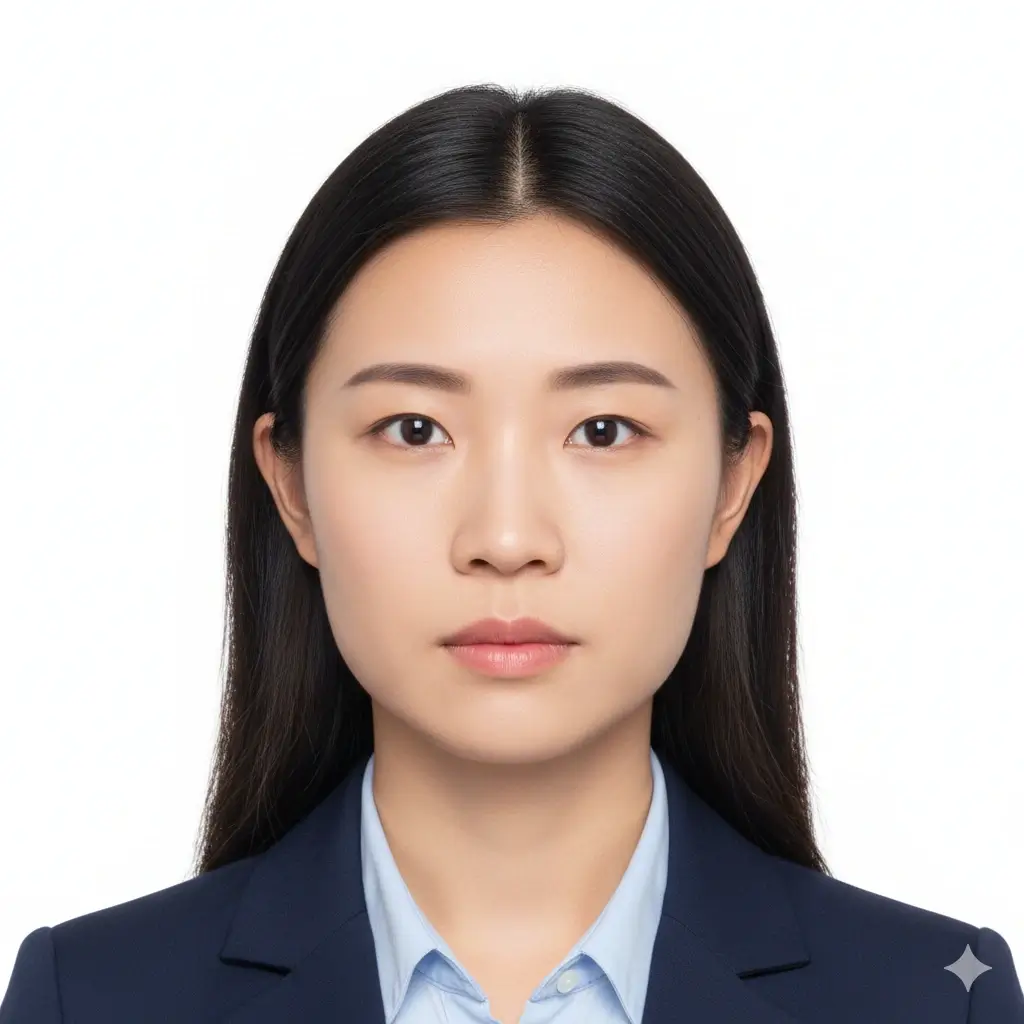
Green Card
2x2 inch (51x51mm) | White

35x45mm ID
35x45mm | Light gray
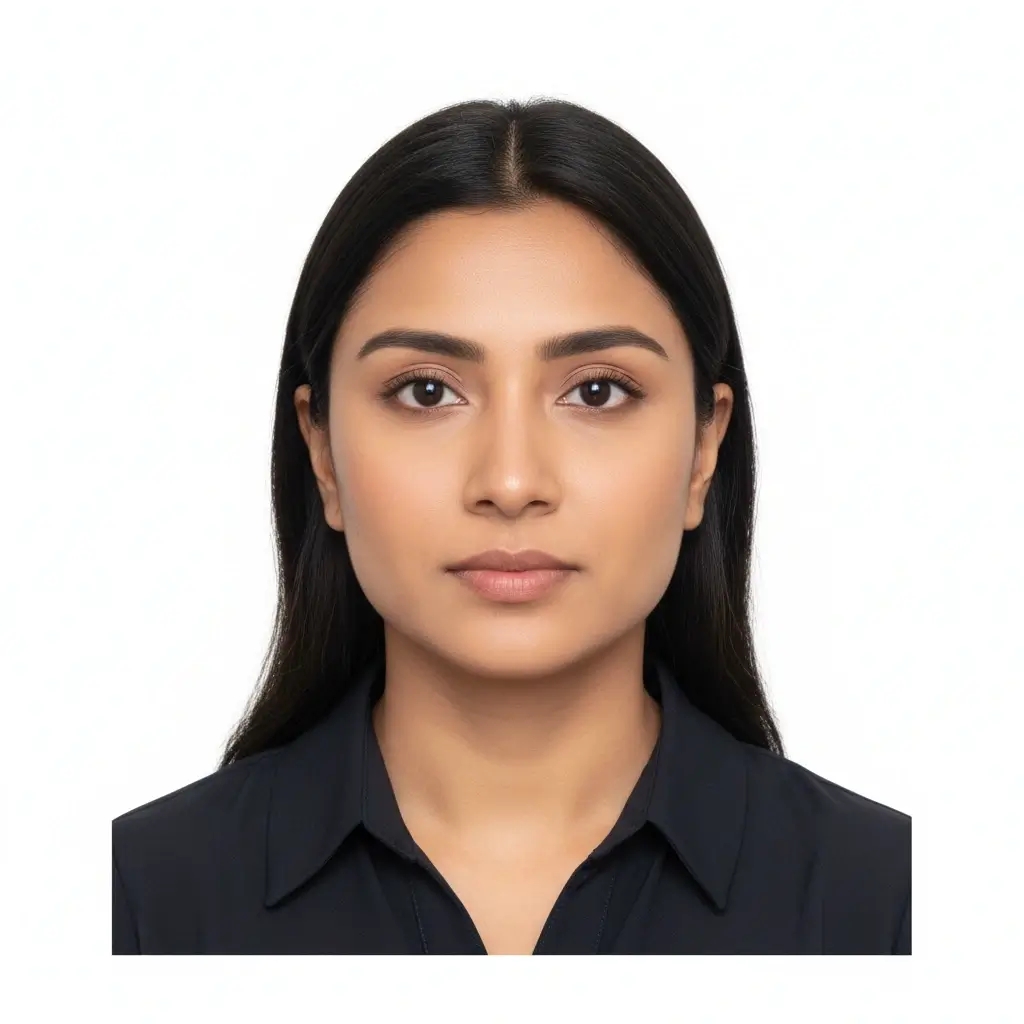
50x70mm ID
50x70mm | White
You have 0 credits remaining Sign in to try the ID photo maker
2 credits per generated photo
Your Result
Your ID photo preview will appear here
Upload a photo and choose an ID type to begin.
Processing Your Photo
This usually takes 30-60 seconds
Analyzing photo...
Tips for a Better ID Photo
- Face the camera directly with your eyes open.
- Use soft, even lighting without strong shadows.
- Keep hats, tinted glasses, filters, and busy backgrounds out of the frame.
- Do not change facial features for official documents.
Free AI ID Photo Generator for Common Documents
Use one upload for passport-style photos, ID photos, and driver license photo needs while keeping official requirements easy to review.
AI ID Photo Generator Free
Buy credits if needed, upload a clear portrait, choose an ID photo preset, and download a clean file for online forms or printing.
Open ID photo makerDriver License Photo Maker
Prepare a license-style portrait and review DMV submission limits before using it.
Driver License Photo MakerPassport Photo Maker
Prepare a standard passport-style photo with plain background and common official dimensions.
Open passport photo makerFor official documents, avoid edits that change facial features. Acceptance depends on the passport office, DMV, embassy, school, employer, or organization reviewing the image.
Driver License Photo and ID Presets
Use the driver license preset for a clean front-facing crop, or choose another ID size when your form asks for a specific dimension.
| Preset | Common dimensions | Common use | Typical background |
|---|---|---|---|
Passport / Green Card IDUseful for US-style official photos |
2x2 inch / 51x51mm | Passport, green card, some visa photos | White or off-white |
Student ID PhotoHead-and-shoulders crop |
School-specific | Campus cards and student records | Plain white or light |
Employee Badge PhotoConsistent workplace headshot |
Company-specific | Badges, directories, HR systems | Plain light background |
Custom ID SizeFor forms with exact dimensions |
2x2, 35x45, 50x70, 33x48 | Local IDs, applications, uploads | White, gray, blue, or red |
Always check the final requirement
ID photo requirements vary by passport office, embassy, school, employer, and agency. Use this ID photo maker to prepare the crop, size, and background, then verify the latest instructions from the organization that will review your photo.
How to Make a Driver License Photo Online
Upload a Clear Portrait
Upload a clear front-facing portrait with even lighting.
Choose Your ID Type
Select Driver License or a custom ID photo size.
Set Size and Background
Choose a plain background and avoid identity-changing retouching.
Download Digital or Print
Download a digital file or print-ready format and verify your issuing-agency rules.
Digital and Print-Ready ID Photo Downloads
Different ID systems ask for different files. Prepare a single digital image for upload or a printable layout when you need physical copies.
Digital ID Photo
Online forms and school portals
Use JPG or PNG when a website asks you to upload an ID photo, student photo, badge photo, or profile-style image.
Single Print File
Exact-size photo printing
Download a clean image with a selected physical size such as 2x2 inch, 35x45mm, or 50x70mm.
Printable Sheet
Multiple copies on one page
Prepare repeated ID photos on common paper layouts when you need spare copies for forms or local printing.
Before You Print
Print at actual size and avoid fit-to-page scaling.
Use photo paper when a physical photo is required.
Check whether your school, employer, agency, or passport office accepts home prints.
Keep a digital copy in case an upload form asks for a file instead of paper.
Driver License Photo Rules to Check Before You Submit
Driver license photo rules vary by state, province, and issuing office. Some agencies take the photo in person, while others allow digital uploads for limited workflows.
Clear Front-Facing Face
Your face should be centered, sharp, and easy to recognize. Keep your eyes open and face the camera directly.
Plain Background
Most ID-style photos work best with a white, off-white, light gray, light blue, or other required solid background.
Correct Size and Crop
Government documents, schools, and workplaces may all ask for different sizes, head positions, and file dimensions.
Careful Editing
Crop, background cleanup, and exposure fixes are useful. Avoid edits that change your identity for official documents.
Before You Upload
Use this checklist before generating a driver license style photo.
- Check whether your DMV or issuing agency accepts a user-uploaded photo.
- Use a recent, front-facing portrait with a neutral expression and eyes open.
- Keep the background plain and avoid shadows behind the head.
- Avoid hats, sunglasses, filters, and edits that change your appearance.
- Choose Natural editing for official ID use and keep facial features unchanged.
- Download the requested file type and size if your agency provides upload instructions.
- If your DMV requires an in-person photo, use this page only for practice, records, or non-official ID-style needs.
Acceptance depends on the reviewer
This tool helps you prepare common ID-style photo requirements. Final acceptance depends on the passport office, embassy, school, employer, DMV, or other organization that reviews your image.
AI editing limit
For passports, visas, driver's licenses, and similar official IDs, do not use AI edits, filters, or retouching to change facial features, skin texture, age appearance, or other identity details.
Why Use This Driver License Photo Maker?
One Tool for Many ID Photos
Passport, visa, student ID, badge, and custom sizes
Create an ID-style photo for common government, school, workplace, and application use cases without starting from a blank editor each time.
Plain Background Options
White, light gray, blue, red, and more
Switch the background to match typical ID photo requirements or the instructions from your school, employer, form, or local agency.
Digital and Printable Output
Use your photo online or on paper
Download a digital ID photo for upload forms or prepare print-ready output when you need physical copies.
Built for Practical ID Rules
Crop, face visibility, background, and review reminders
The page keeps the important photo basics close to the tool so you can prepare a cleaner ID photo before submitting it.
Fast Online Workflow
Upload, choose, generate, download
Skip complex photo software. The ID photo maker gives you a focused workflow for creating a usable photo in a few steps.
Safer Wording for Official Photos
Prepare the photo, then verify requirements
The page clearly separates photo preparation from official approval, which helps users avoid over-trusting automated edits.
Related ID Photo Tools
Use the related tools when you need a narrower workflow, and check official requirements before submitting photos for passports, visas, or other regulated documents.
Related Photo Tools
These focused pages help when your task is specifically about passport photos, passport size conversion, or US 2x2 photos.
Official Photo Requirement References
Official rules can change and vary by document type. Use these references when preparing official passport or visa photos.
For student ID, employee badge, driver's license, and local ID uploads, follow the school, employer, DMV, or issuing organization that will review your image.
AI Driver License Photo Generator FAQ
Privacy and Review Reminders
Secure Upload Flow
Use a protected upload flow for personal ID-style photos and avoid sharing unnecessary documents.
Identity-Safe Editing
Prepare crop, background, and size without relying on edits that change who you are.
Requirement Checklist
Review face visibility, background, lighting, and output format before downloading.
Reviewer Decides
Final acceptance always depends on the agency, school, employer, or organization.
Create a Driver License Style Photo Online
Upload a portrait, select the driver license preset, choose a plain background, and download a clean ID-style photo.
Passport, visa, student ID, badge, green card, resume, and custom ID presets
White, off-white, light gray, light blue, blue, and red background options
Single image and print-ready download formats
Practical reminders for official and non-official ID photo use
Check the latest instructions from the passport office, embassy, school, employer, DMV, or organization that will review your photo.