Creatore Foto Green Card
Crea una Foto 2x2 pollici Stile USCIS Online
Carica un ritratto chiaro, scegli il preset green card, mantieni uno sfondo bianco o bianco sporco e scarica una foto da controllare. L'accettazione finale dipende dalle regole ufficiali aggiornate.
2x2 pollici preset
bianco o bianco sporco background options
JPG, PNG, PDF
USCIS review reminders
creatore foto green card - Carica, Ritaglia, Scarica
Carica
Carica un ritratto chiaro, scegli il preset green card, mantieni uno sfondo bianco o bianco sporco e scarica una foto da controllare
Supported: JPG, PNG, HEIC, WEBP
bianco o bianco sporco; no filters or heavy edits.
Carica
2x2 pollici settings
Start with the green card preset and change size or background only when official instructions require it.
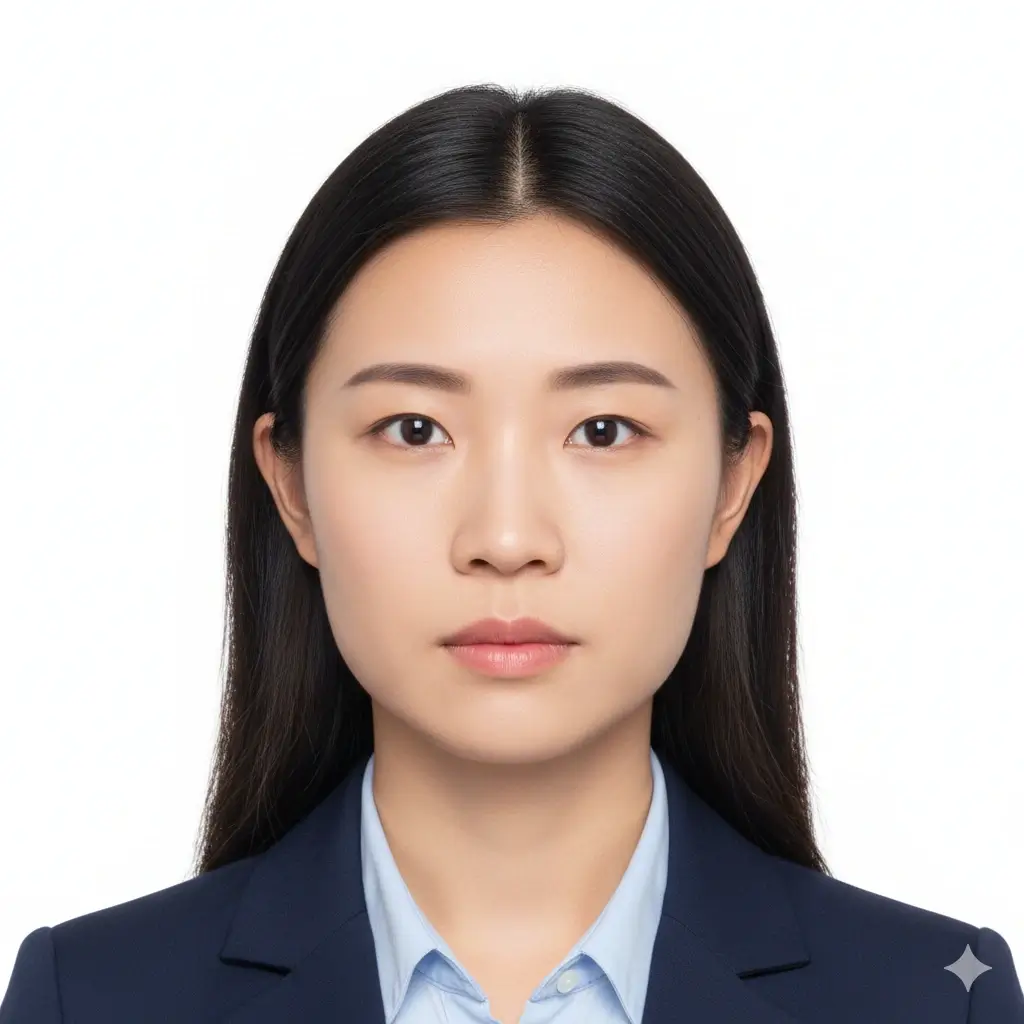
creatore foto green card
2x2 inch (51x51mm) | White

U.S. passport style
2x2 inch | White or off-white

U.S. visa photo
2x2 inch | Plain background

student ID
Head and shoulders | Plain

driver license
Front-facing ID photo

profile photo
Professional headshot | Light

35x45mm ID
35x45mm | Light gray
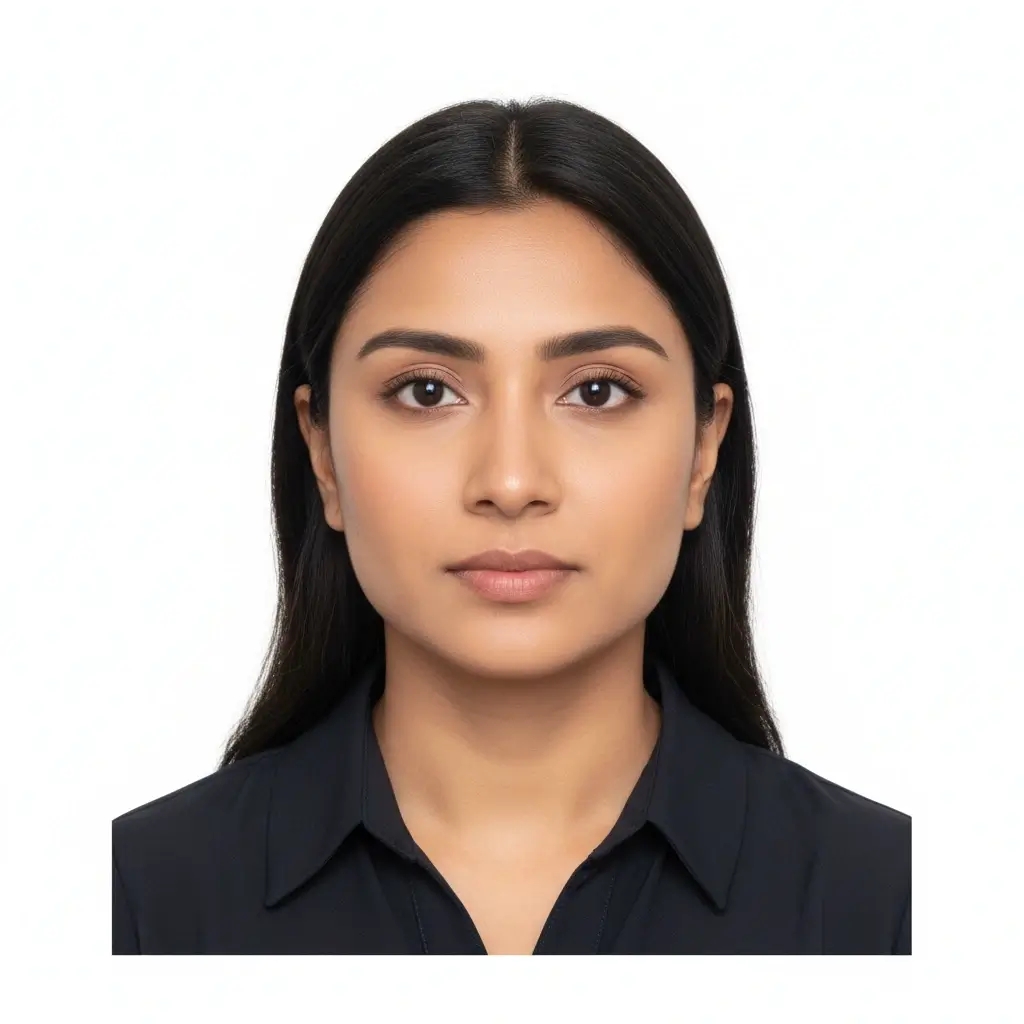
50x70mm ID
50x70mm | White
You have 0 credits remaining Sign in to use creatore foto green card
2 credits per generated green card photo
creatore foto green card preview
creatore foto green card preview
caricare a portrait and keep the green card preset.
Preparing Your Photo
This usually takes 30-60 seconds.
Checking crop and background...
creatore foto green card tips
- Face the camera directly.
- Use bianco o bianco sporco background.
- Avoid filters, hats, uniforms, shadows, and facial retouching.
- Compare with current USCIS or official instructions.
creatore foto green card: focused 2x2 pollici workflow
The tool keeps crop, background, and official reminders close to the upload step.
Use the 2x2 Preset
Green card and many U.S. passport-style photos use a square 2x2 inch layout. Start there unless your current checklist says otherwise.
Keep the Background Simple
White or off-white is the safest starting point for green card photo preparation. Avoid patterned, dark, or colored backgrounds for USCIS-style use.
Avoid Identity-Changing Edits
Use the tool for crop and background cleanup, not for changing facial features, skin texture, age appearance, or other identity details.
This page prepares a photo for review; it does not guarantee official acceptance.
creatore foto green card size and related presets
Use 2x2 pollici for green card style photos unless current instructions say otherwise.
| Preset | Common dimensions | Common use | Typical background |
|---|---|---|---|
Green Card / USCIS StyleBest starting point for this page |
2x2 inch / 51x51mm | Green card, USCIS-style forms, passport-style photos | White or off-white |
U.S. Passport StyleSimilar square format |
2x2 inch / 51x51mm | U.S. passport and selected visa workflows | White or off-white |
35x45mm Visa StyleDifferent format |
35x45mm | Many non-U.S. passport and visa applications | Usually white or light |
Custom ID SizeUse only with exact instructions |
Varies | School, employer, local ID, or other forms | Follow the form |
Check the current form instructions
Some USCIS and immigration workflows ask for passport-style photos, while others use digital biometrics or appointment-based capture. Always follow the current form, embassy, consulate, or USCIS instruction page for your case.
How to make a creatore foto green card photo
Carica
Use a recent, front-facing photo with even lighting and no heavy shadows.
Choose preset
Keep the 2x2 inch option selected unless your checklist gives another exact size.
Review crop
Use white or off-white and make sure the head and shoulders are centered.
Scarica
Save JPG, PNG, or PDF, then compare the result with official photo requirements before submitting.
creatore foto green card requirements to review
Use these as preparation checks, not as an approval guarantee.
2x2 Inch Format
Use a square 2x2 inch photo when your form requests U.S. passport-style photos.
Clear Face
Look directly at the camera with open eyes, neutral expression, and no face-covering objects.
Plain Background
White or off-white is the safest background for USCIS-style photo preparation.
No Heavy Edits
Do not use retouching or AI changes that alter identity details.
Before you submit or print
Use this checklist after generating the file and before sending it to any official workflow.
- Confirm whether your specific USCIS form or immigration process still asks for submitted photos.
- Check that the photo is recent, front-facing, and evenly lit.
- Use a plain white or off-white background without shadows or patterns.
- Avoid hats, uniforms, tinted glasses, filters, and cosmetic retouching.
- Measure printed output if you need a physical 2x2 inch photo.
Use official instructions as the final source
The tool prepares a common 2x2 pollici passport-style photo, but official instructions control final acceptance.
No approval guarantee
The tool helps with photo preparation only. Final acceptance depends on the reviewer and the current rules for your application, appointment, upload, or print submission.
Related creatore foto green card resources
Use related tools for broader ID photo tasks or other sizes.
Related Photo Tools
These pages cover nearby tasks without replacing this green card focused workflow.
Official photo references
Use official sources when checking size, background, recency, glasses, and digital upload rules.
If your process uses biometrics, follow that process instead of uploading a prepared photo.
FAQ Foto Green Card
Privacy and official-photo reminders
Secure Upload Flow
Use a focused upload flow for personal ID-style photos and avoid sharing unnecessary documents.
Identity-Safe Editing
Prepare crop, background, and size without changing identity details.
Requirement Checklist
Review size, background, recency, and face visibility before using the file.
Official Reviewer Decides
USCIS, State Department, consulate, or visa center rules control final acceptance.
Crea una Foto Green Card Online
Caricare a portrait, keep 2x2 pollici, choose bianco o bianco sporco background, and download a photo for review.
2x2 pollici green card preset
bianco o bianco sporco background
JPG, PNG, PDF
Official requirement reminders
Check current official instructions before submitting any photo.