
Passport Photo Size Guide: Common Sizes Explained
Passport photo size is not one worldwide measurement. Compare common country formats, face-height rules, pixels, print scale, and the final source you should trust before submitting a photo.
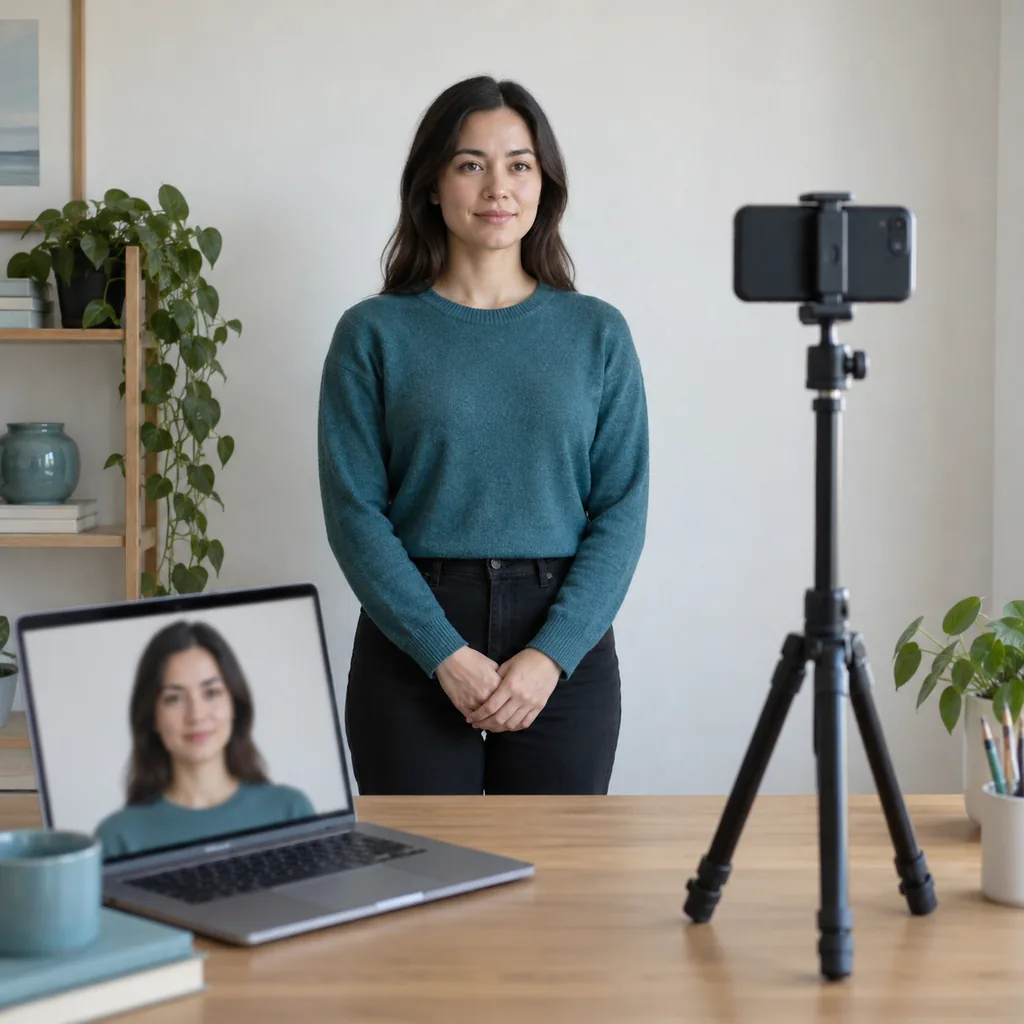
The phrase passport photo size sounds precise, but it describes a family of document rules rather than one universal number. A U.S. paper passport photo is commonly 2 x 2 inches, many European and Asian documents use 35 x 45 mm, Canada uses 50 x 70 mm for its standard passport photos, and some digital applications publish pixel ranges instead of a paper measurement. Those examples are useful orientation points, not permission to guess. Start with the passport office, embassy, visa center, school, employer, or online form that will receive your file. This guide separates physical dimensions, aspect ratio, face height, pixels, print resolution, file size, and image quality so you can select a matching preset or enter a custom size without stretching the portrait.
What does passport photo size mean?
A requirement can describe several measurements at once. Treat each one as a separate check because changing one does not automatically satisfy the others.
- Physical size is the width and height of a printed photo, such as 51 x 51 mm or 35 x 45 mm. It tells a printer how large the final paper image must be.
- Aspect ratio is the relationship between width and height. A square 1:1 crop and a 35:45 portrait crop are different shapes even when both are called passport photos.
- Face height is the measured distance from the chin to the crown or another point defined by the authority. It controls how large the head appears inside the frame.
- Pixel dimensions describe a digital file, for example 600 x 600 pixels. They do not prove the physical print will be two inches unless print scale is also set.
- Resolution or DPI describes how pixels are mapped to paper. A 300 DPI conversion is a planning reference, not a universal upload requirement.
- File size, color mode, background, expression, and recency are separate acceptance checks. A technically correct crop can still be rejected for a different rule.
Common passport photo sizes by country
Use this comparison to recognize the format named on a form. Always replace a general example with the current official specification for your document and submission channel.
| Example requirement | Common reference | What still needs checking |
|---|---|---|
| United States | 2 x 2 in / 51 x 51 mm | Check head height, white or off-white background, expression, paper quality, and whether the application is digital or printed. |
| Canada | 50 x 70 mm | Canadian passport guidance also specifies face height, photo age, paper quality, and the number of copies. |
| United Kingdom | 35 x 45 mm | Printed and digital applications can have different image and submission instructions. |
| Australia | 35–40 mm wide by 45–50 mm high | The face-height range, print process, background, and accessory rules matter as much as the outer size. |
| Many European documents | 35 x 45 mm | The 35:45 ratio is common, but facial height and biometric composition vary by authority. |
| South Korea | 35 x 45 mm; digital ranges may be listed | The passport portal can specify pixel limits and an upload size in addition to the paper format. |
| Brazilian consular examples | 2 x 2 in / about 5 x 5 cm | A consular channel may use a U.S.-style square measurement; confirm the office handling your request. |
| Custom or visa applications | A form-specific width, height, or pixel range | Do not choose the closest preset when the form supplies custom values. |
The table is a map, not a global rulebook. Even within one country, a passport renewal, visa, residence permit, school badge, and online portal can ask for different pixels, head placement, background colors, or file limits. The receiving authority is the final source of truth.
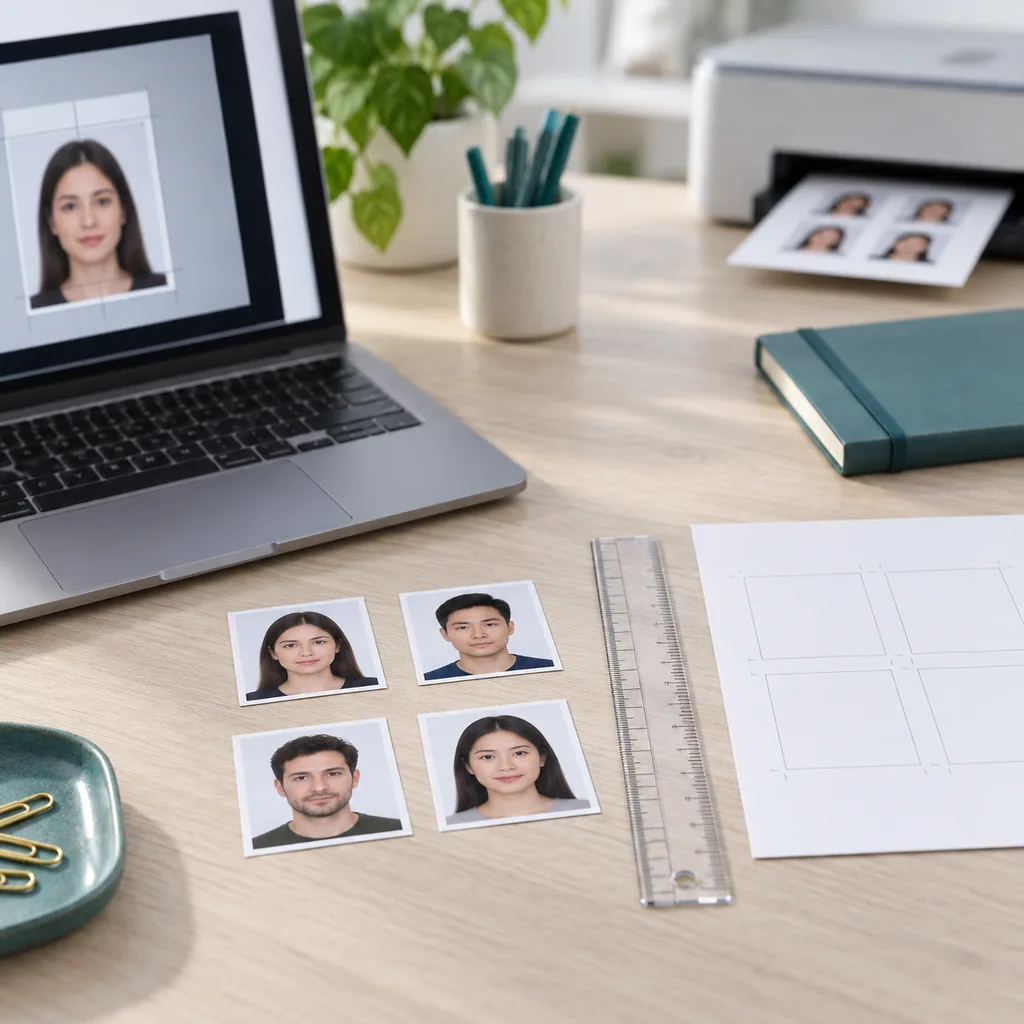
Physical size, pixels, DPI, and file size
People often search for passport size photo size in cm and then convert the answer directly to pixels. That shortcut can fail because a digital upload and a printed photo are measured differently. Use the following relationships as a sanity check, then follow the portal's own range.
- For a square 2 x 2 inch print at 300 DPI, 600 x 600 pixels is a familiar planning reference. A portal may accept another range or compress the file differently.
- For a 35 x 45 mm print at 300 DPI, the rough pixel equivalent is about 413 x 531 pixels. Rounding, crop placement, and the receiving system can change the accepted range.
- For a 50 x 70 mm print at 300 DPI, the rough equivalent is about 591 x 827 pixels. Do not treat the calculation as a Canadian upload rule without checking the current form.
- Changing pixel width and height without locking the aspect ratio can squeeze a face or create empty edges. Crop to the requested ratio first, then resize proportionally.
- A file can have enough pixels but still be too large in megabytes, use the wrong extension, or contain a color profile the portal rejects. Open the exported file and inspect its properties.
- For paper photos, select actual size and disable fit-to-page. Print one test, measure it with a ruler, and keep the digital original in case the scale needs correction.
How to choose the right size for an application
The safest decision process begins with the destination, not with the name of an online preset. Follow these steps whenever a form uses the phrase passport photo size without explaining every detail in one place.
Identify the receiving authority
Write down the exact passport office, embassy, visa center, school, employer, or online portal. Open its current photo page and note whether the request is for a printed photo, a digital upload, or both. A general web result can describe a different country or an older application channel.
- Save the official page or PDF with the date you checked it.
- Look for a separate digital renewal rule when the paper and online application paths differ.
- Record width, height, face height, background, file type, pixel range, and maximum file size.
Choose a usable source portrait
Open the camera original at full size. It should be recent, sharp, front-facing, evenly lit, and large enough to leave room around the head and shoulders. A close selfie, group photo, or messaging-app copy may lose detail when cropped. Retaking the portrait is safer than enlarging a tiny face until it becomes soft.
- Turn off beauty filters, portrait blur, face reshaping, and color effects.
- Keep both eyes visible and the head upright unless an official exception applies.
- Leave the original untouched and make a separate working copy.
Match the ratio and outer dimensions
Select a preset only when its width and height match the official instruction. Use a custom size when the form supplies a number that is not in the menu. Lock the ratio before dragging the crop. A 1:1 square, a 35:45 portrait, and a 50:70 portrait cannot be exchanged just because their names all include passport.
- Enter millimeters or inches exactly as written rather than converting from memory.
- Check whether one file or a print sheet with several copies is required.
- Never stretch the image to fill a different shape.
Place the face inside the composition guide
After the crop is set, compare the eye line, crown, chin, and shoulder visibility with the authority's example. Keep the natural proportions of the face and leave the requested headroom. Zoom in for hair, glasses, and background edges, then zoom out to judge the final balance. If the crop only works by cutting the head or enlarging blur, return to step two.
- Check the face-height range separately from the outer photo size.
- Keep the background even and remove shadows, glare, or visible objects.
- Review any glasses, head covering, or medical exception against the written rule.
Export, print, or upload and verify
Export the requested file type and open the saved copy outside the editor. Confirm width, height, color, extension, compression, and megabytes. For paper, print one test at actual size and measure it. For a portal, use its upload preview and error messages as a final technical check, then compare the portrait with the authority's current quality examples.
- Keep the source and final export under different filenames.
- Do not assume a successful upload means the photo has been approved.
- Keep the final file until the application or document is accepted.
Check face position and image quality
A size guide is useful only when the portrait is also usable. Make a final pass that combines measurements with the visual rules that authorities use to identify you.
- The face is sharp at normal viewing size, with clear eyes and no motion blur or heavy compression.
- The head is upright, centered, and within the requested face-height range; the crown and chin are not accidentally cut off.
- The background is plain and evenly lit, without a strong shadow, window edge, furniture, pattern, or color cast.
- The expression, glasses, head covering, clothing, and visible accessories follow the receiving authority's current rule.
- The photo is recent enough for the application and has not been changed with an identity-altering filter or retouch.
- The exported file opens normally, uses the requested extension, and stays within the portal's pixel and megabyte limits.
Common size mistakes that cause rework
Most rejected files are not caused by a difficult calculation. They come from applying a familiar number to the wrong document or mixing a paper rule with a digital rule.
- Treating 2 x 2 inches as the universal passport photo size when the application actually asks for 35 x 45 mm or another format.
- Changing pixels without locking the ratio, which stretches the face or leaves a misleading border.
- Using a 300 DPI conversion as if it were the portal's required pixel range.
- Printing with fit-to-page enabled and never measuring a test copy.
- Using an old social post, a generic template, or an unofficial country table instead of the current receiving authority.
- Deleting the original portrait after export, leaving no clean source for a second crop or a different application.
Use an online maker without guessing
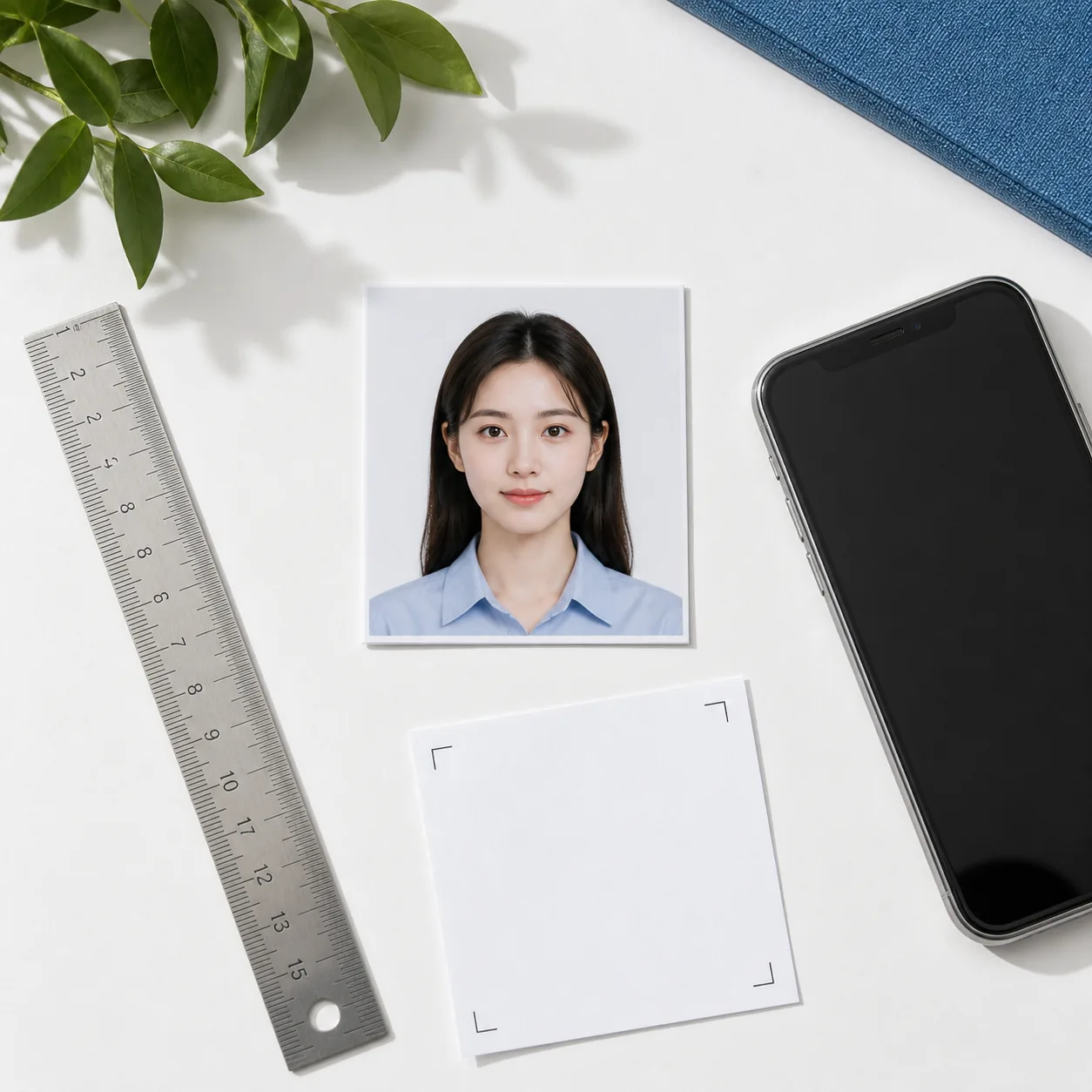
Once the official dimensions are clear, an online passport photo maker can handle the repetitive crop and export work. The tool is most useful when you treat it as a controlled preparation step rather than an approval service.
- Open the tool and choose the matching country or document preset, or enter the exact custom width and height.
- Upload the sharp original, keep the aspect ratio locked, and position the face inside the guide without stretching.
- Review the preview at full size, then export the file or print layout in the format the form accepts.
- Open the final file, check pixels and megabytes, and compare the result with the official page before submitting.
A tool can crop, resize, and prepare a printable layout, but it cannot decide whether an authority will accept the person's expression, background, accessories, or identity photo. Keep the official checklist beside the preview.
Ready to prepare the exact file?
Open the Passport Size Photo Maker to choose a common or custom size, crop the portrait proportionally, and prepare a digital or printable output. Use this guide and the receiving authority's instructions as your review checklist.
Open the Passport Size Photo MakerOfficial references to check
The examples in this guide are grounded in current public instructions, but requirements can change by country, document, and submission channel. Open the first-party page that matches your application before exporting.
- U.S. Department of State passport photo requirements
Official U.S. guidance for 2 x 2 inch size, head height, background, expression, and print quality. - Government of Canada passport photo requirements
First-party Canadian specifications including 50 x 70 mm size and face-height checks. - Australian Passport Office photo guidelines
Official Australian ranges for photo size, quality, accessories, and acceptable examples. - UK passport photo requirements
Official UK guidance for the 35 x 45 mm printed format and digital image rules.
Passport photo size FAQ
What is the standard passport photo size?
There is no single worldwide standard. Common references include 2 x 2 inches (51 x 51 mm) for many U.S. applications, 35 x 45 mm for many European-style identity photos, and 50 x 70 mm for Canadian passport photos. Check the authority handling your exact document.
What is the passport photo size in centimeters?
A 2 x 2 inch photo is about 5.1 x 5.1 cm. A 35 x 45 mm photo is 3.5 x 4.5 cm, and a 50 x 70 mm photo is 5 x 7 cm. These conversions describe the outer size only; face height and background rules still apply.
What are the dimensions of a digital passport photo?
Digital dimensions depend on the portal. A 2 x 2 inch print may use 600 x 600 pixels as a 300 DPI reference, while a 35 x 45 mm image is roughly 413 x 531 pixels at the same planning density. Use the upload page's pixel and file-size range when it provides one.
Is 35 x 45 mm the same as a 2x2 passport photo?
No. 35 x 45 mm is a rectangular 7:9 format, while 2 x 2 inches is a square 1:1 format. Cropping one into the other changes the composition, so select the ratio named by the receiving authority.
Can I use a passport photo size chart for every country?
Use a chart for orientation, not approval. A country can have separate rules for passports, visas, residence permits, digital renewals, and paper applications. Confirm the current first-party instruction for the document and channel you are using.
How do I print passport photos at the correct size?
Prepare the single photo at the required dimensions, place it in a print layout only afterward, choose actual size, turn off fit-to-page, and measure one test copy with a ruler. Keep the digital source so you can correct the layout without retaking the portrait.
Does the right passport photo size guarantee acceptance?
No. Size is one requirement among many. The authority may also check face height, expression, lighting, background, accessories, image age, paper, pixels, file type, and whether the photo has been altered. The receiving authority makes the final decision.
Can an online passport photo maker use a custom size?
A tool can use a custom width and height when the application gives values that are not in a preset. Enter the numbers exactly, lock the ratio, review the face position, and verify the exported file against the official pixel or print instructions.