
How to Convert Photo to Passport Size from a Normal Photo
Turn an ordinary phone or camera photo into a passport-style file without guessing the crop. This guide separates the target document, physical dimensions, pixels, background, and final review so you know when to convert and when to retake the portrait.
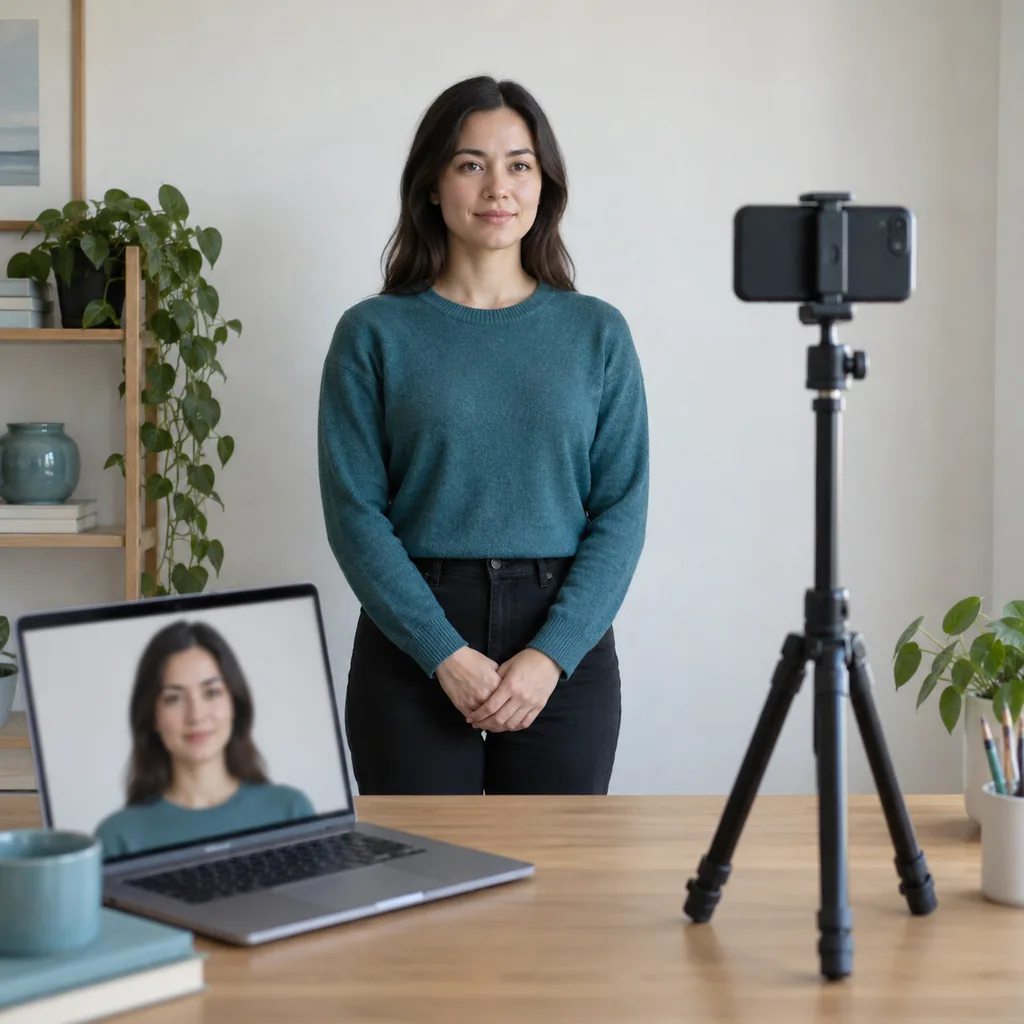
To convert photo to passport size, you need to change more than the pixel dimensions. Start by identifying the passport, visa, ID card, school form, or online portal that will receive the image. Then judge whether your normal photo has a sharp front-facing face, enough resolution, a workable background, and room around the head and shoulders. A converter can set a ratio, crop, resize, and prepare a print layout; it cannot make a blurry, tilted, outdated, or identity-changing portrait compliant. The safest workflow keeps the original file untouched, uses a reversible working copy, and ends with the current authority checklist.
What “convert photo to passport size” really changes
A normal photo may be 4:3, 16:9, a portrait selfie, or a wide group shot. Passport-style output is a controlled identity image. Conversion should change the parts the form asks for while preserving the person's natural appearance.
- The shape changes to the required ratio, such as a square 2x2 inch file or a 35x45mm portrait. Do not stretch the image to force the shape.
How to convert a normal photo to passport size
Identify the document and target output
Write down the exact destination before opening a converter. A U.S. paper passport photo is commonly 2 x 2 inches (51 x 51mm), while another application may ask for 35 x 45mm, 50 x 70mm, a custom pixel range, or a particular file-size limit. An online upload and a printed copy can use different instructions for the same application. Treat the form or issuing authority as the source of truth.
- Record width, height, aspect ratio, head position, background, file type, pixel range, and maximum file size.
- Keep digital-upload requirements separate from print requirements; do not infer one from the other.
Decide whether the source photo is usable
Open the original at full size, not just as a thumbnail. The best source shows a recent, front-facing head and shoulders with both eyes visible, an upright head, even light, and enough empty space for the target crop. A photo taken by another person from a few feet away is usually easier to convert than a close selfie. If the face is a tiny part of a landscape or group photo, cropping will enlarge blur and leave the head too small.
- Prefer the untouched camera original instead of a messaging-app copy that has been compressed.
- Reject motion blur, closed eyes, a strong tilt, harsh glare, and facial detail hidden by hair or an object.
Choose the matching preset or custom ratio
Open the Photo to Passport Size Converter and select the country or document preset only when it matches the form. If the form gives millimetres, inches, or custom pixels, enter those values instead of choosing the closest name. Lock the aspect ratio before cropping. This prevents a rectangular portrait from being squeezed into a square and keeps the output honest when you later prepare a print sheet.
- Use a 1:1 crop for a two-inch square only when the receiving instruction asks for it.
- Use a 35:45 ratio for a 35x45mm request; a similar-looking ID preset is not interchangeable.
Crop for the face, not just the edges
Place the eyes and head inside the on-screen guide while keeping the face natural. Leave the crown, chin, and sides of the head visible unless the official template says otherwise. Do not use the crop box to enlarge a low-resolution portrait until it becomes soft. Review at 100 percent and then at the final display size; both views reveal different problems. If a crop only works by cutting the hair or shoulders, return to a better source photo.
- Keep the camera perspective and facial proportions unchanged; never stretch, mirror, or reshape the person.
- Compare head height and eye line with the official composition example when one is provided.
Export, print, and perform the final authority check
Download the format the portal accepts, then open the saved file outside the editor. Confirm the pixel width and height, file extension, colour mode, compression, and file size. For paper, choose actual-size printing, turn off fit-to-page, and measure one test copy with a ruler. Finally compare the face, background, expression, clothing, glasses, and recency with the current official instructions. Submit only after this last check.
- Keep the original and the final export in separate names so a later correction does not overwrite the source.
- Use a print layout only after the single-photo dimensions are correct; extra copies do not fix a wrong crop.
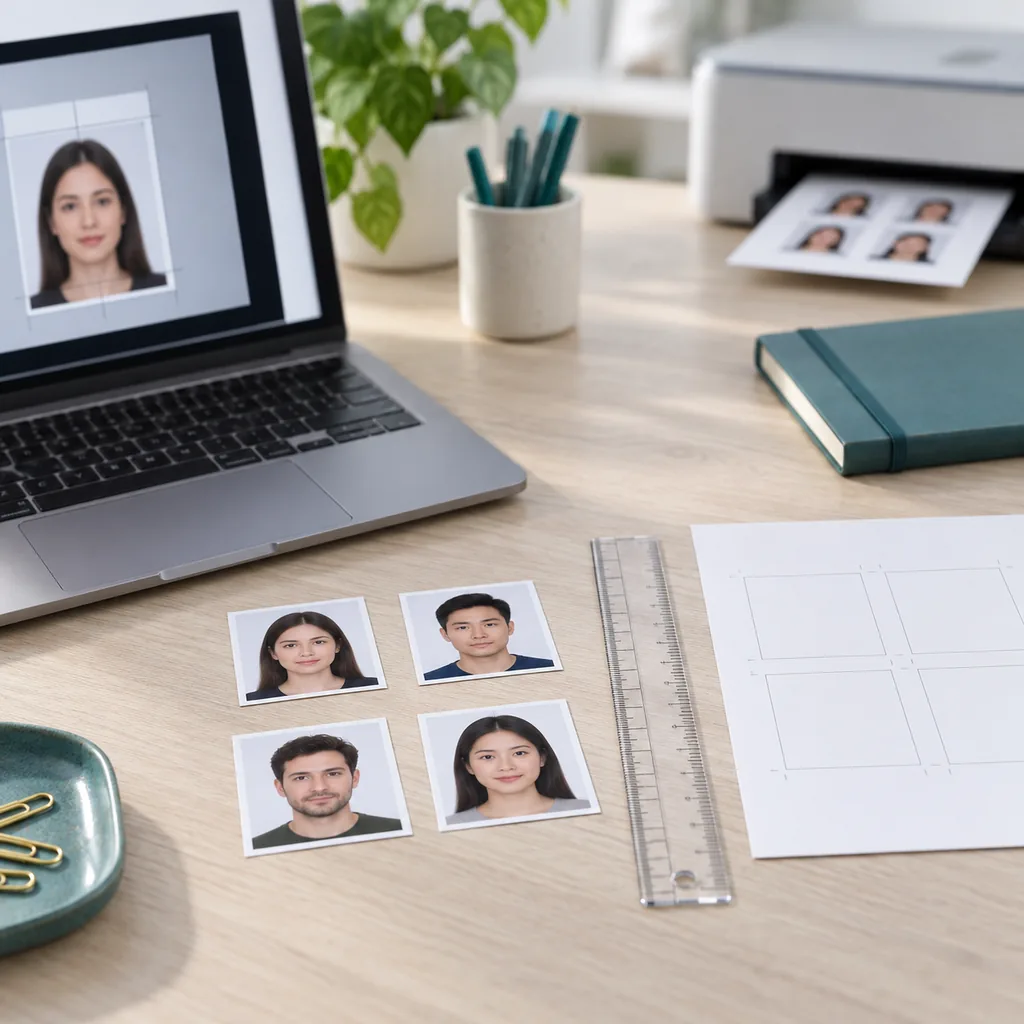
Separate physical size, pixels, and print resolution
The phrase passport size does not identify one worldwide measurement. Use the values below as conversion examples, then replace them with the exact numbers on your form. Pixel estimates assume 300 DPI for print and are not a universal upload rule.
| Target example | Common reference | What to verify |
|---|---|---|
| U.S. passport-style print | 2 x 2 in / 51 x 51mm; 600 x 600px at 300 DPI | Confirm head height, background, paper, and the exact application channel. |
| 35 x 45mm portrait | 35 x 45mm; about 413 x 531px at 300 DPI | Used by many applications, but the country and document can change head and background rules. |
| Printed output | Actual size with fit-to-page disabled | Measure a test copy and keep the digital source for another export. |
Do not promise acceptance from a dimension alone. The U.S. Department of State, for example, specifies a 2 x 2 inch printed photo and a 25-35mm head height, while digital renewal rules use separate file and upload checks. Other authorities can differ.
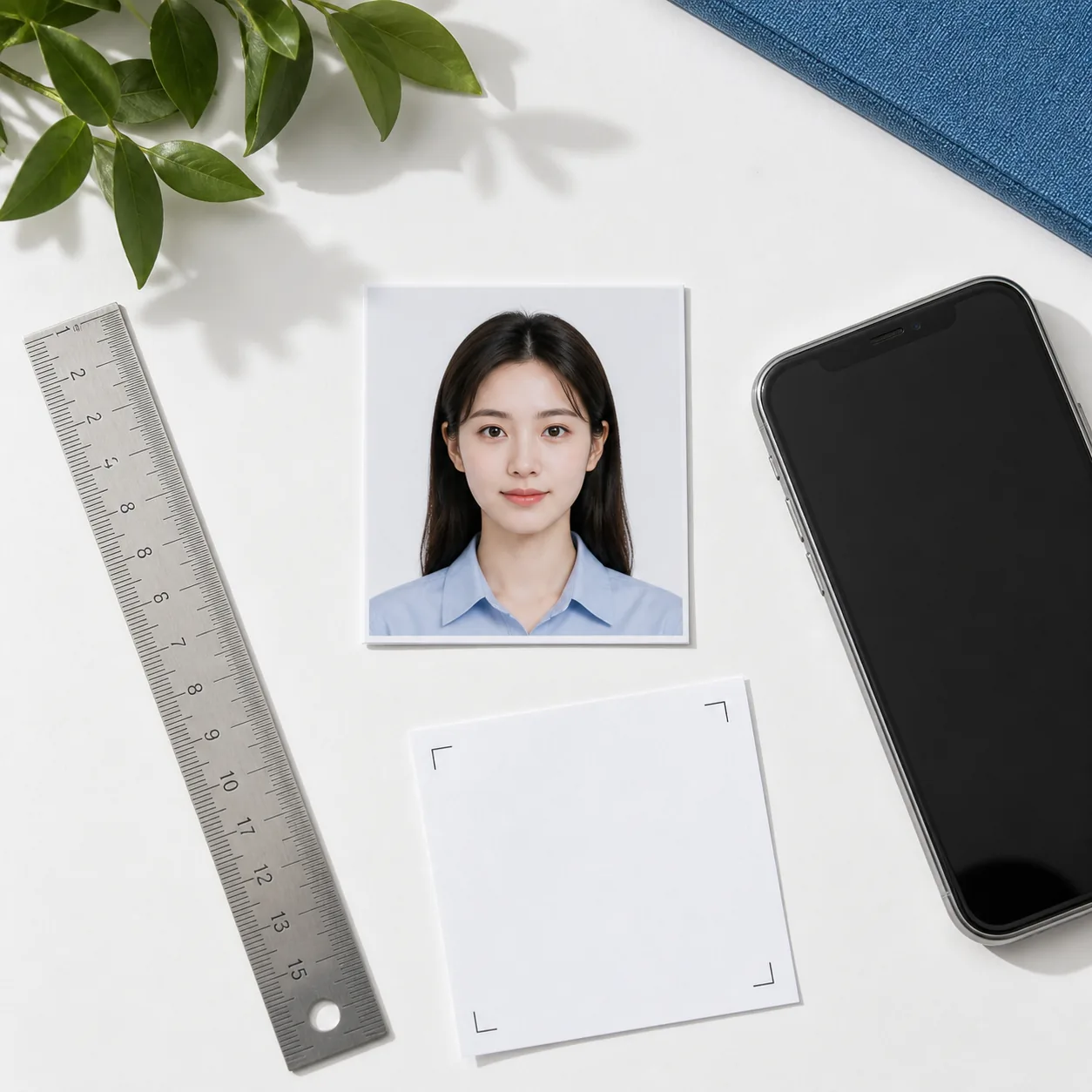
Keep or retake: a quick source-photo decision
Conversion is useful when the source already contains a document-ready portrait. It is faster to retake when the source has a problem that resizing cannot solve.
| Starting photo | Action | Why |
|---|---|---|
| Sharp head-and-shoulders portrait, even light, plain background | Keep and convert | There is enough detail and crop room to set the requested ratio. |
| Sharp portrait with a slightly untidy background | Convert, then review | A permitted background change may help, but inspect hair edges and shadows. |
| Close selfie with a large nose or stretched edges | Usually retake | Cropping cannot undo close-camera perspective distortion. |
Final quality checklist before upload or print
Review the exported file in a normal image viewer and, when possible, on the portal's own preview. A successful conversion should be technically correct and still look like the original person.
- The file opens normally, is in the requested colour format, and stays below the portal's size limit.
- The face is sharp, front-facing, naturally coloured, and free from filters, beauty edits, or artificial identity changes.
Common conversion mistakes that cause rework
Most failures happen because a person changes the file properties but skips the portrait review. Check these before you download several copies.
- Choosing 2x2 inches because it is familiar when the actual form requests a different rectangular size.
- Stretching a portrait to fill a target box instead of locking the ratio and cropping naturally.
- Upscaling a tiny screenshot or a social-media copy and expecting new detail to appear.
A reversible order for the whole workflow
Keep each step easy to undo. This order prevents a bad crop or export from replacing the only clean source photo:
- Save the official requirements and the untouched camera original.
- Make a working copy, choose the exact target, and crop without stretching.
- Review the face, background, file properties, and export format before printing or uploading.
- Print one test at actual size when paper is required, then measure it with a ruler.
Ready to convert the source photo?
Open the Photo to Passport Size Converter after you have identified the correct document specification. Use the guide above to choose a good source, review the crop, and check the exported file before submission.
Open the Photo to Passport Size ConverterOfficial references to check
Use first-party instructions for the document you are applying for. The U.S. example below illustrates why a size preset is not the final authority; other countries, visas, schools, and employers can publish different rules.
- U.S. Department of State passport photo requirements
Official guidance for 2 x 2 inch print size, head measurement, background, expression, and photo quality. - U.S. online renewal photo upload rules
First-party digital upload guidance covering accepted file types, file size, recency, and quality. - Photo to Passport Size Converter
Use the site's interactive converter after you know the target size; the tool does not replace the receiving authority's review.
Convert photo to passport size FAQ
How can I convert my photo to passport size for free?
Choose the exact requirement, upload a sharp front-facing source, lock the correct aspect ratio, place the head inside the guide, and export the required pixels and format. Review the saved file and the official checklist before submitting. Free preparation does not guarantee acceptance.
Can I convert any normal photo to passport size?
No. A source photo needs enough resolution, a clear front-facing face, workable lighting, and enough space around the head and shoulders. A blurry, strongly angled, tiny, or heavily edited portrait is usually better retaken than repaired by resizing.
Is 600 x 600 pixels always a 2x2 passport photo?
No. 600 x 600 pixels is a common 300 DPI reference for a two-inch square, but an online portal can request a different pixel range, compression, or file size. A digital pixel count also cannot prove the size of a printed copy.
What is the difference between 35x45mm and 2x2 inches?
They are different shapes and dimensions. 35x45mm is a rectangular portrait, while 2x2 inches is a square measuring about 51x51mm. Use the size tied to your document instead of choosing the more familiar preset.
Can I convert a selfie to a passport photo?
Sometimes. A selfie taken too close can distort the nose and face edges, and a phone held at an angle can change head position. A timer, tripod, or helper usually produces a better source; if distortion remains, retake it.